PlatformFonctionnalitéPro
Trade from sub-accounts on Hyperliquid and centralized exchanges
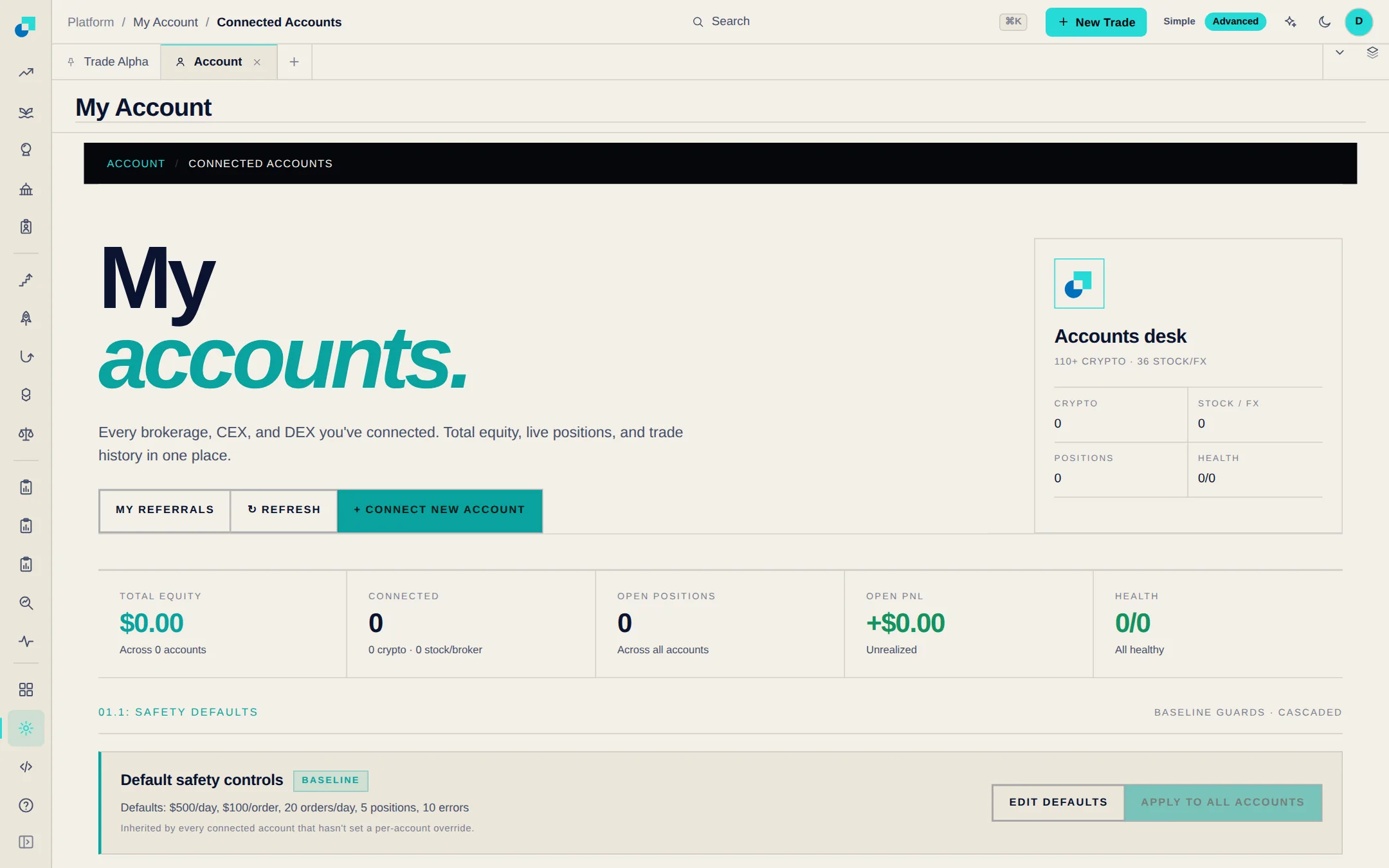
Hyperliquid sub-accounts now appear under Connected Accounts and in the trade ticket, and the API wallet you already connected can trade them. Send an order to the master account, to one sub-account or to several at once, each with its own size and leverage. On Binance, Bybit, OKX, KuCoin and other centralized exchanges, connect each sub-account with its own API key and it works like any other account.
 Ouvrir Platform
Ce qui a changé
- Auto-trading alerts and Autopilot profiles can target a specific Hyperliquid sub-account, and My Trades has a Sub-account column that shows Master for the main account.
- On centralized exchanges only a sub-account's own API key can trade it, so Blockcircle does not trade a sub-account with the main account's key. Two keys for the same exchange no longer overwrite each other.
- Trading a Hyperliquid sub-account needs an API wallet connection. Hyperliquid lets a wallet create sub-accounts after $100,000 of trading volume.