PlatformTính năng
A What's new panel in the top bar
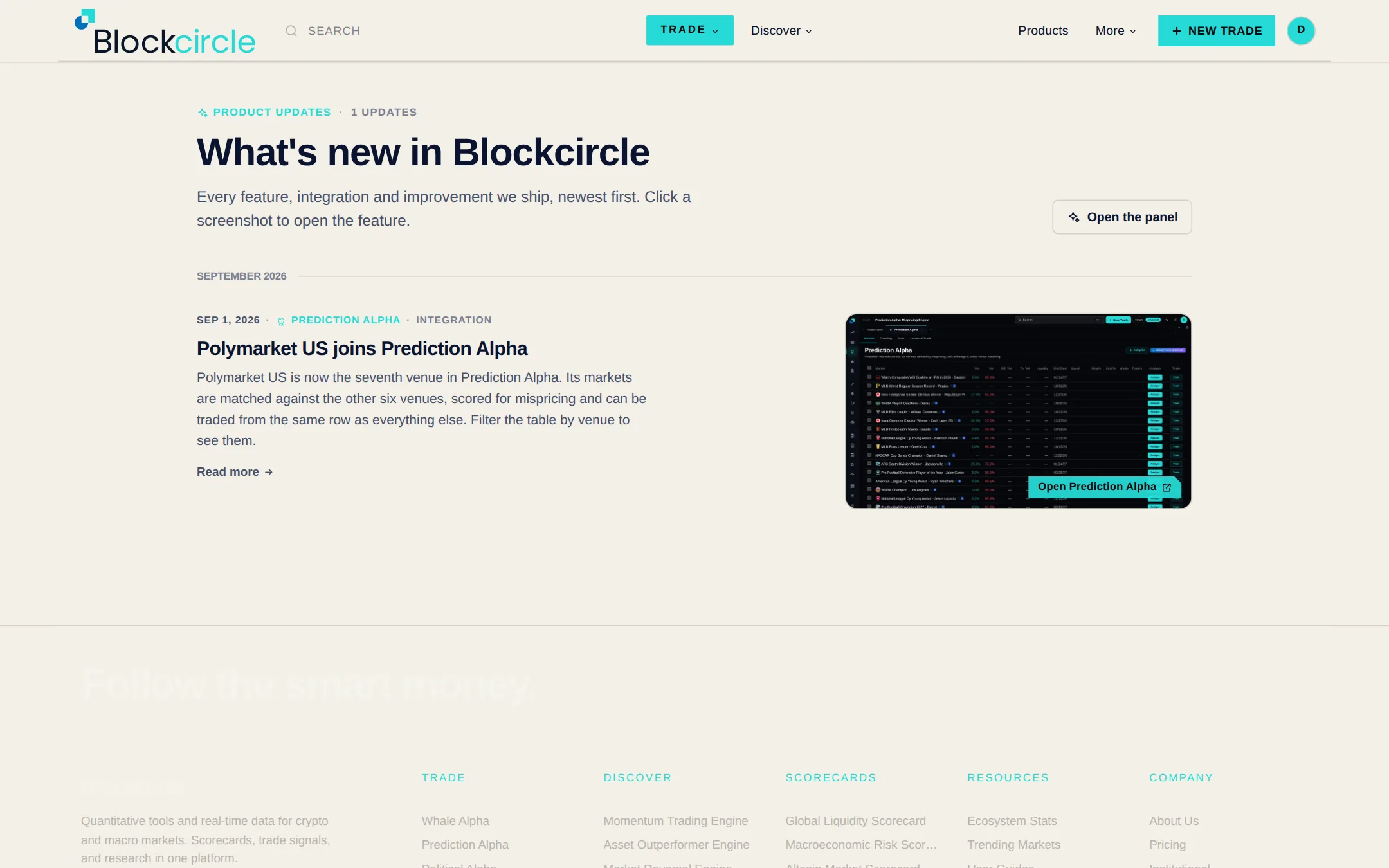
Click the Blockcircle logo at the top of the left menu, or open your account menu at the top right, to see everything that has shipped, newest first. Each item has a screenshot and a link straight to the feature. A red number on the logo shows how many updates have landed since you last looked, and the full list is at /whats-new.
 Mở Platform