PlatformRecurso
Set up Blockcircle in a few short steps with Get started
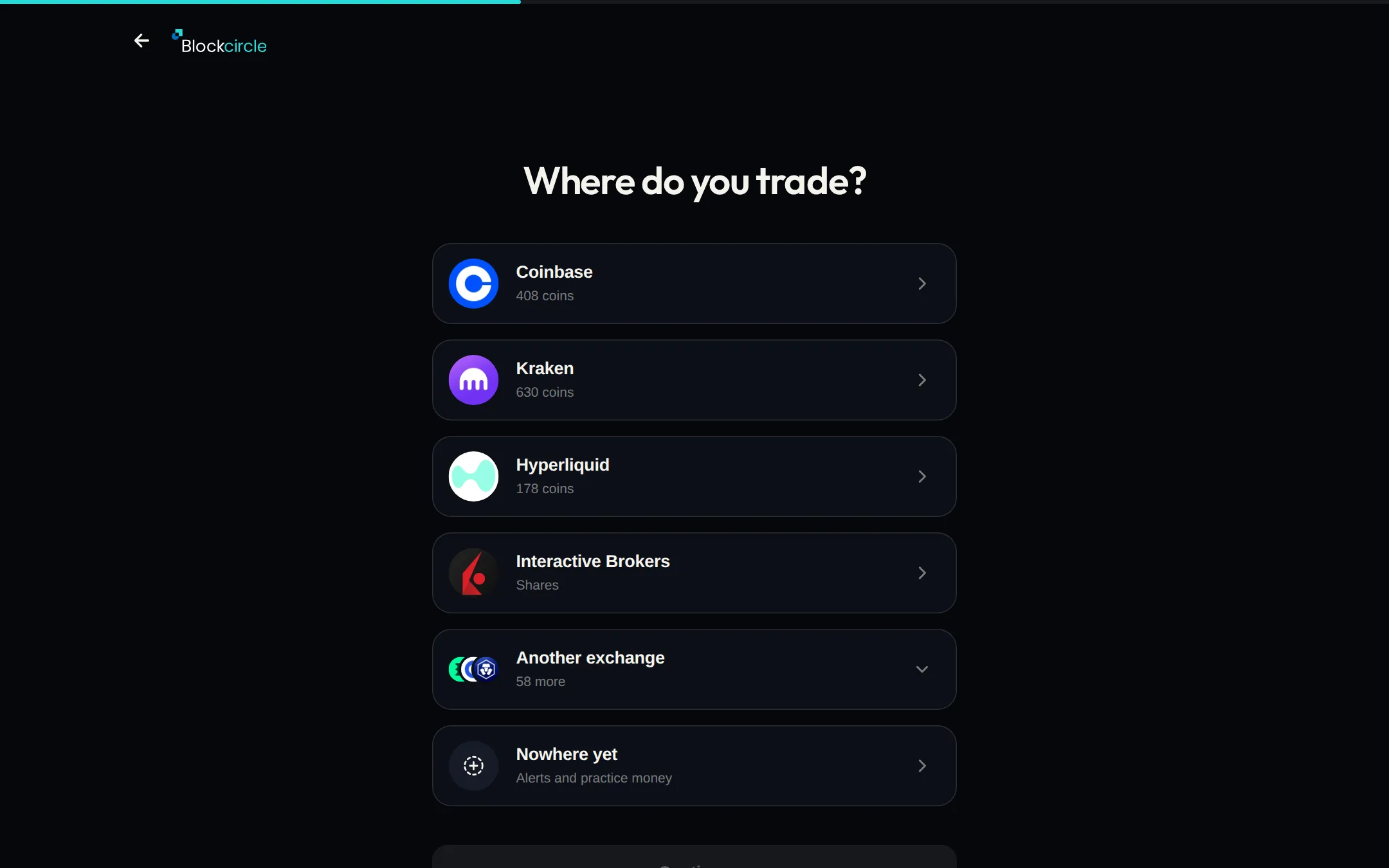
Get started now opens a short step by step setup. Pick the signals you want, how you want them sent and where you trade, then create your account.
 Abrir Platform
O que mudou
- Where it is: the Get started button on the homepage, or blockcircle.com/start.
- One question per screen. Back is at the top left.
- Where do you trade? lists exchanges and brokers that take customers in your country.
- No exchange yet? Pick Nowhere yet and start with alerts and practice money.
- The free plan needs no card.