Terminal기능
Charts, orders and positions on one screen in the Terminal
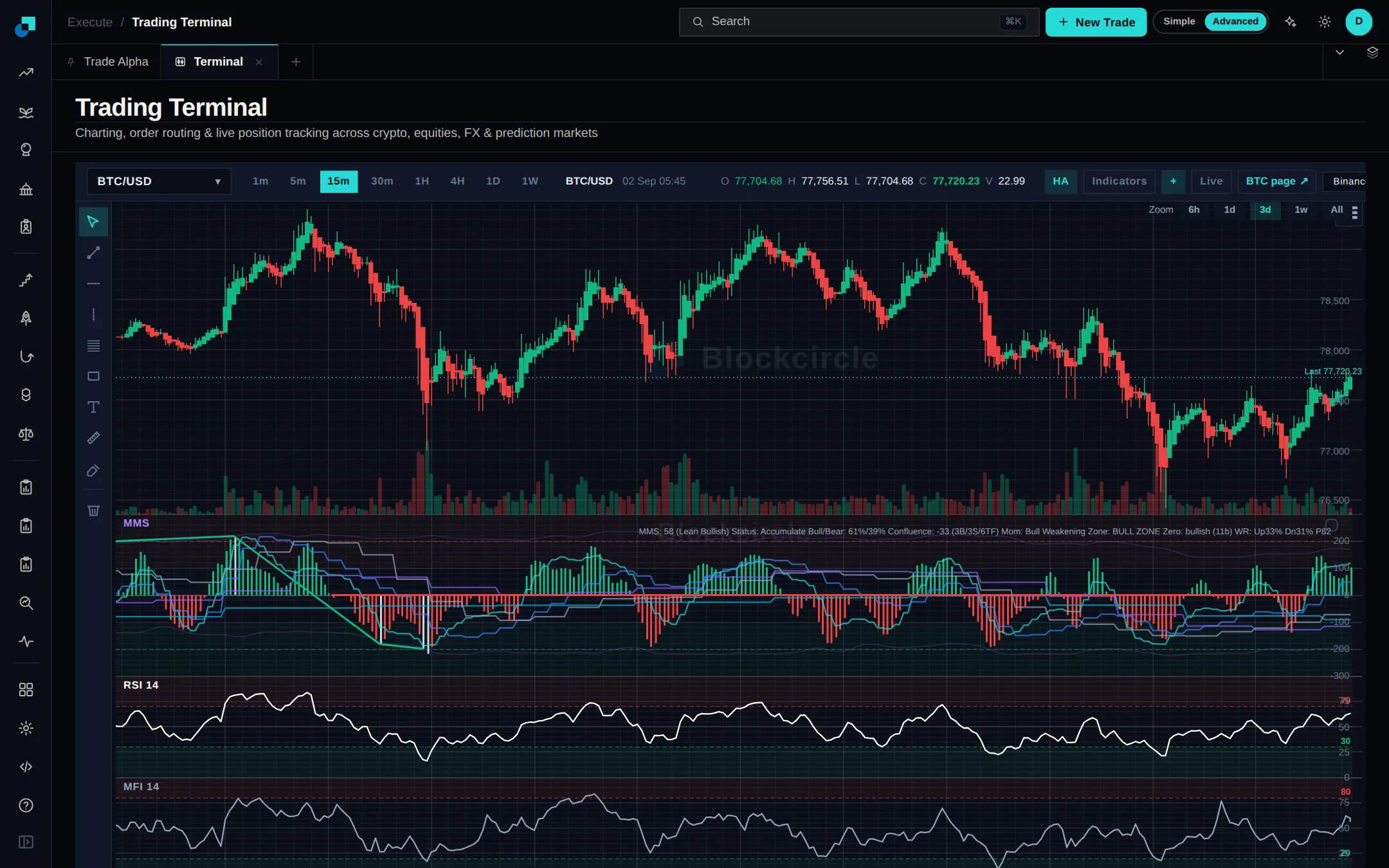
The Terminal puts a live chart, an order ticket and your open positions and orders on one screen. Chart crypto, stocks, commodities or FX across eight timeframes, add indicators, then send a market or limit order from the panel beside it. Find it under Execute.
 Terminal 열기
변경 사항
- Set stop loss and take profit by clicking the level straight on the chart.
- Indicators include RSI, MFI, MACD, CCI, Bollinger bands and moving averages.
- Split the screen into up to four synced charts.