TerminalImprovementPro
Choose accounts with one click in the trade ticket
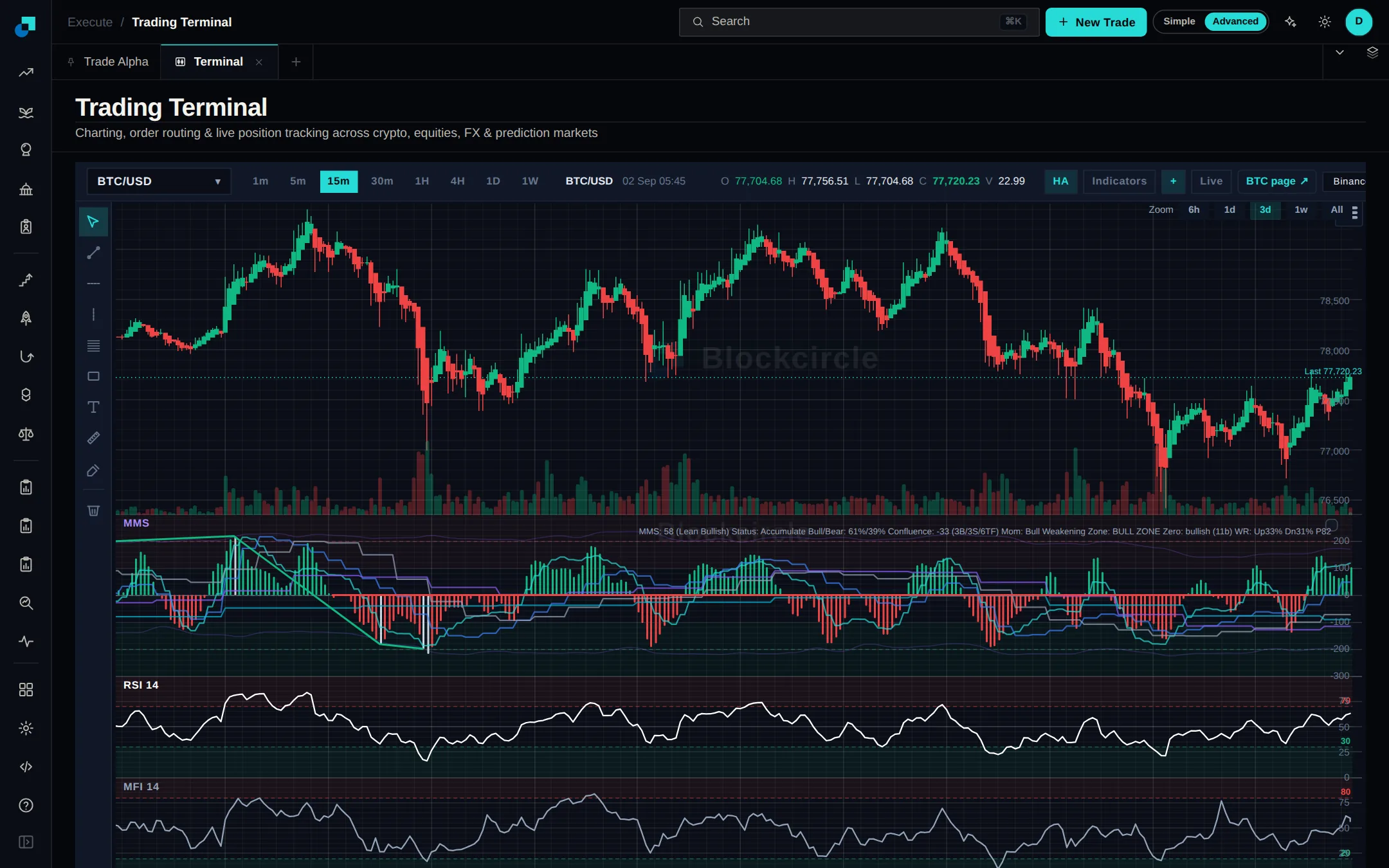
The trade ticket now shows one chip for each account an order can go to, Hyperliquid sub-accounts included. Click a chip to trade on that account only, or Ctrl-click (Cmd-click on a Mac) to add or remove it. A highlighted chip is always an account the order will be sent to.
 Open Terminal
What changed
- Hover a chip to see its exchange, whether it trades spot only or spot and perps, and which sub-account it is.
- Size and leverage can still be set per account under Advanced order options.