Начать
Обновления продукта148 обновлений

Что нового в Blockcircle

Все функции, интеграции и улучшения — в порядке от новых к старым. Нажмите на скриншот, чтобы открыть функцию.

октябрь 2026 г.

сентябрь 2026 г.

GamesФункция

Blockcircle Games are open to everyone
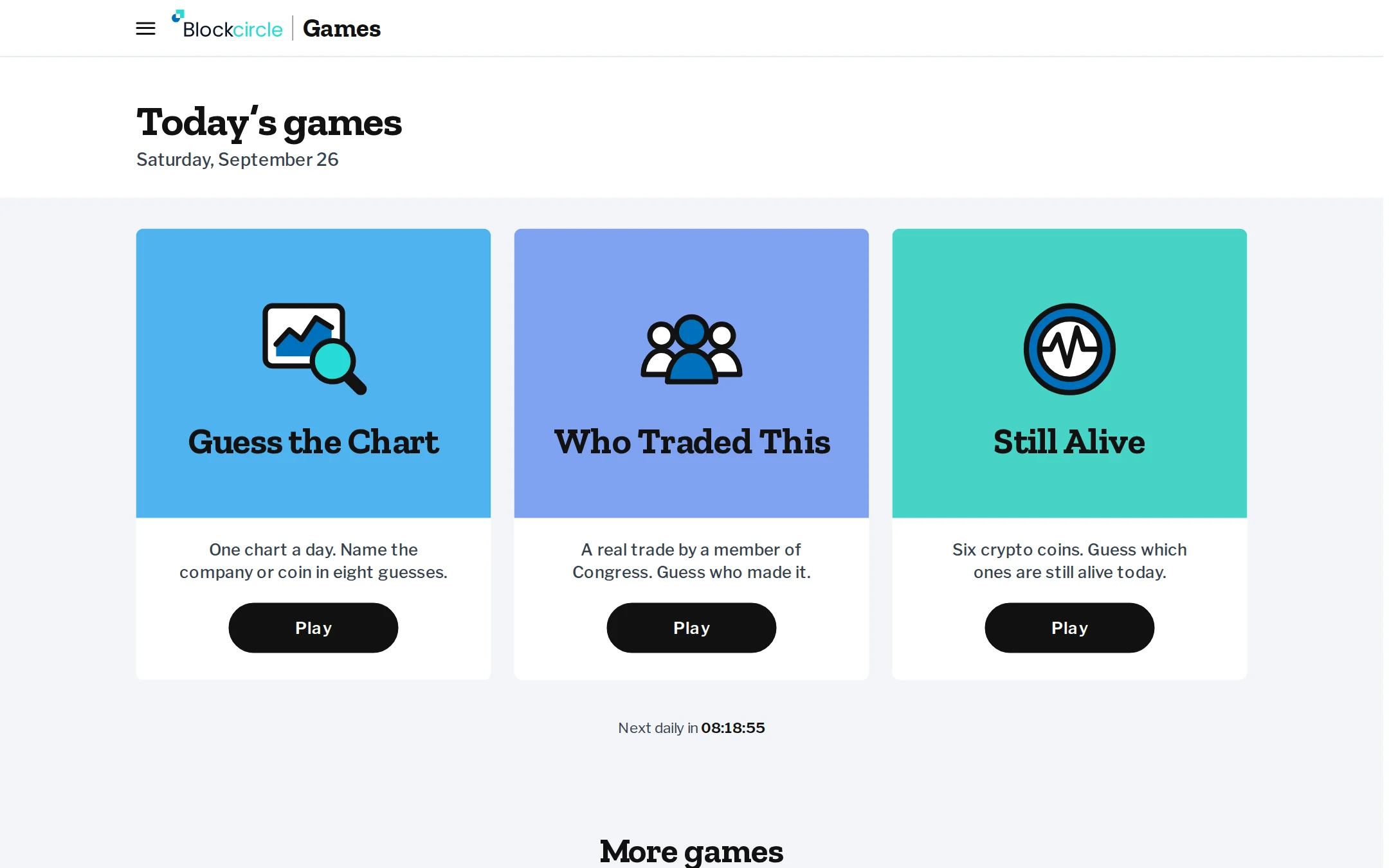
19 free games built on real market data, and anyone can play, signed in or not. Name a stock or coin from its chart in Guess the Chart, work out which member of Congress made a trade in Who Traded This, or pick which crypto launches are still alive. A round takes a few minutes, and at the end you get a score card to copy into X, LinkedIn or your group chat.

Читать далее
The Blockcircle Games page with Guess the Chart, Who Traded This and Still Alive as today's gamesОткрыть Games
OptionsФункция

Options trading opens to Premium and QuantPro

Premium and Quant subscribers can now use the Options desk. Browse option chains with the greeks, build a strategy and see its payoff chart, preview its cost and risk, and send the order to a connected broker account that supports options. Type Options into the search box at the top of the page to open it.

Читать далее
Universal Trading Engine order window with connected exchanges, venue buttons, amount, leverage and advanced order optionsОткрыть Options
Political AlphaФункция

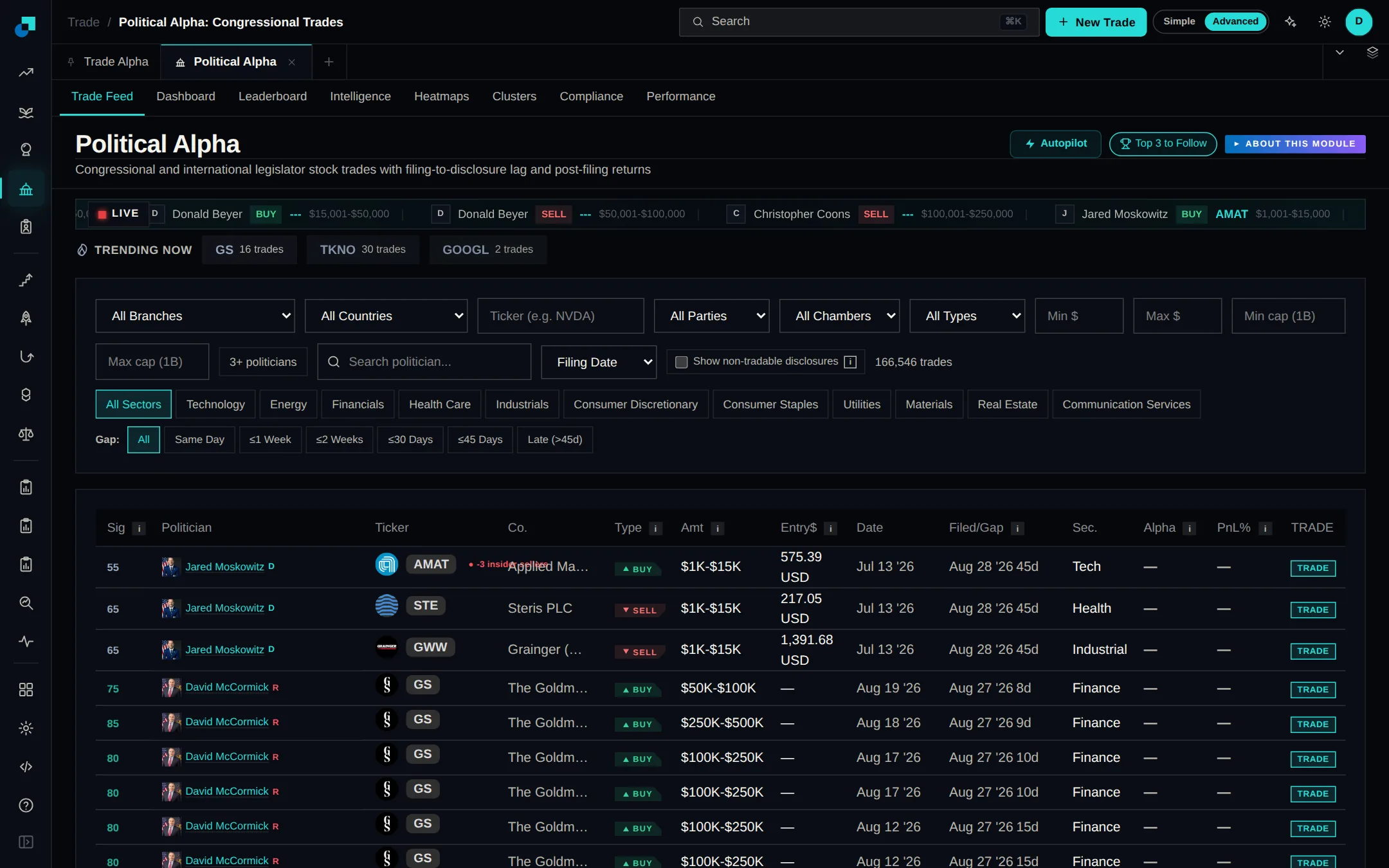
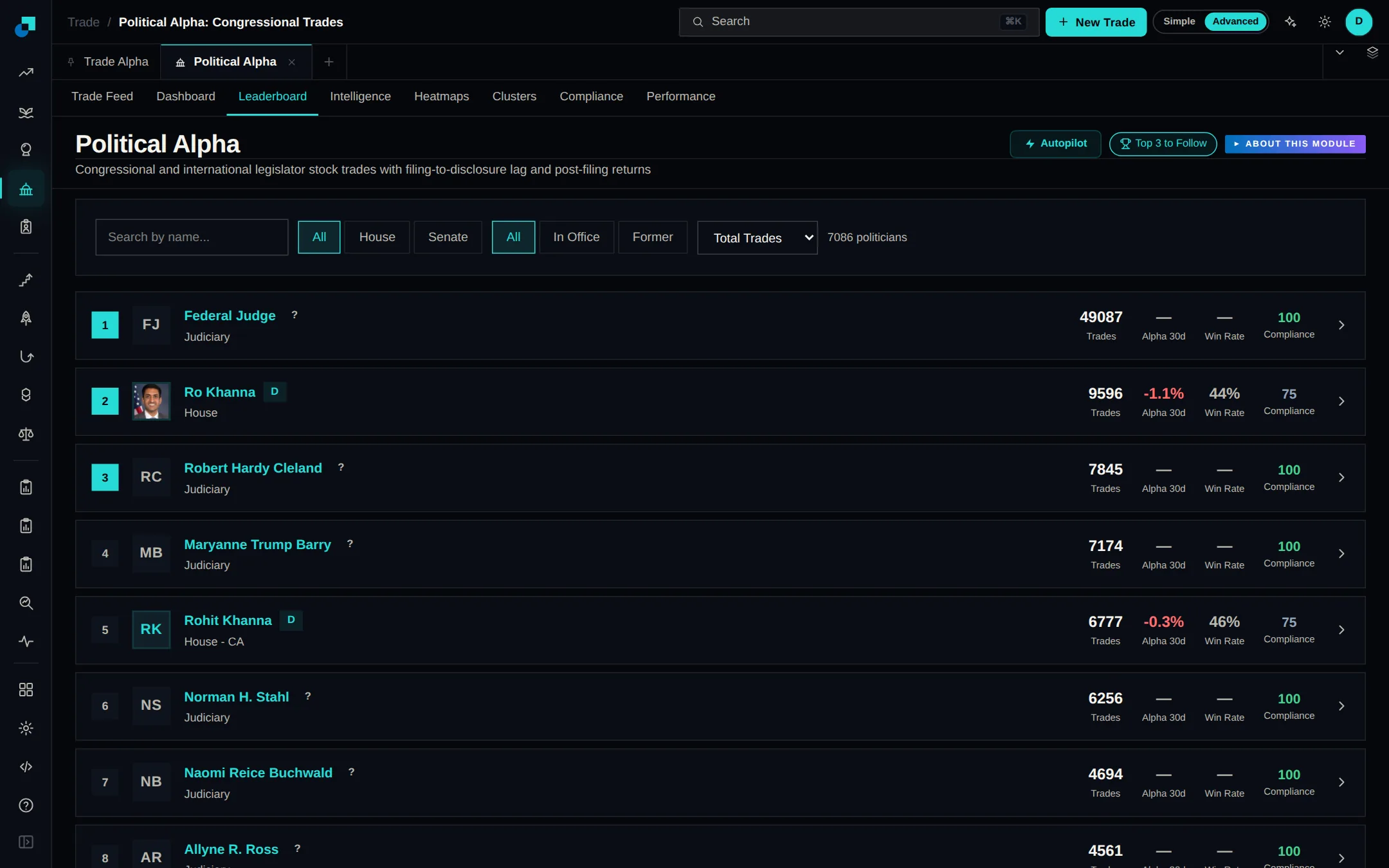
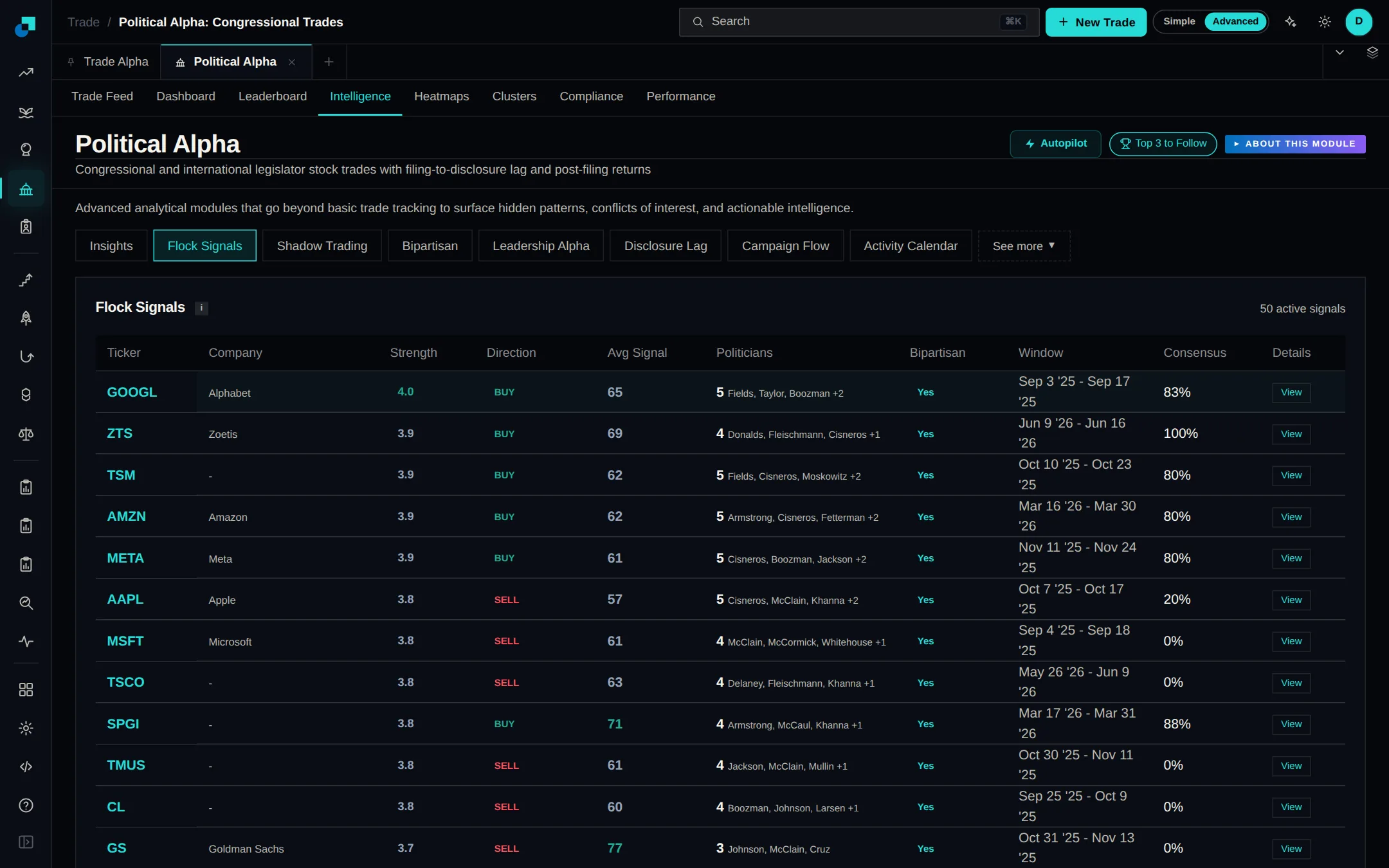
Political Alpha V2 reads the official House disclosure feed

Political Alpha V2 takes House trades directly from the official disclosure files published by the Clerk of the House, and checks for new reports every 30 minutes. More than 3,200 trades from 95 members filed in 2026 are in, most with ticker and party filled in. Use the Branch filter above the feed to switch between Congress, Executive, Judicial, Federal Reserve and International filings.

Читать далее
Political Alpha trade feed listing disclosed trades with politician, ticker, trade type, amount and filing dateОткрыть Political Alpha
Political AlphaФункция

Political Alpha V2 adds the President's disclosed trades

Political Alpha now includes the 16 periodic transaction reports President Trump has filed with the Office of Government Ethics: 8,768 transactions dated January 2025 to June 2026. Choose Executive (Cabinet/Agency) in the Branch filter to see them next to Senate-confirmed officials at federal departments and agencies. About 4,000 stock trades show by default. Turn on Show non-tradable disclosures to include bonds and holdings without a ticker.

Читать далее
Political Alpha trade feed listing disclosed trades with politician, ticker, trade type, amount and filing dateОткрыть Political Alpha
Insider AlphaУлучшение

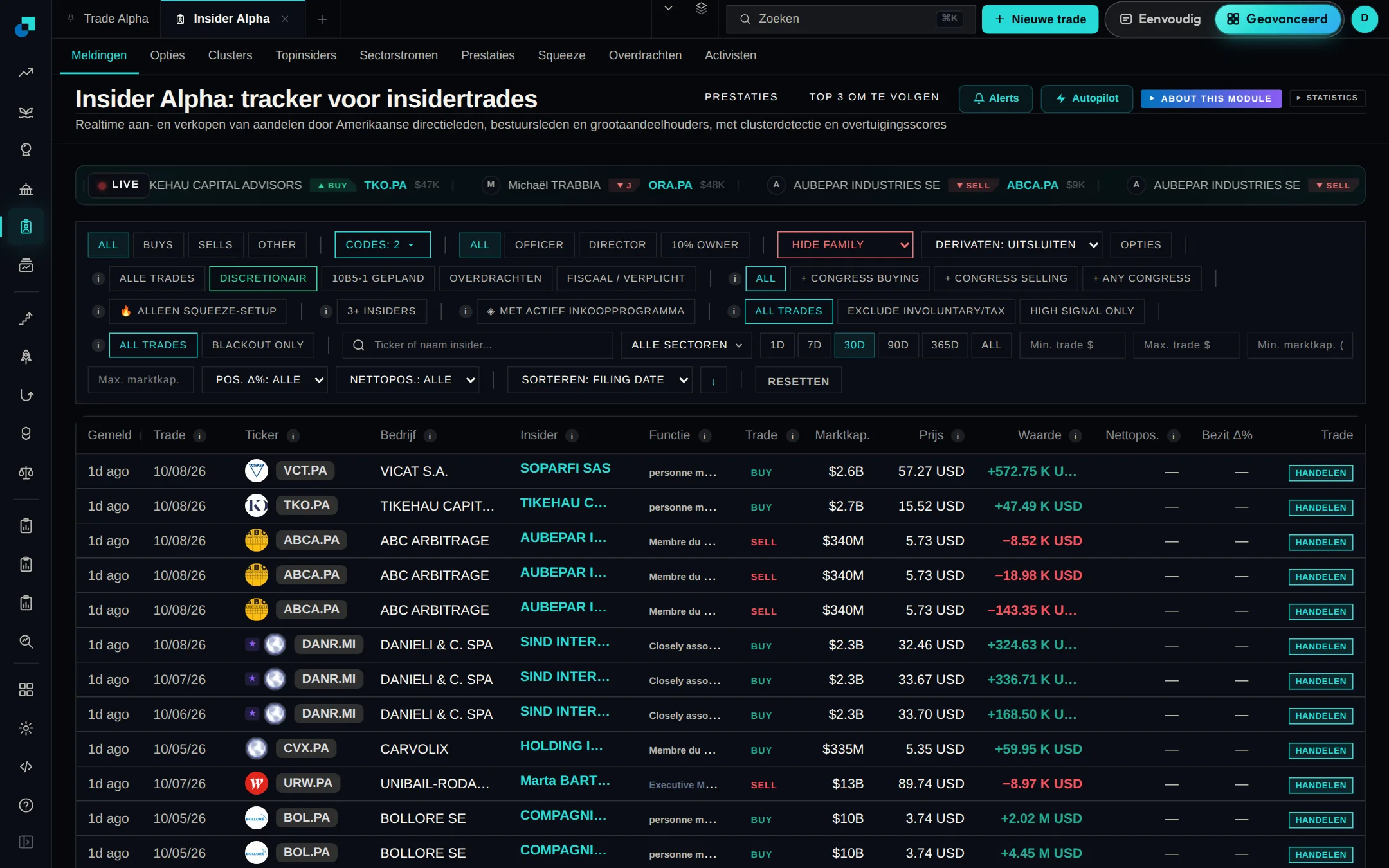
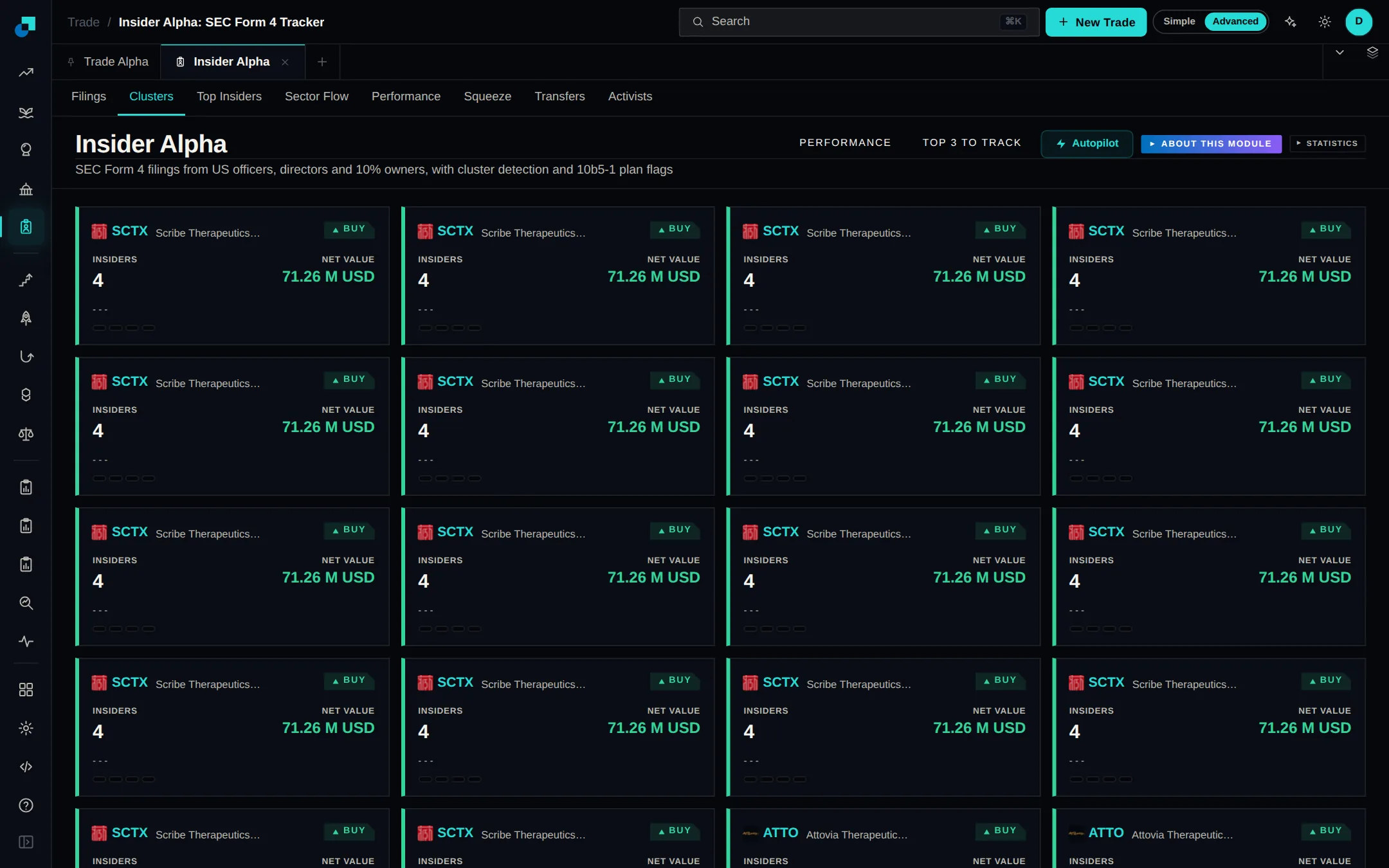
Insider Alpha V2 opens on open-market buys and sells

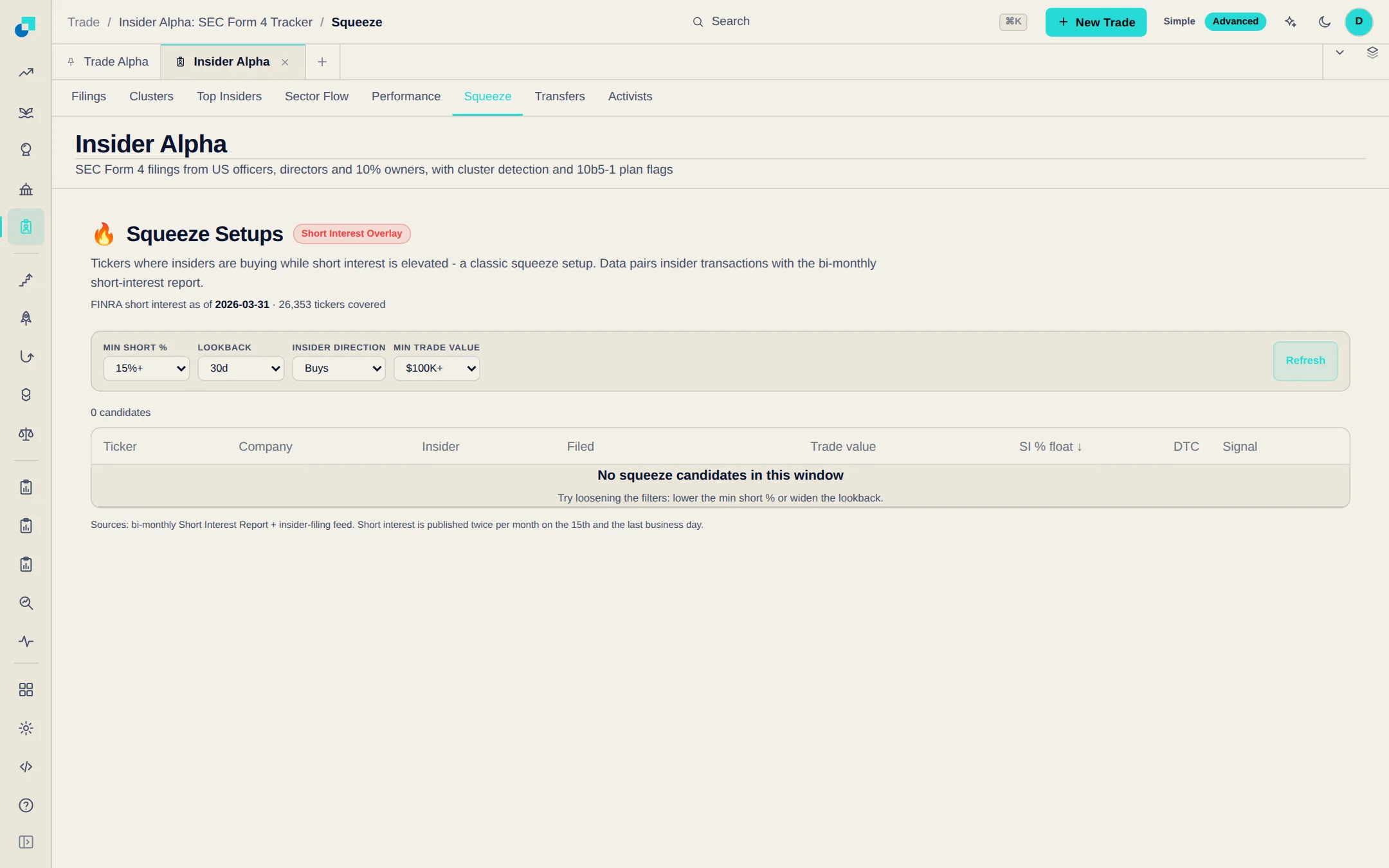
Insider Alpha V2 opens on discretionary open-market buys and sells from the last 30 days, with pre-planned 10b5-1 trades, tax-related and gift transfers, and family filings left out, and no size limits applied. The 3+ insiders filter now finds selling clusters as well as buying ones. When your filters return nothing, the page names the filter that emptied the list so you can remove it.

Читать далее
Insider Alpha filings table with the buy and sell, trade type, 3+ insiders, family and date filters above itОткрыть Insider Alpha
Political AlphaФункция

Politicians' and insiders' option trades get their own tab

Political Alpha and Insider Alpha each have a new Options tab. Call and put trades that used to look like ordinary stock buys and sells are listed as contracts, with strike, expiry, days left, contracts, where the stock stood against the strike then and now, and an estimated return. The Copy button on a contract opens it in the Universal Trading Engine, where you review it before any order is sent.

Читать далее
Universal Trading Engine order window with connected exchanges, venue buttons, amount, leverage and advanced order optionsОткрыть Political Alpha
PlatformФункция

Trade from sub-accounts on Hyperliquid and centralized exchangesPro

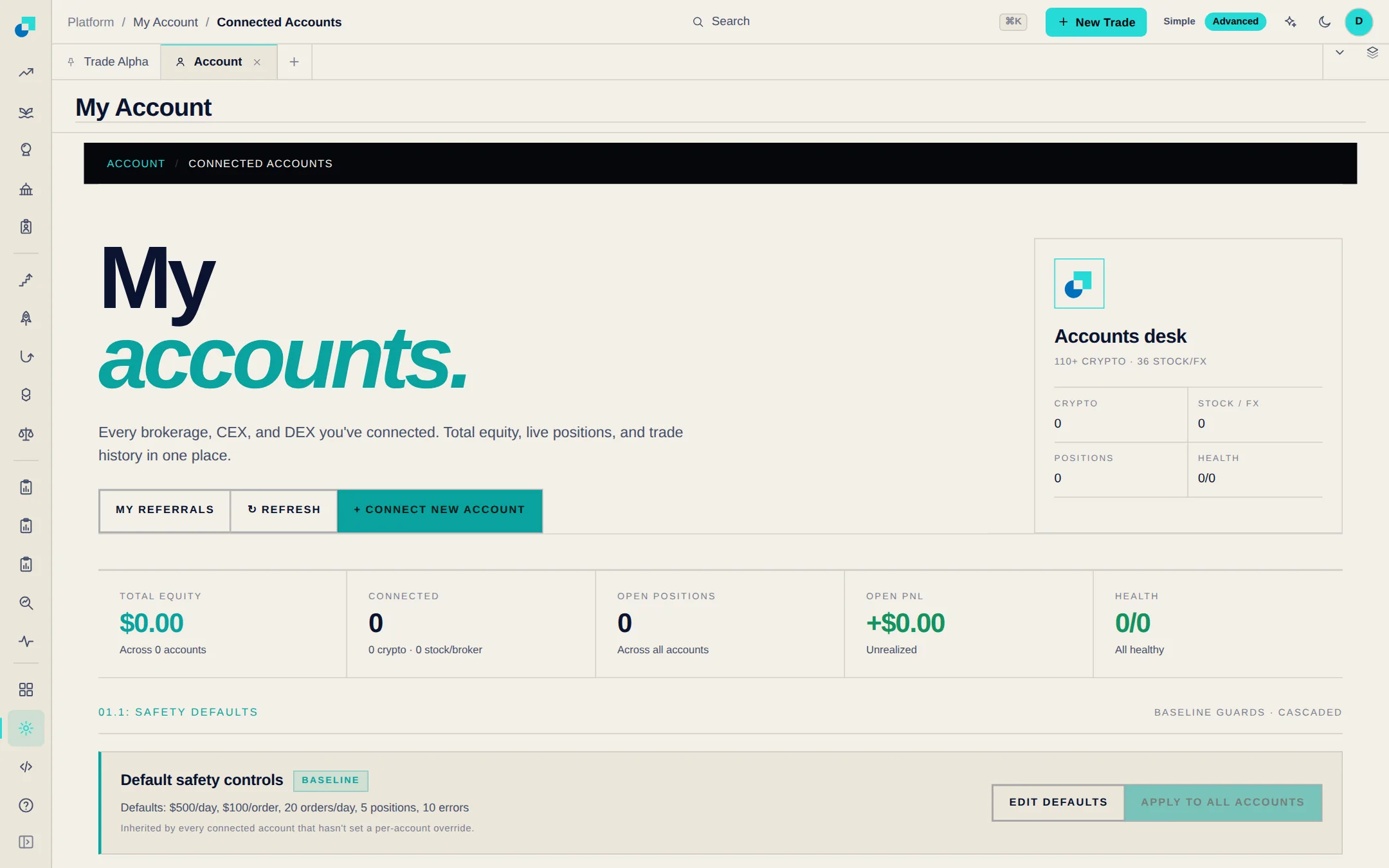
Hyperliquid sub-accounts now appear under Connected Accounts and in the trade ticket, and the API wallet you already connected can trade them. Send an order to the master account, to one sub-account or to several at once, each with its own size and leverage. On Binance, Bybit, OKX, KuCoin and other centralized exchanges, connect each sub-account with its own API key and it works like any other account.

Читать далее
Connected Accounts page with the Connect New Account button, account totals and default safety controlsОткрыть Platform
PlatformФункция

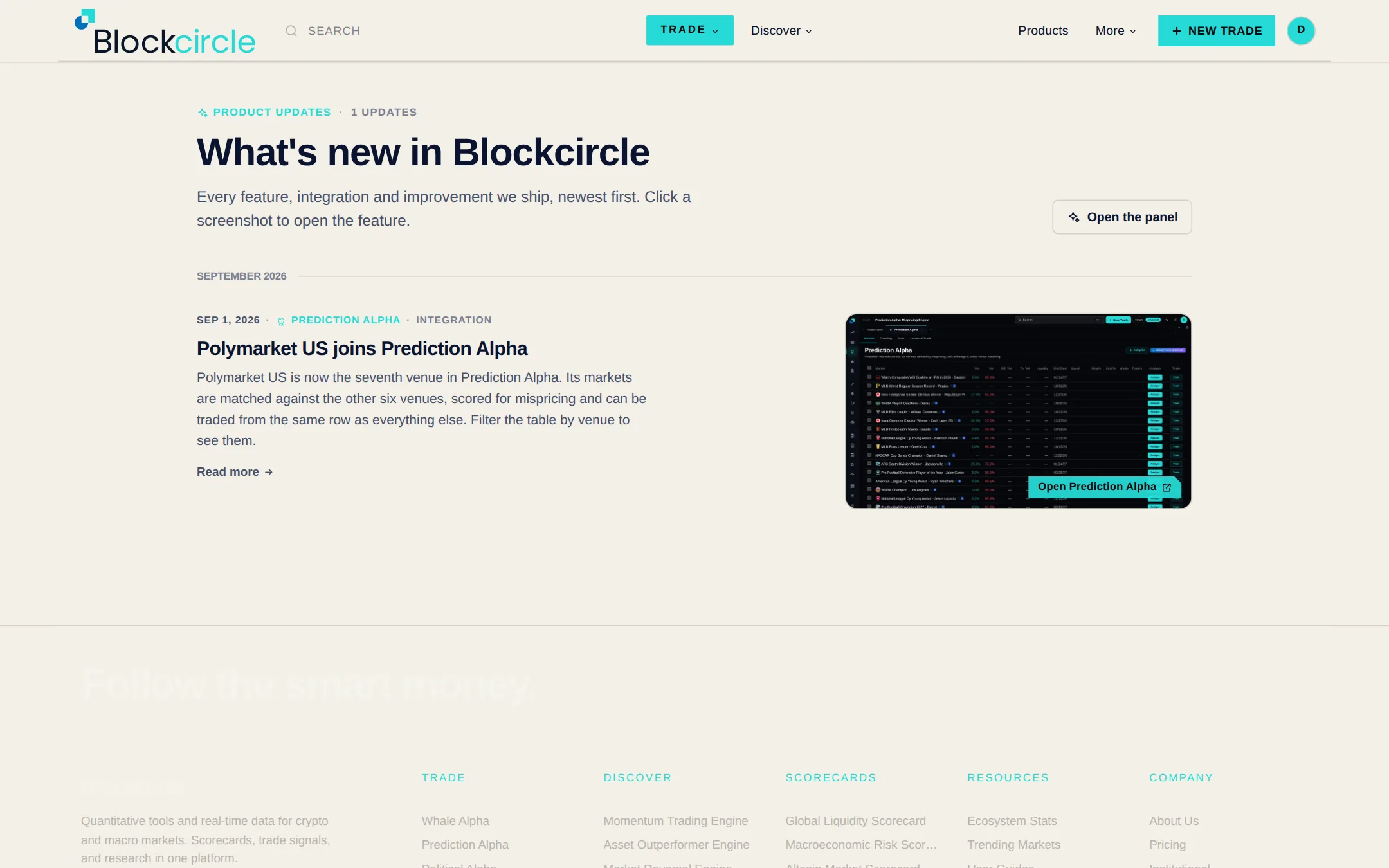
A What's new panel in the top bar

Click the Blockcircle logo at the top of the left menu, or open your account menu at the top right, to see everything that has shipped, newest first. Each item has a screenshot and a link straight to the feature. A red number on the logo shows how many updates have landed since you last looked, and the full list is at /whats-new.

Читать далее
The What's new page listing Blockcircle product updates, newest firstОткрыть Platform
PlatformУлучшение

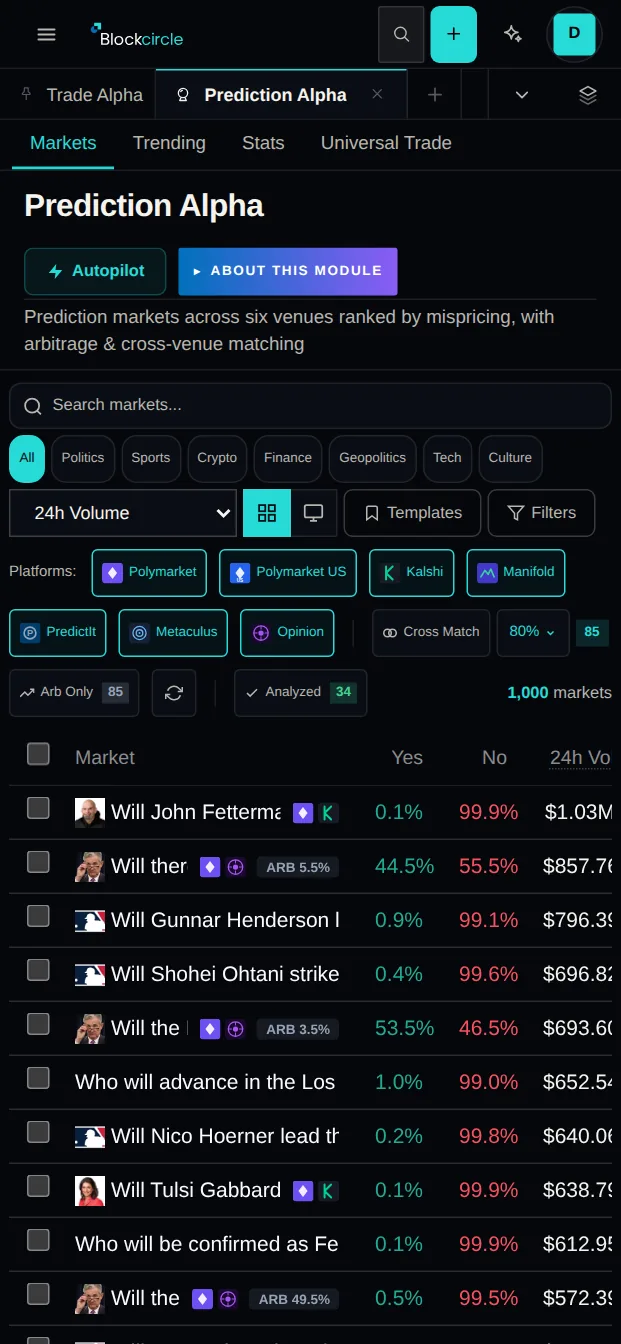
Blockcircle works better on your phone

Blockcircle works better on a phone. Wide tables scroll sideways instead of getting cut off, dialogs and page headers fit a narrow screen, the sub-tab strip brings the active section into view, sign-in stays reachable from the top bar, and tapping a field no longer zooms the page on iPhone.

Читать далее
Blockcircle works better on your phoneОткрыть Platform

август 2026 г.

PlatformУлучшение

Sort, move and resize table columns

Right-click a column header on the platform's data tables to sort, move, add, remove or reset columns, and drag a header edge to resize. Each table remembers your layout, and headers stay in view while you scroll. Module overviews now sit behind an "About this module" toggle, so the data starts higher up the page.

Читать далее
Sort, move and resize table columnsОткрыть Platform

июль 2026 г.

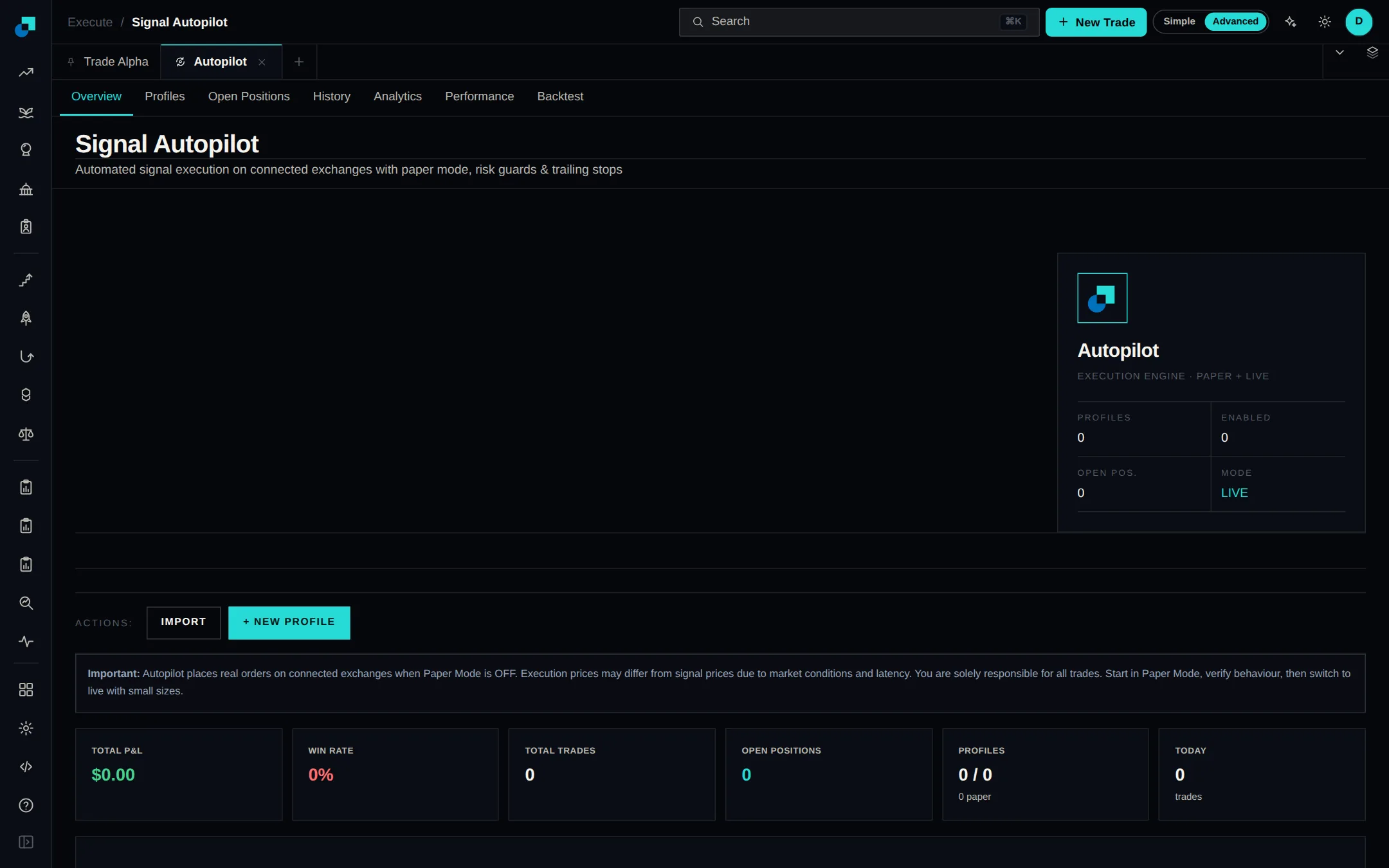
AutopilotФункция

Live trading is included with Premium and QuantPro

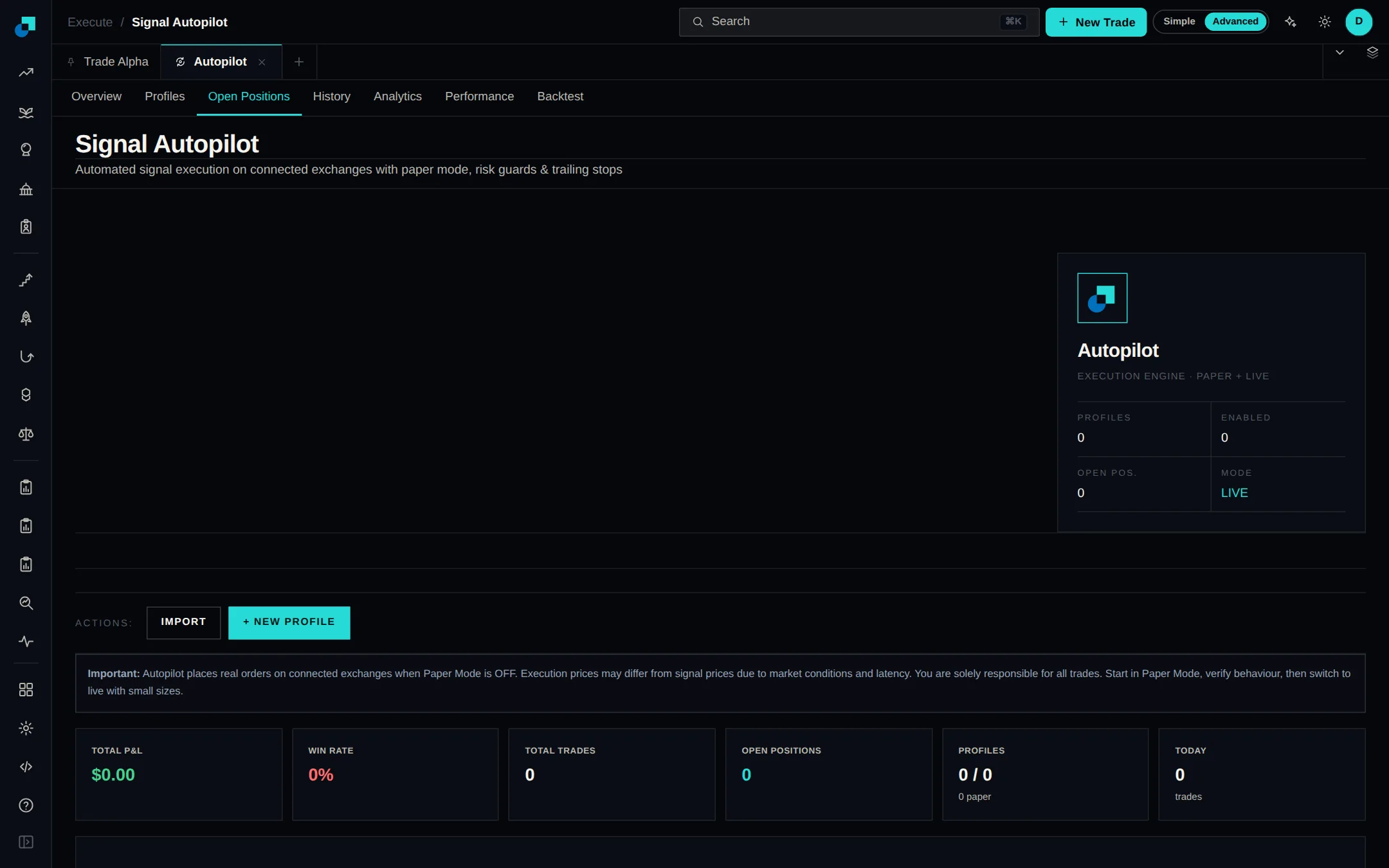
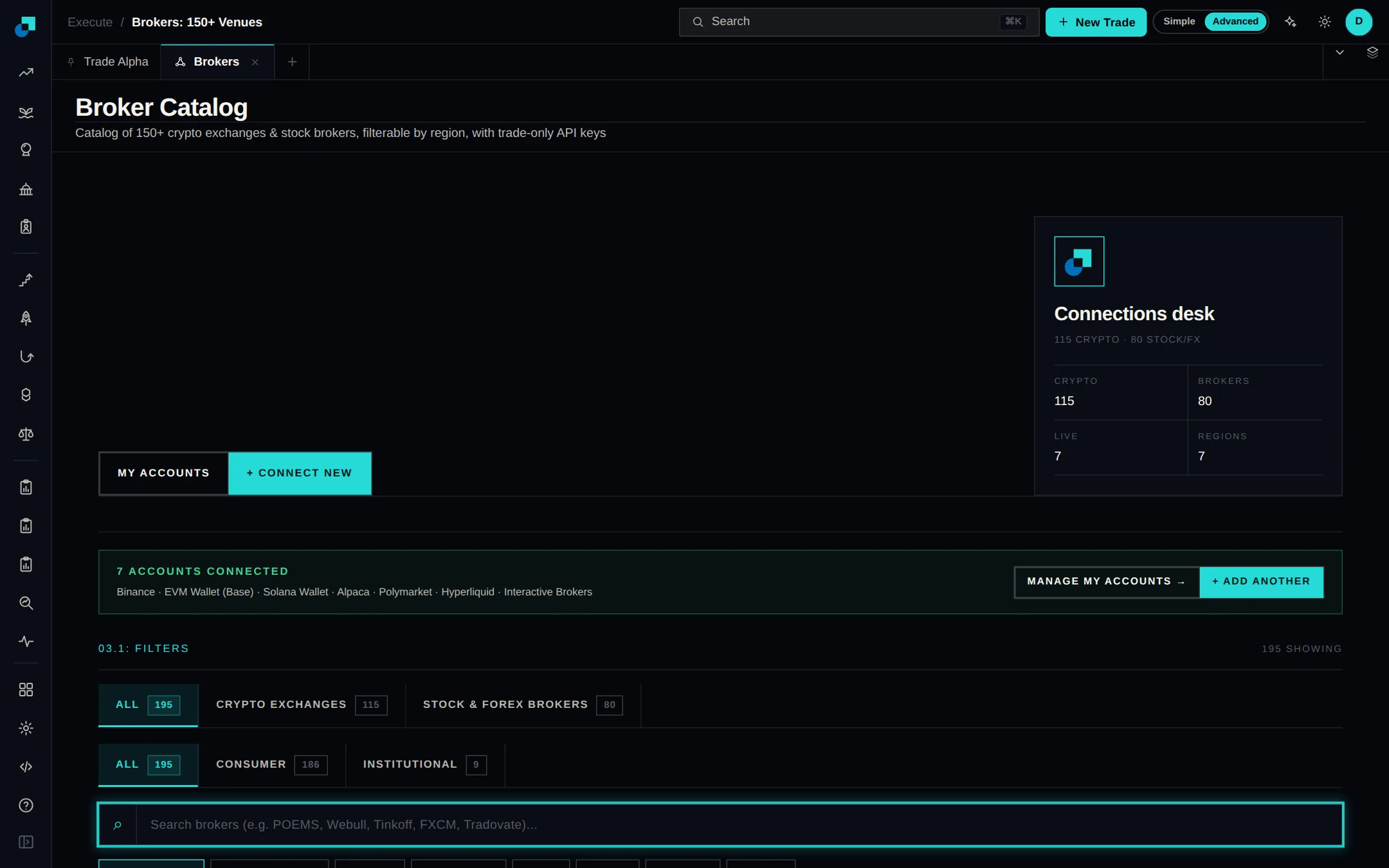
Premium and Quant subscribers, including anyone on a Premium trial, can connect a broker or exchange and let Blockcircle place trades, with no beta request or waiting list. Autopilot, the Trading Terminal and whale copy trading open straight from either plan. Live trading is not part of the Free or Plus plans. Add an account under Brokers to start.

Читать далее
Signal Autopilot overview with profile, position and live mode summariesОткрыть Autopilot
Exchanges and brokersИнтеграция

Five perpetual DEXs are now tradable

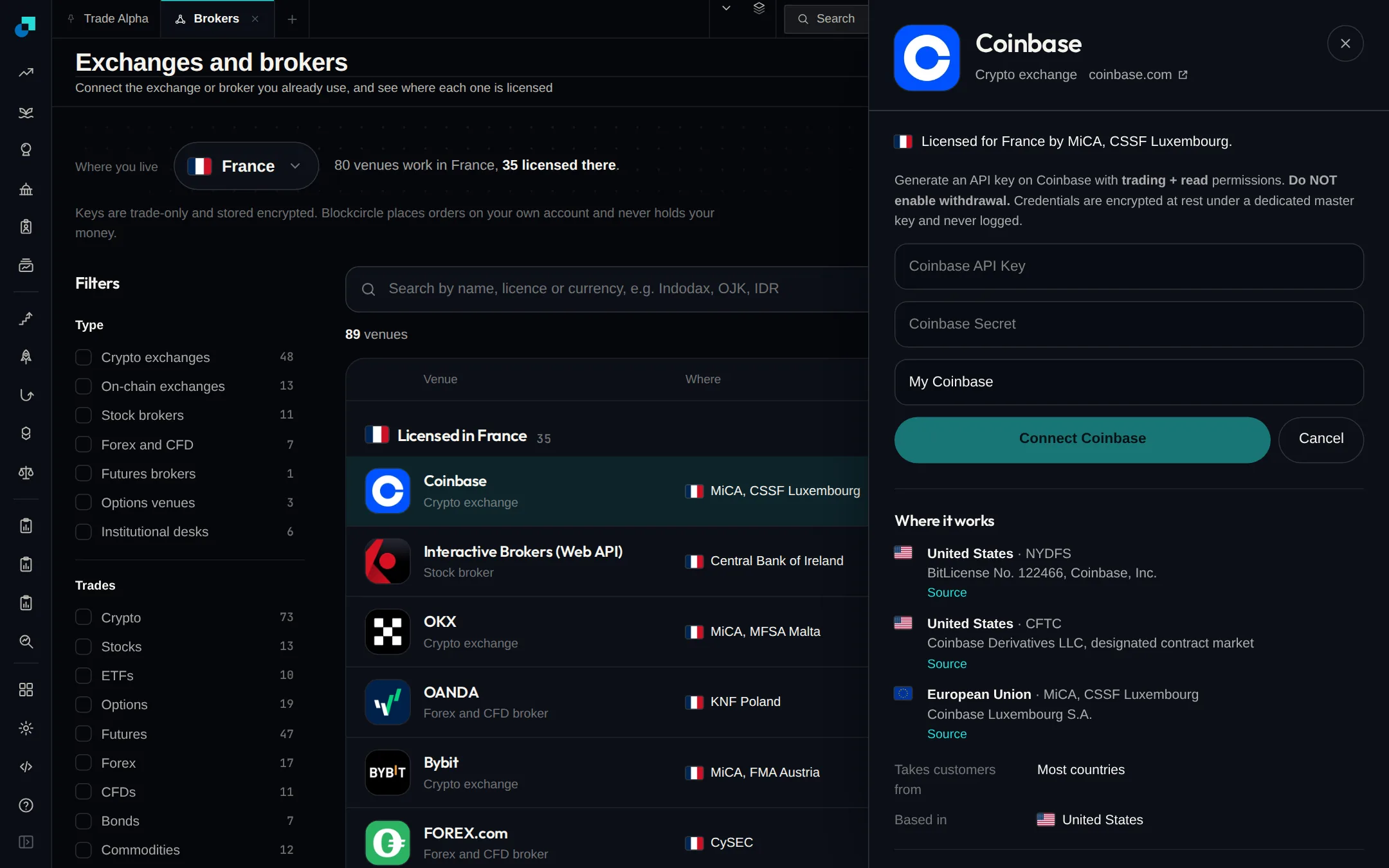
Five perpetual DEXs — dYdX, Lighter, edgeX, Aster and GRVT — can now be connected and traded from Blockcircle. Each connect form spells out which trade-only key to create and which permissions to leave switched off, and Blockcircle never accepts a main wallet key or seed phrase. Find them on the Crypto Exchanges tab.

Читать далее
Five perpetual DEXs are now tradableОткрыть Exchanges and brokers

июнь 2026 г.

PlatformФункция

Hide balances with one click

Turn on Hide balances in your account menu and every dollar figure blurs at once: portfolio totals, position sizes and profit and loss. Tickers, prices and market data stay readable. The setting sticks between sessions, so you can share your screen without showing your account.

Читать далее
Hide balances with one clickОткрыть Platform
Exchanges and brokersИнтеграция

Connect an OSL Indonesia account

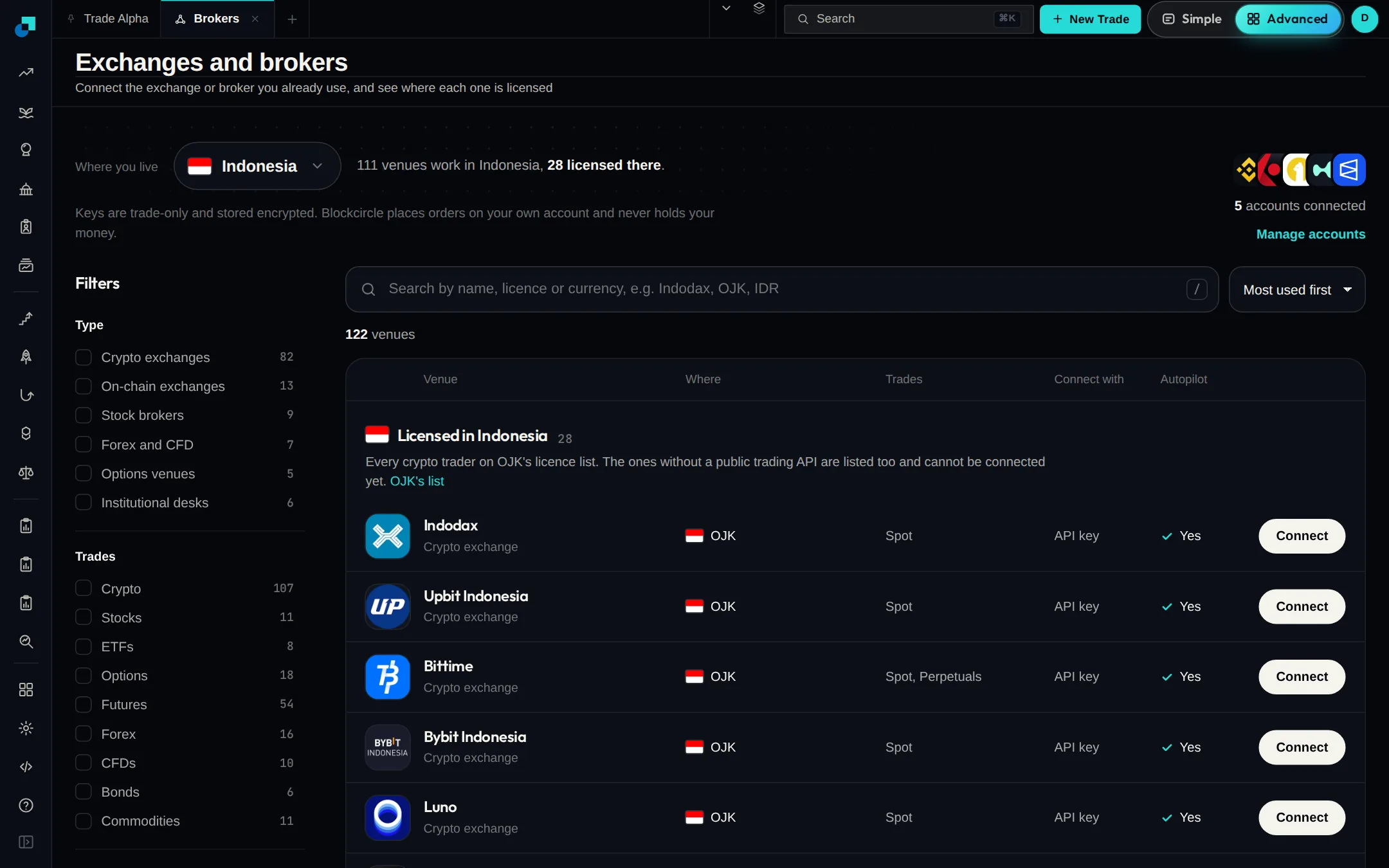
OSL's licensed Indonesian exchange can now be connected from the broker catalogue. The OSL card has an optional Passphrase field that Indonesian accounts need, and the setup steps now walk you through the Indonesian key flow rather than the Hong Kong one. Keys for these accounts used to be rejected on connect.

Читать далее
Connect an OSL Indonesia accountОткрыть Exchanges and brokers

май 2026 г.

PlatformФункция

Manage your card and plan in Settings

Settings now has a Billing tab. It shows your current plan and renewal date, lets you add, replace or remove a saved card, and opens the subscription portal so you can change or cancel your plan yourself. If a free trial lapsed before a card was on file, you can retry the upgrade from the same tab.

Читать далее
Manage your card and plan in SettingsОткрыть Platform
PlatformФункция

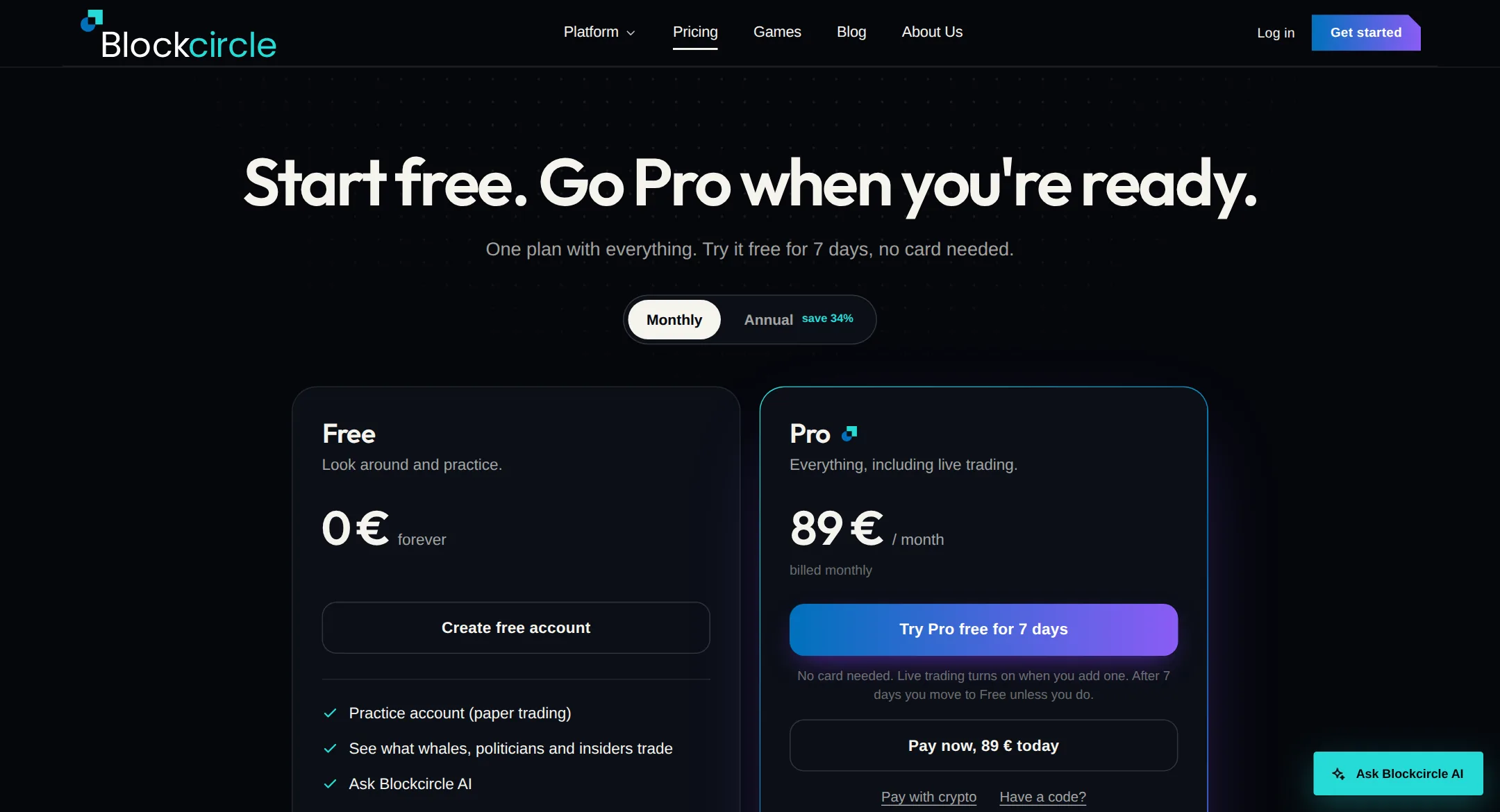
Pay for your plan in crypto

Checkout now takes crypto as well as card. Open "See other payment options" under the card button on the pricing page, pick a chain, send to the address shown, and your plan activates on its own once the payment confirms. Bitcoin, Solana, Ethereum, Polygon, Arbitrum, Base, Optimism and BNB Chain are supported.

Читать далее
Pay for your plan in cryptoОткрыть Platform

апрель 2026 г.

TerminalИнтеграция

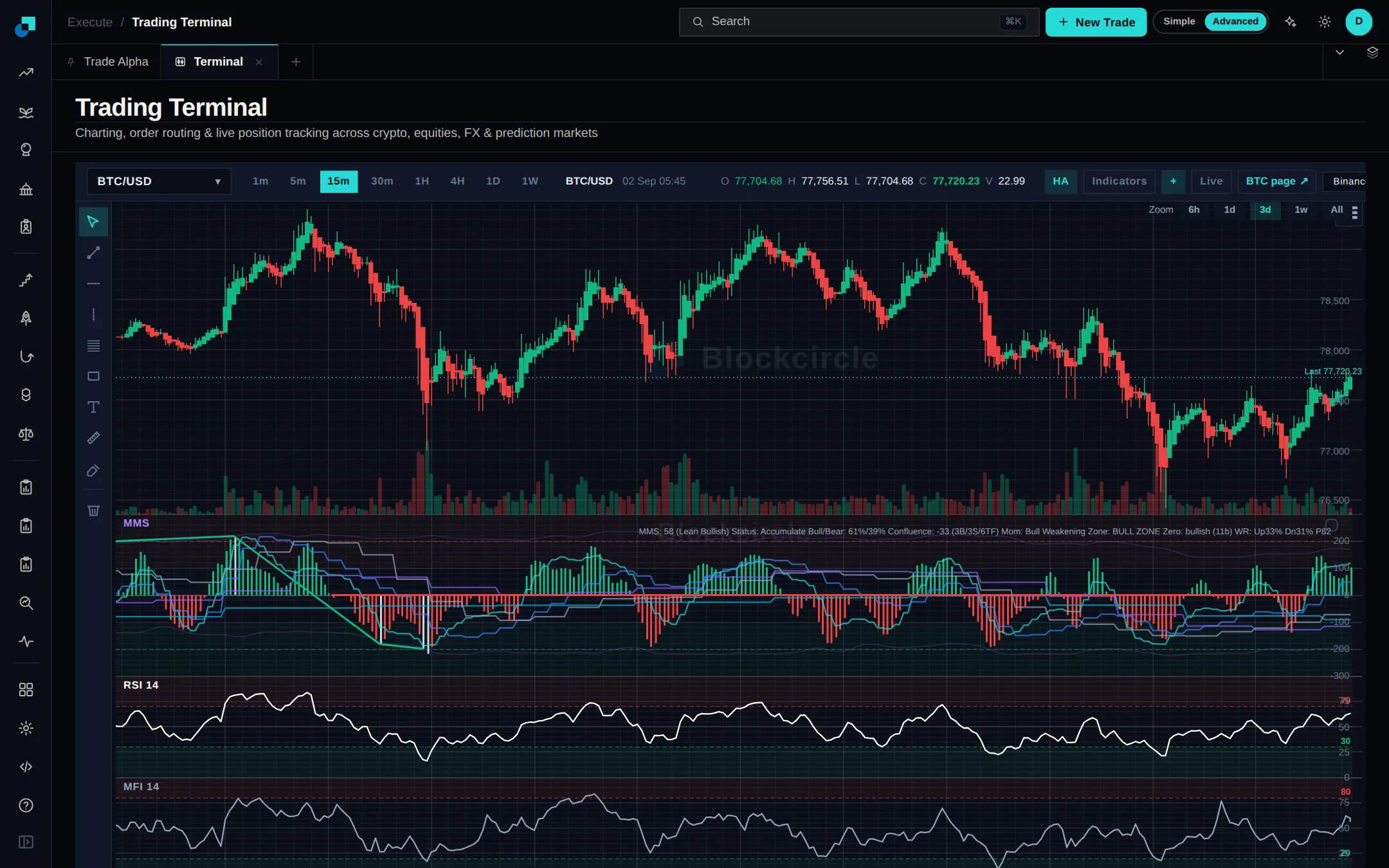
Terminal swaps now shop for the best route

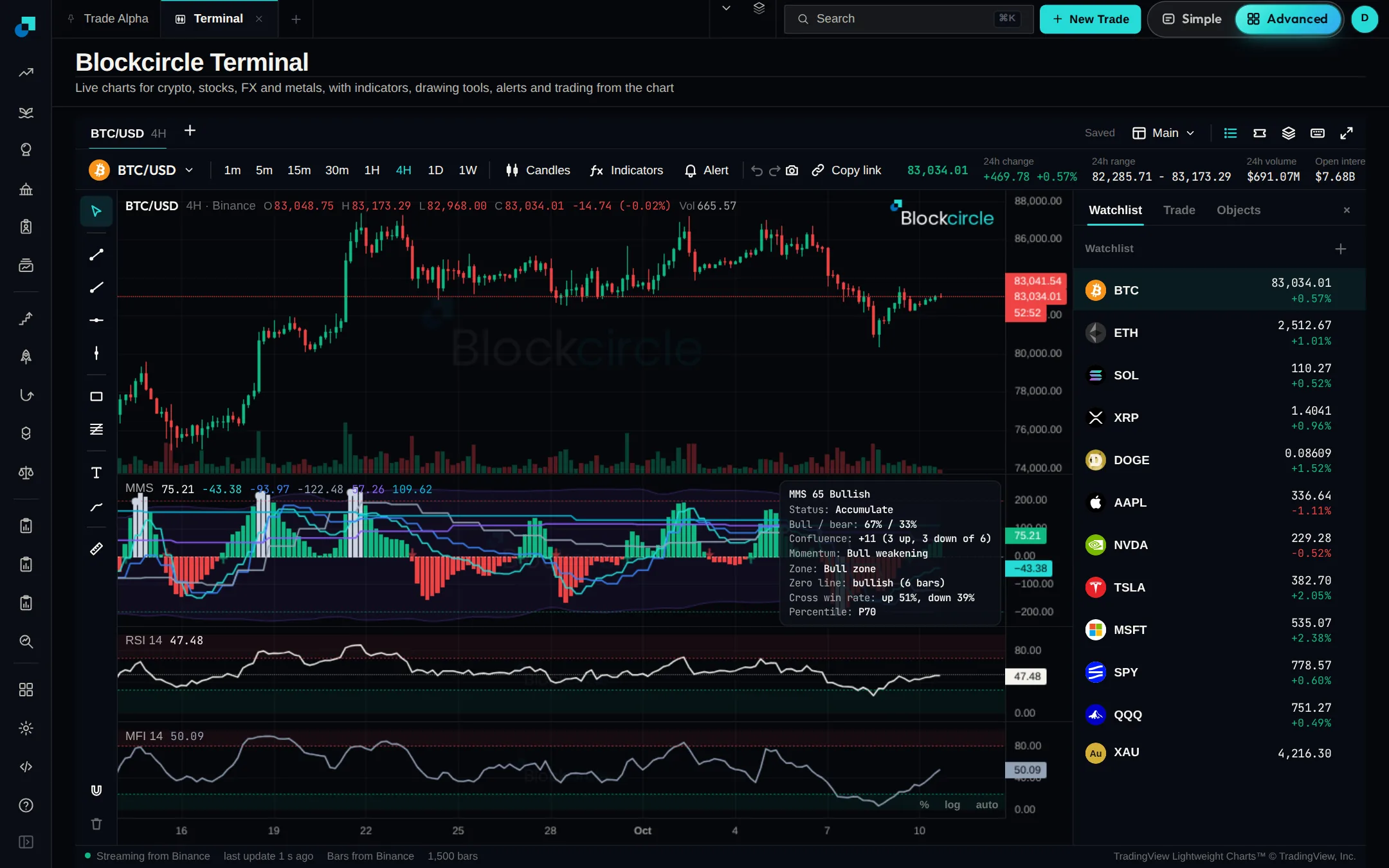
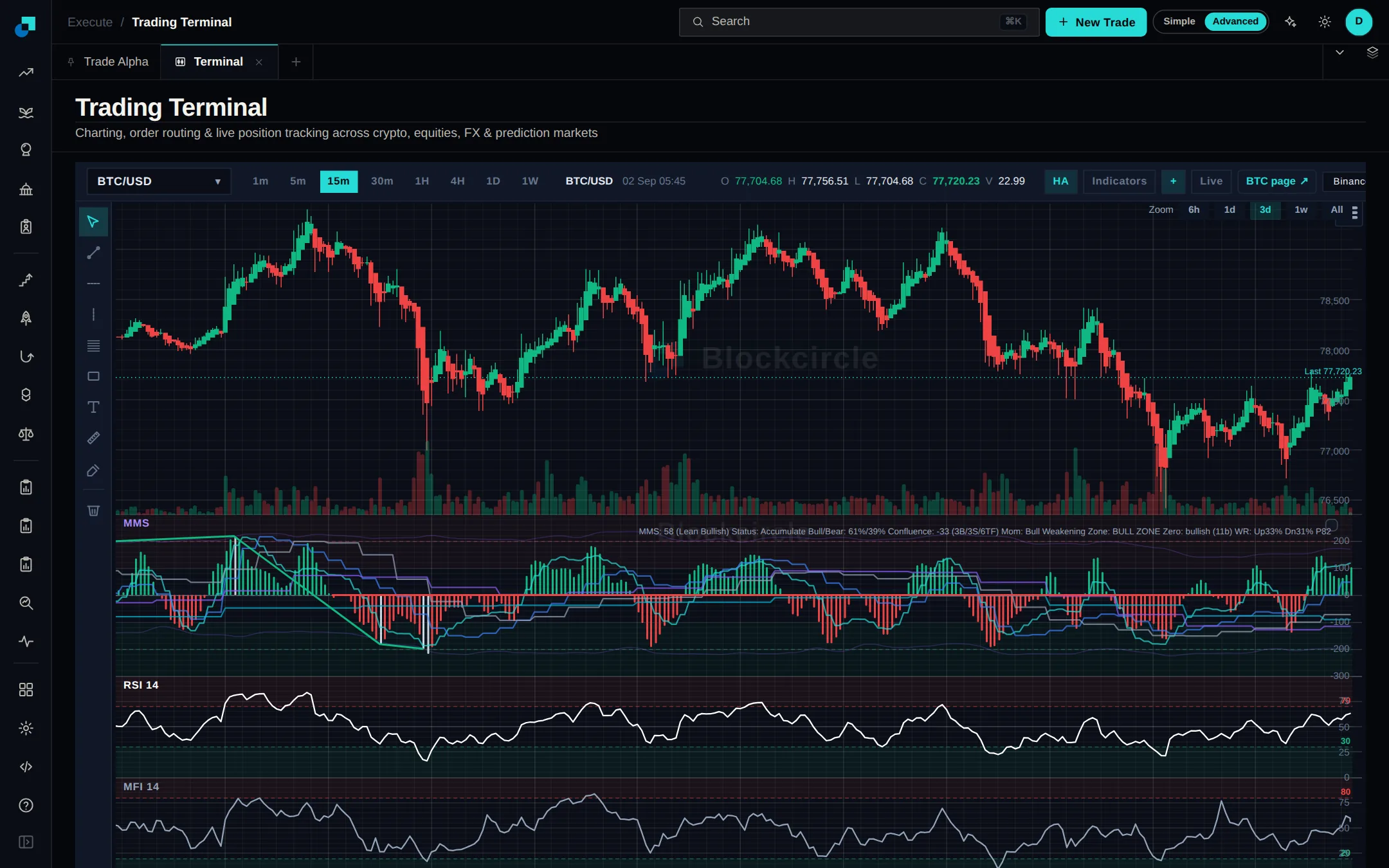
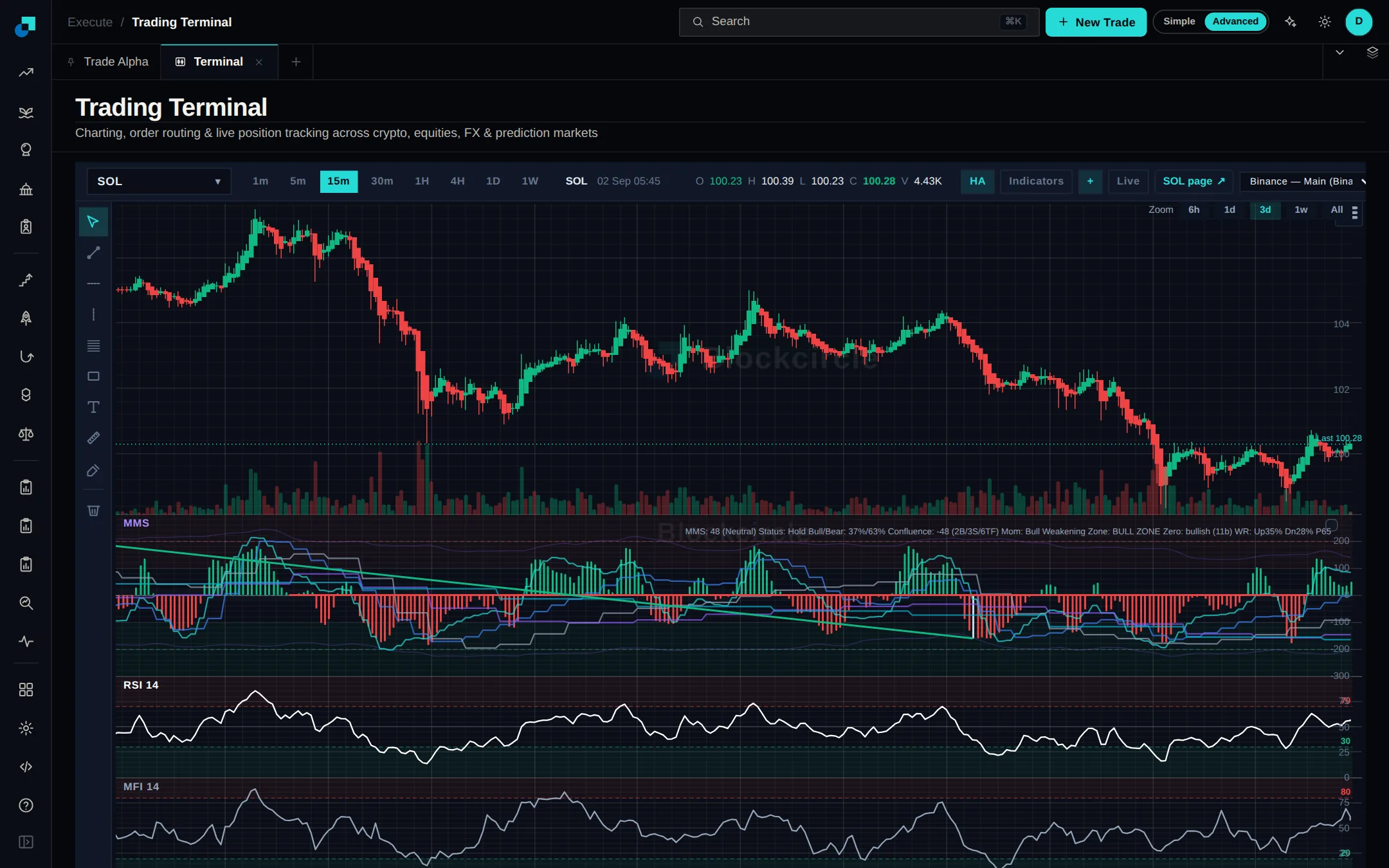
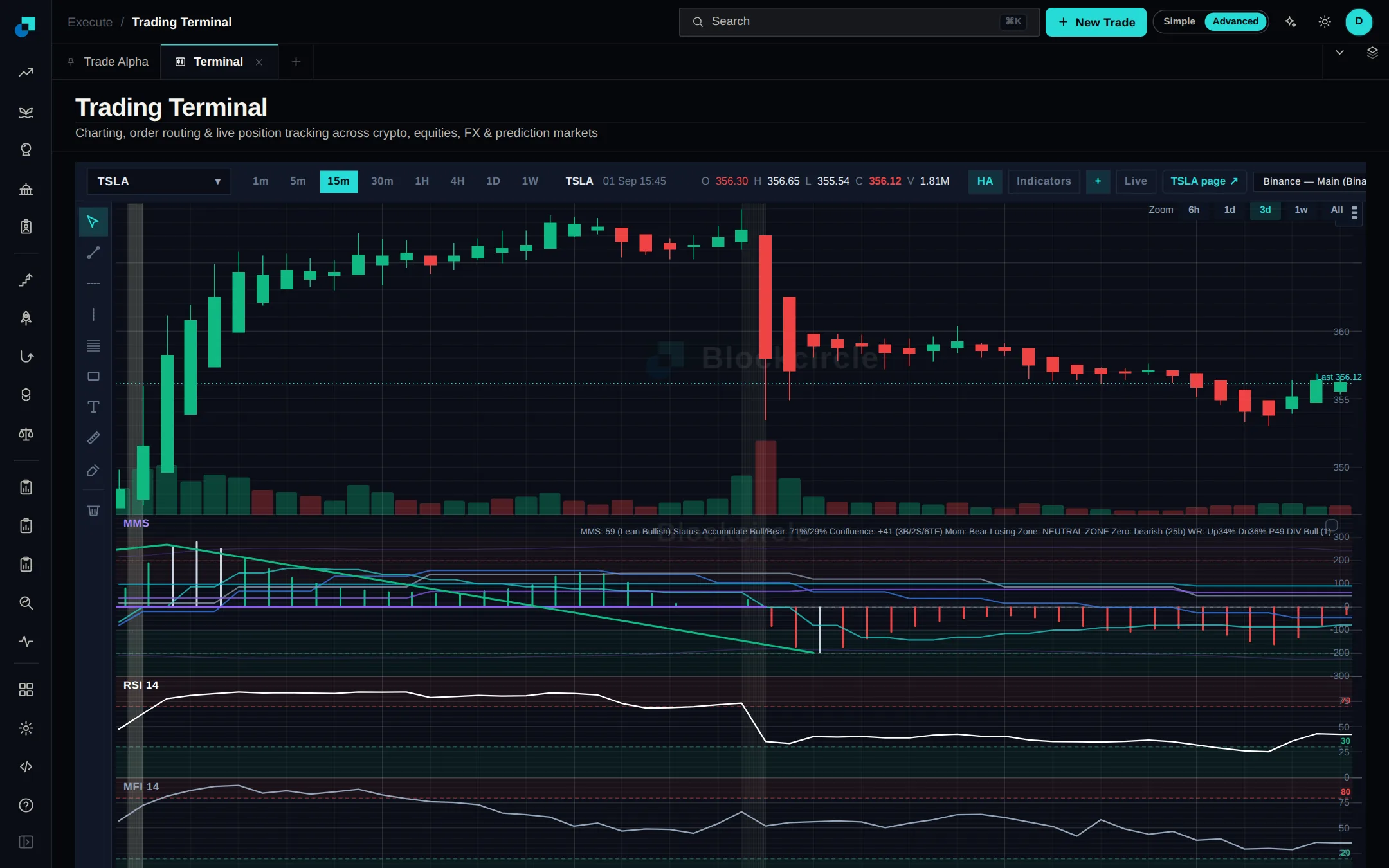
Swap tokens from the trade panel in the Terminal and Blockcircle asks every on-chain venue that covers your chain for a price: Jupiter on Solana, plus 0x, 1inch, ParaSwap and LI.FI on the EVM chains. Whichever comes back best gets your order, and you sign it from your own wallet, so your coins never leave it.

Читать далее
Terminal swaps now shop for the best routeОткрыть Terminal
PlatformУлучшение

Eight more modules get a user guide

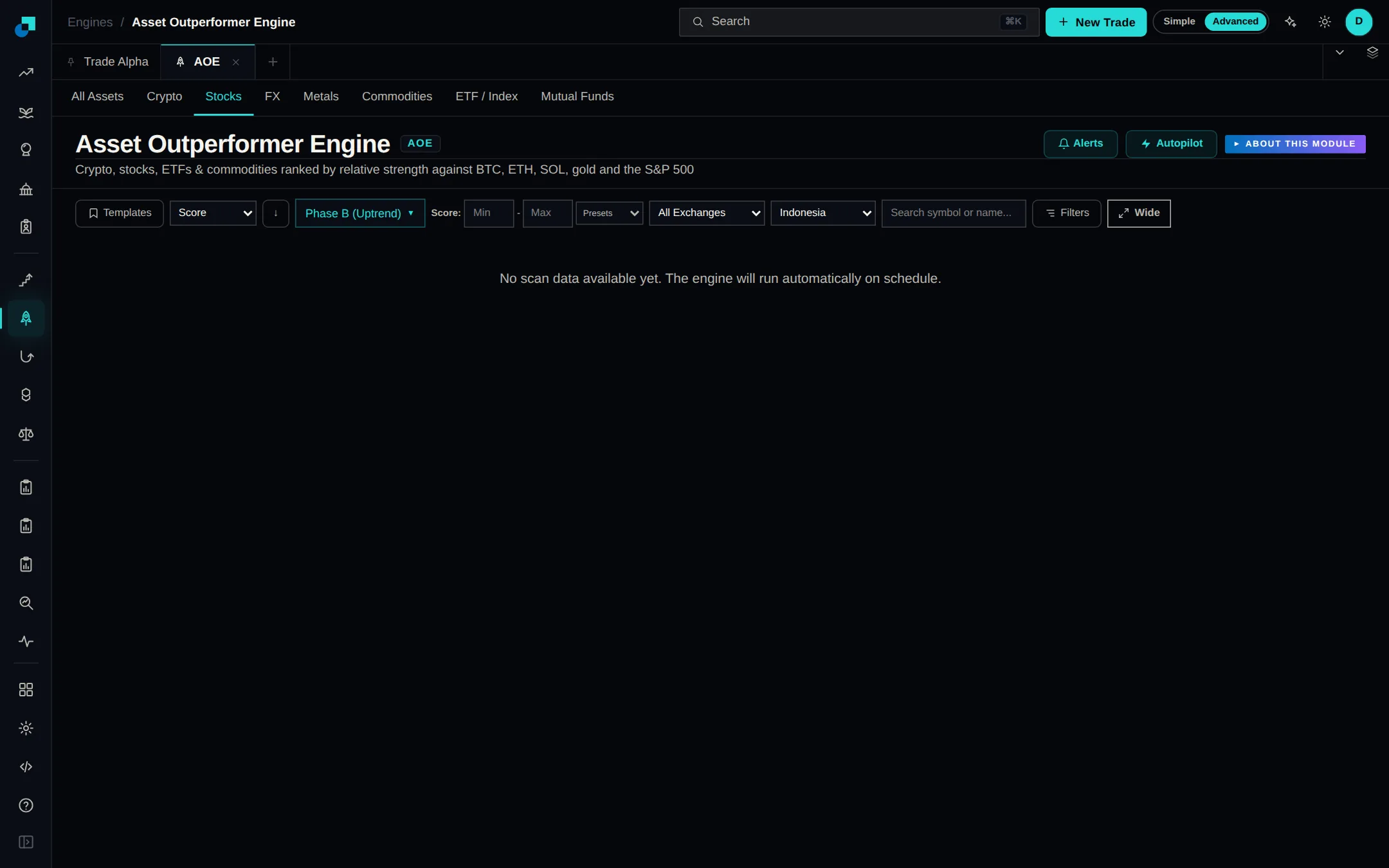
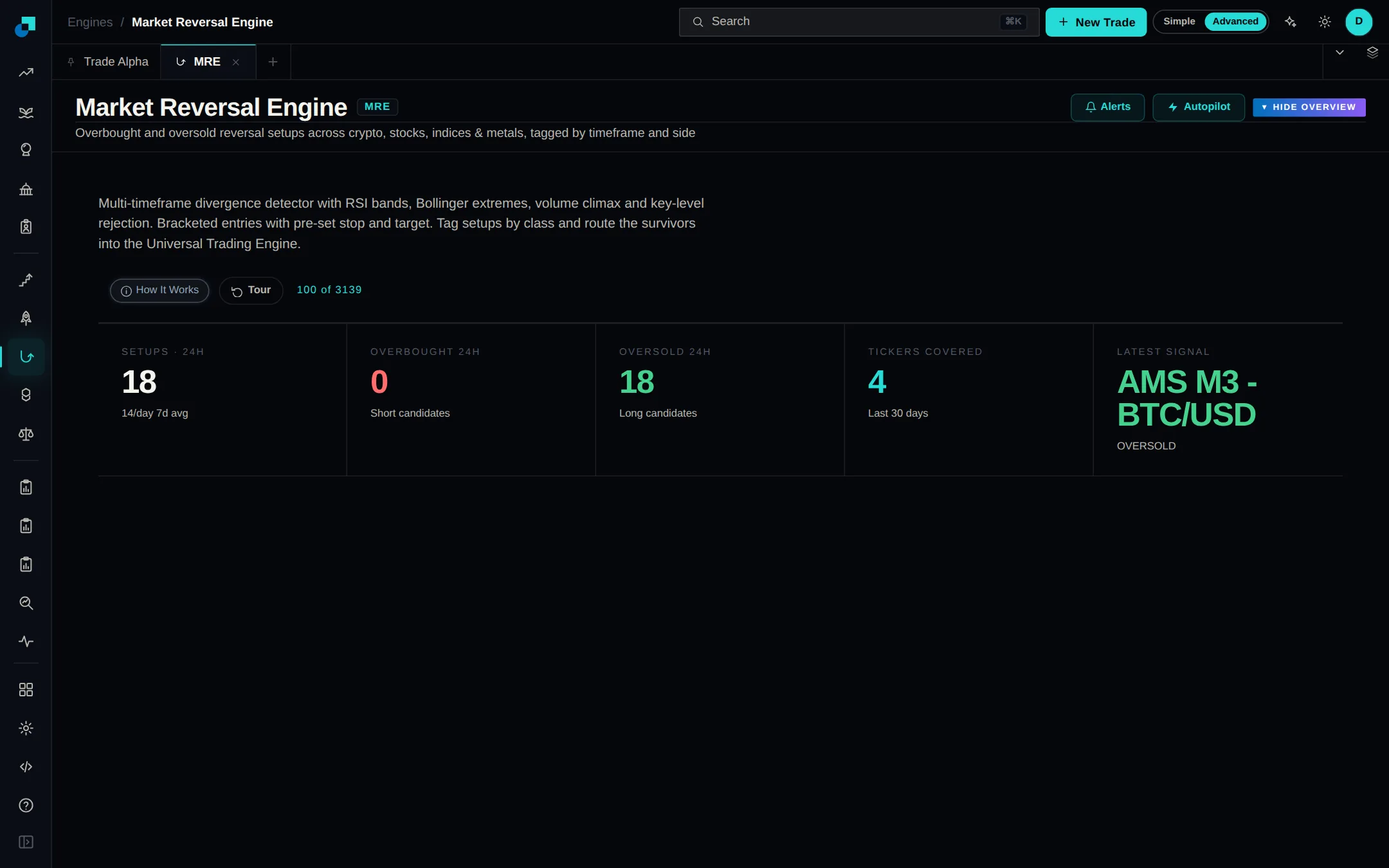
The guide library has grown from six guides to fourteen. Alongside the original scorecard and engine walkthroughs, there are now guides for the Asset Outperformer and Market Reversal engines, Market Analysis, and Whale, Prediction, Political, Trade and Insider Alpha. Find them all under User Guides.

Читать далее
Eight more modules get a user guideОткрыть Platform

март 2026 г.

февраль 2026 г.

январь 2026 г.

AlertsФункция

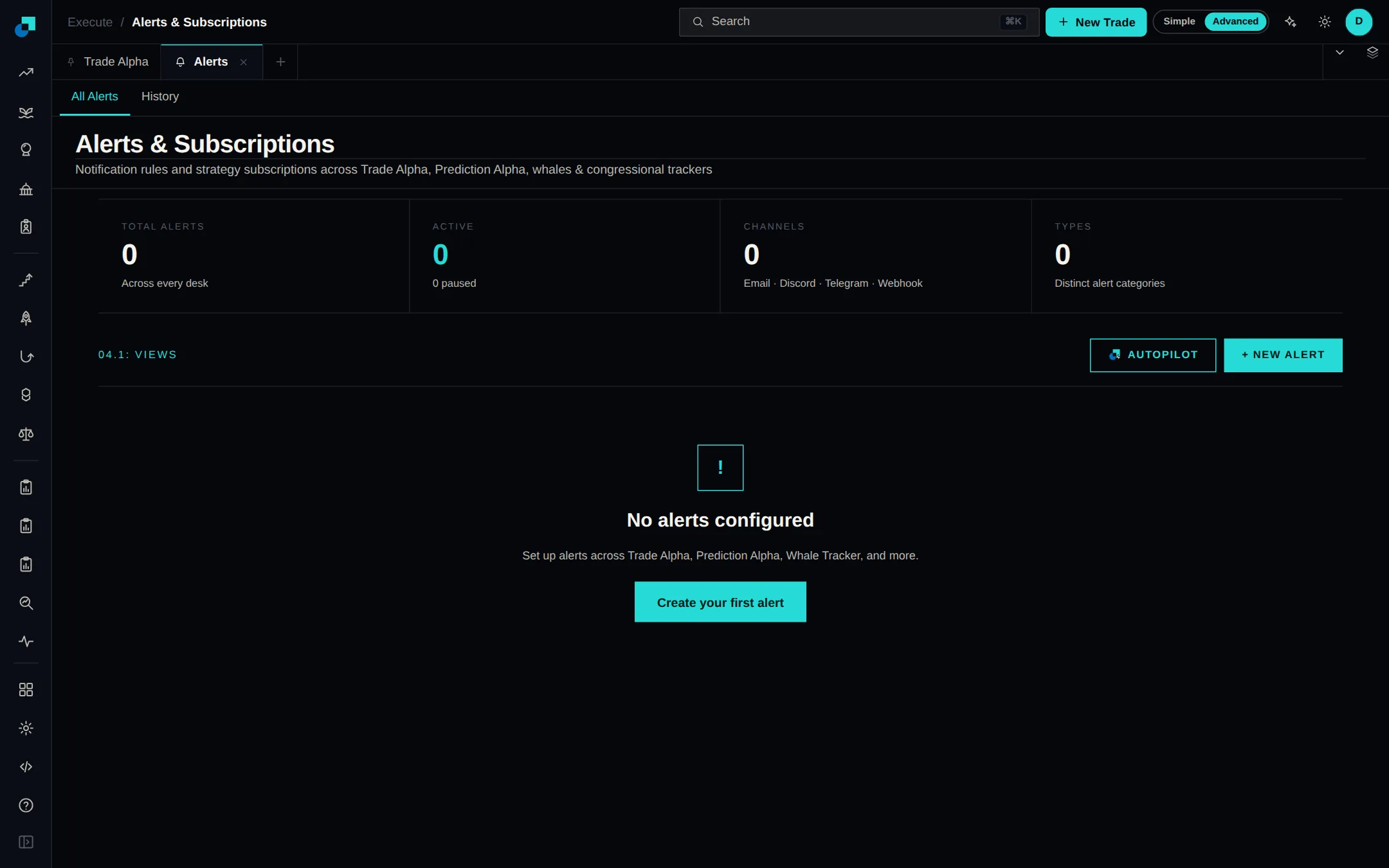
Build your own alert profiles

Set your own alert rules instead of picking from a fixed list. Choose what to watch — a price level, a reversal signal, a scorecard threshold, a new prediction market or a token launch — then narrow it with filters like minimum volume or whale count. Start one from the Alerts page.

Читать далее
Build your own alert profilesОткрыть Alerts

декабрь 2025 г.

июнь 2025 г.

апрель 2025 г.

февраль 2025 г.

ноябрь 2024 г.

сентябрь 2024 г.

июнь 2024 г.

март 2024 г.

июнь 2023 г.