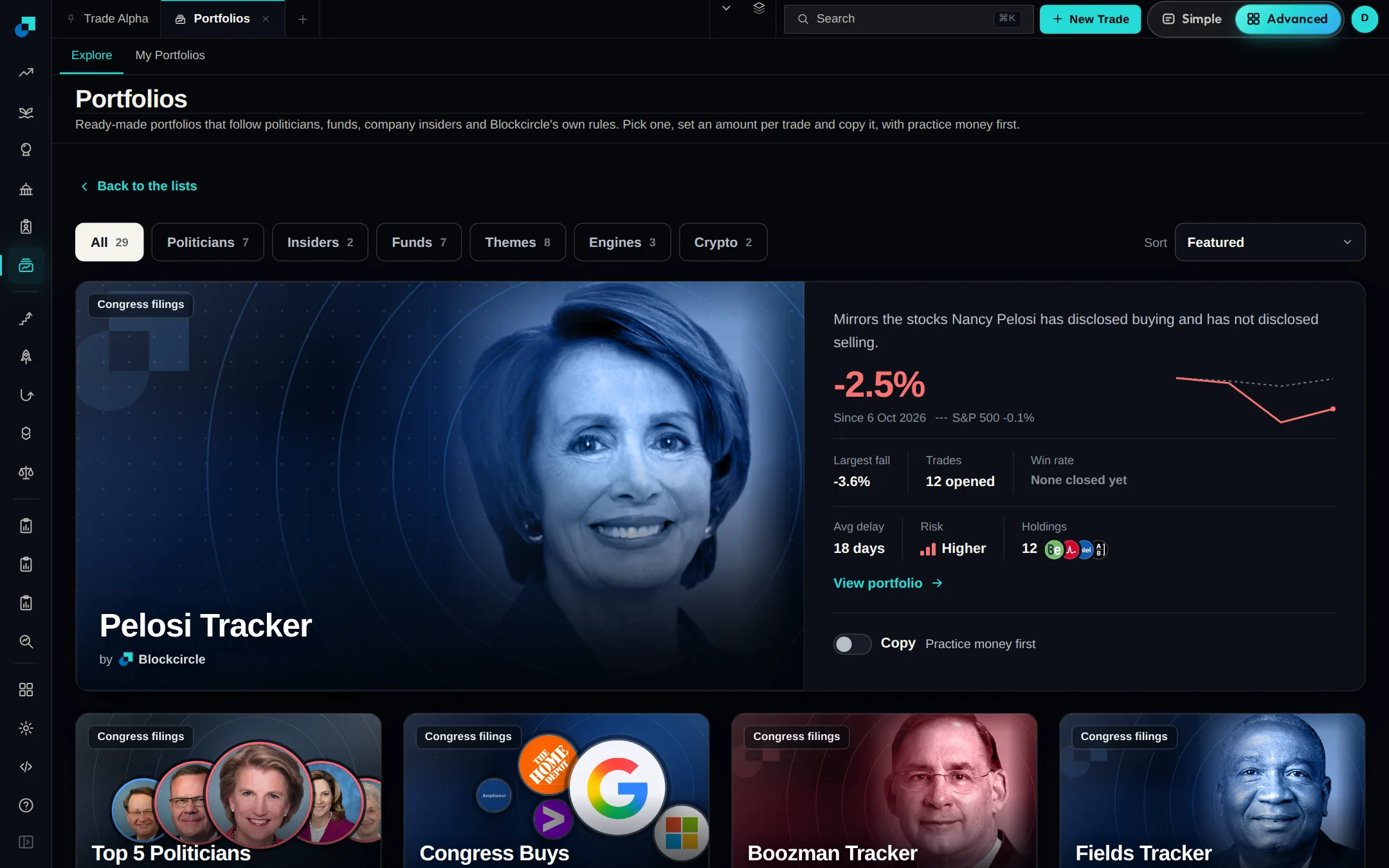
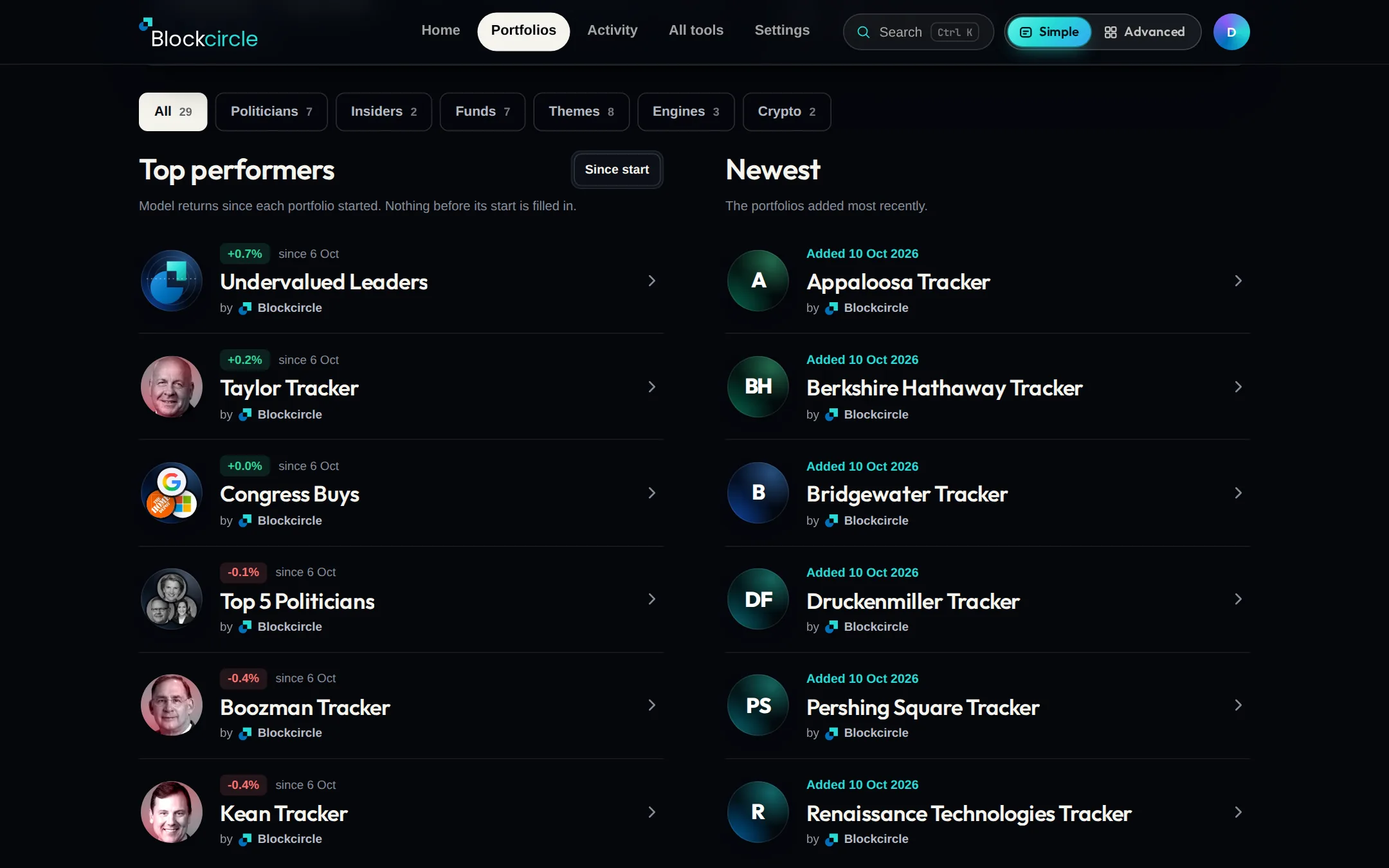
Portfolios has 15 new ones, 29 in all. Seven follow a big fund through its 13F filing, from Berkshire Hathaway to Bridgewater. Eight follow a theme, such as AI Chips, Defense or Space. The page is simpler too: two short lists and How it works in three steps.
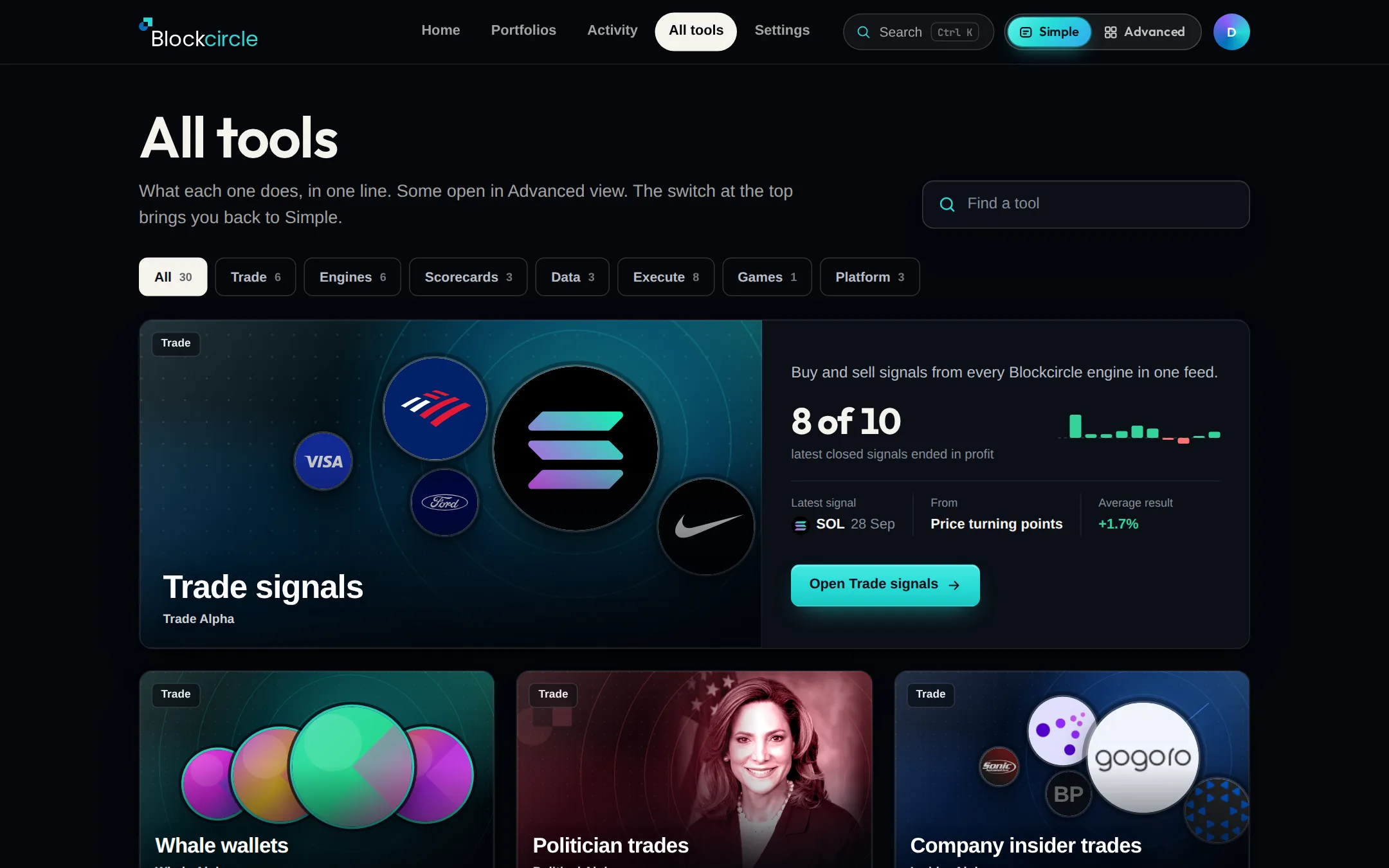
All tools now shows every Blockcircle tool as a picture card, with one live fact where we have the data. Trade signals sits on top with its latest signal. Find All tools in the Simple top bar.
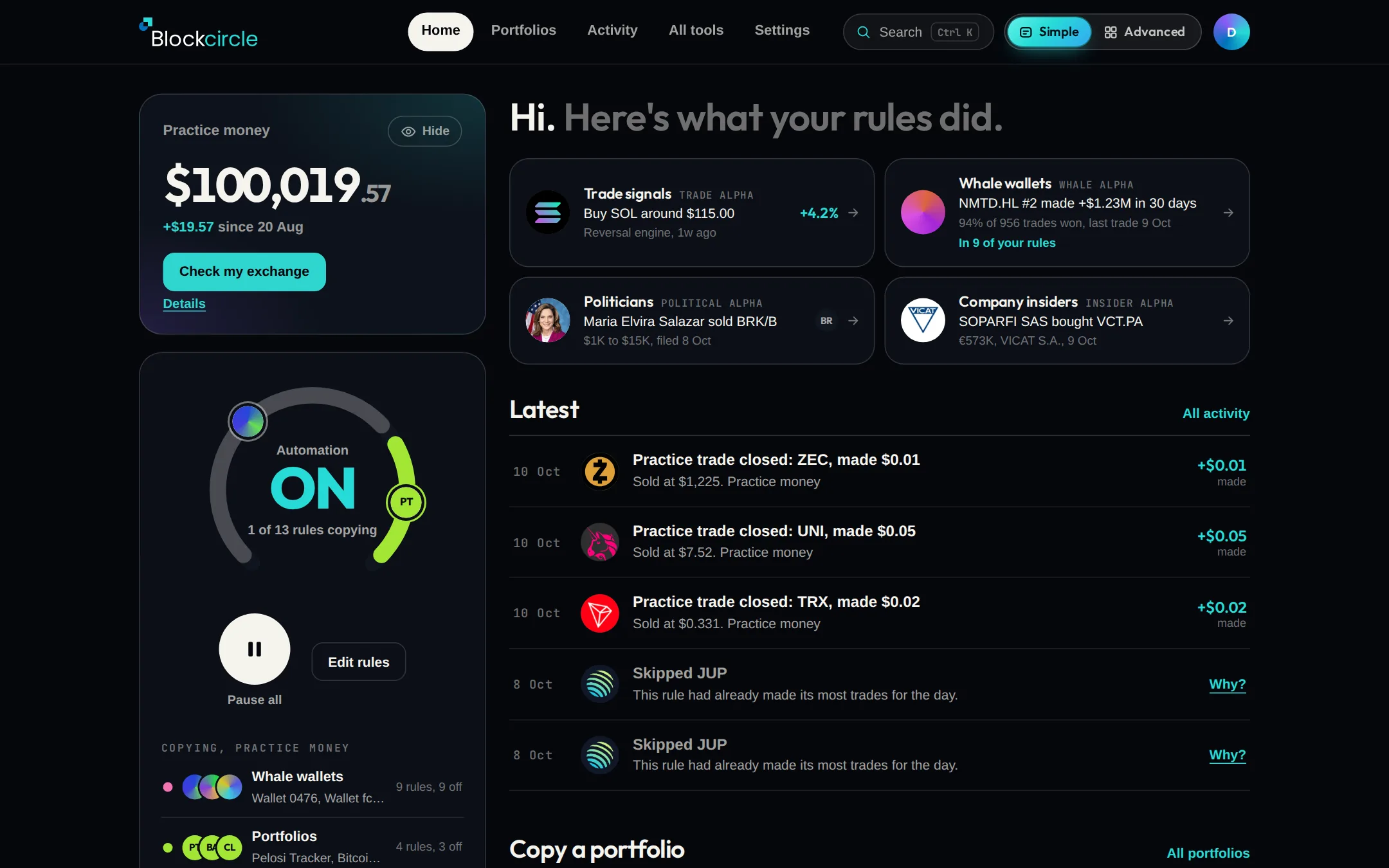
Simple view puts your balance, your rules and the latest activity on one page, in plain words. The Simple | Advanced switch at the top right moves you between the two and keeps you on the same page. Advanced is still there with every tool.
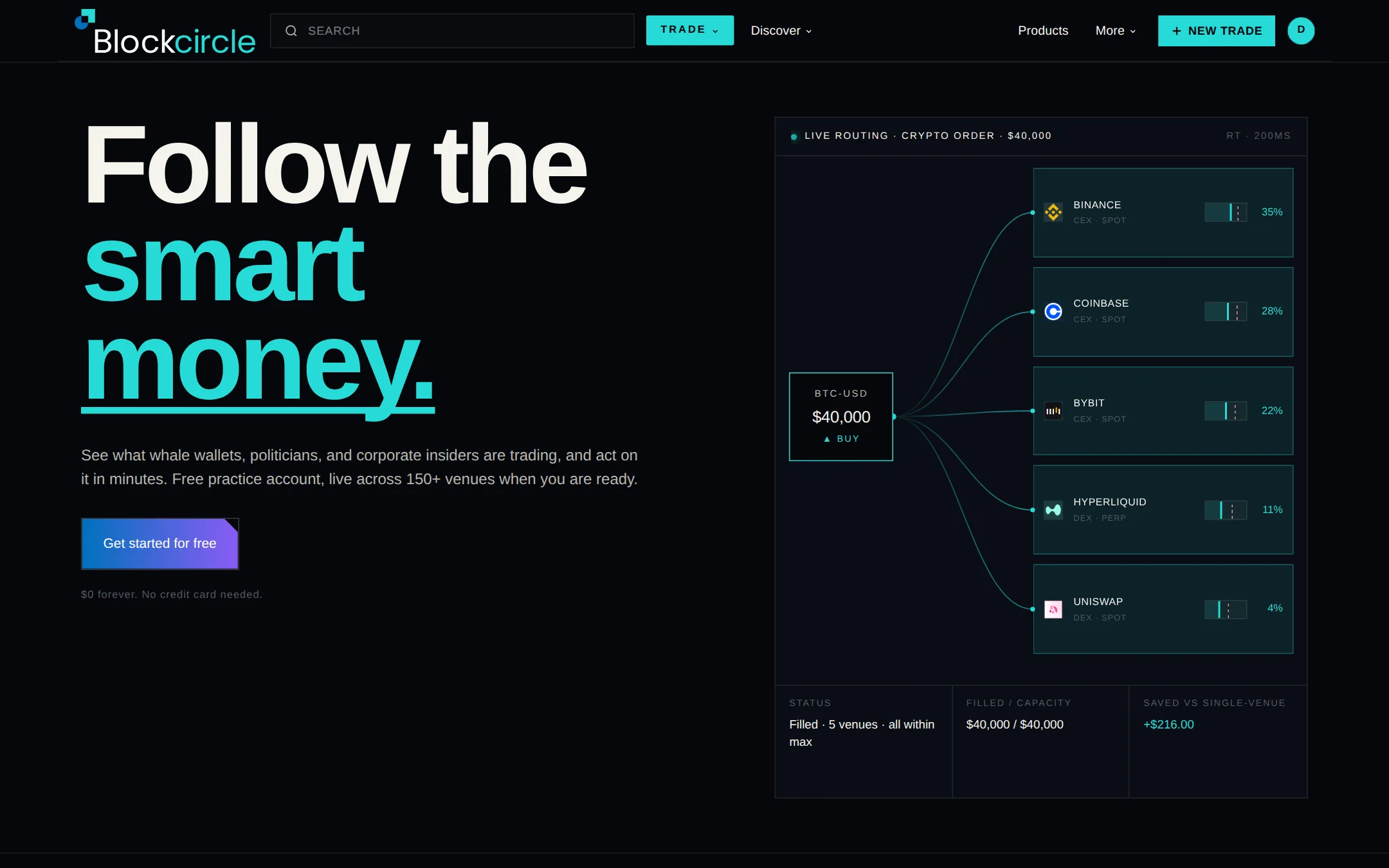
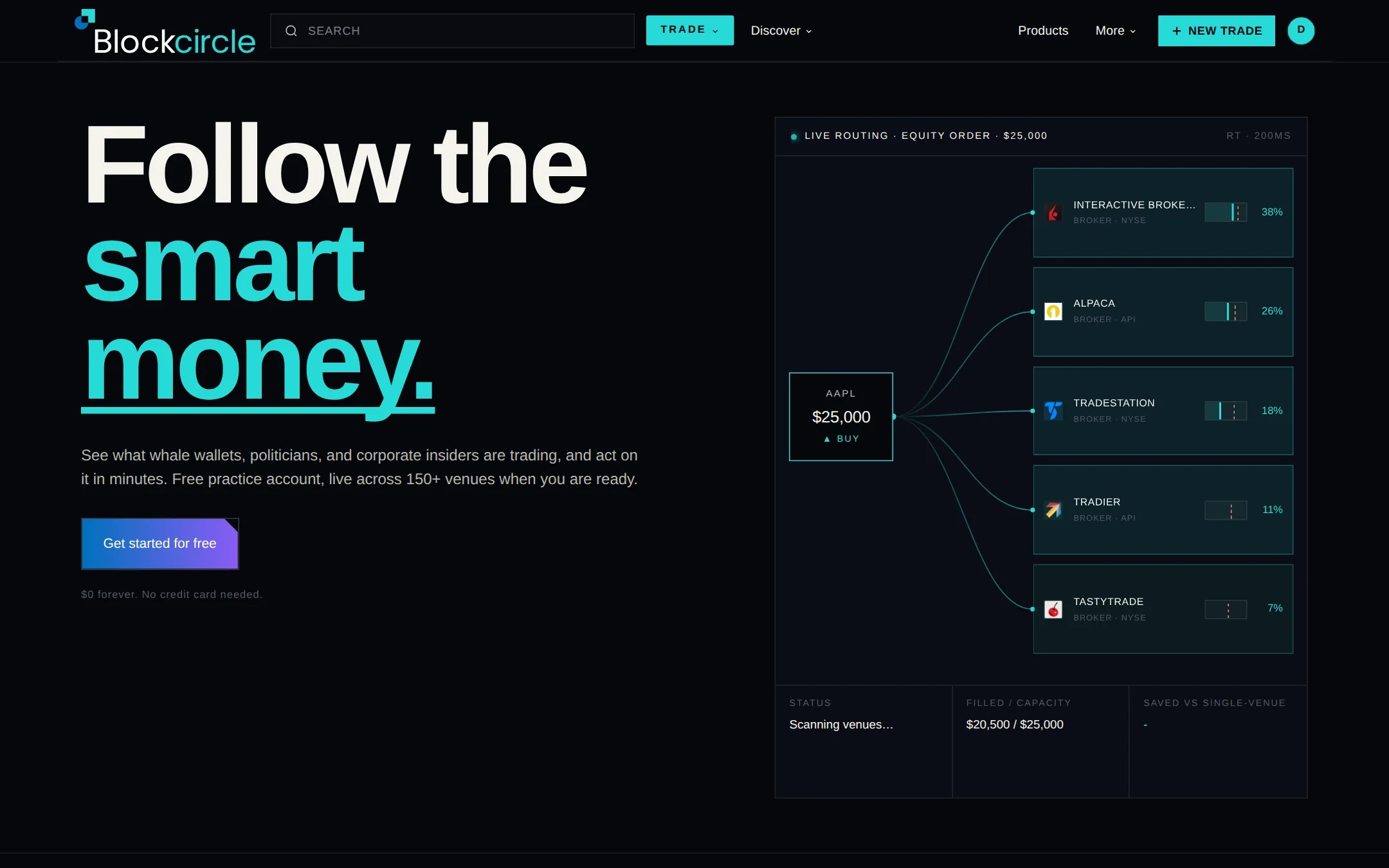
A portfolio here is a ready-made set of holdings that follows a politician, a fund, company insiders, a theme or Blockcircle's own rules. Pick one, set an amount per trade and switch Copy on. It starts with practice money. Find Portfolios in the left menu, or go to blockcircle.com/portfolios.
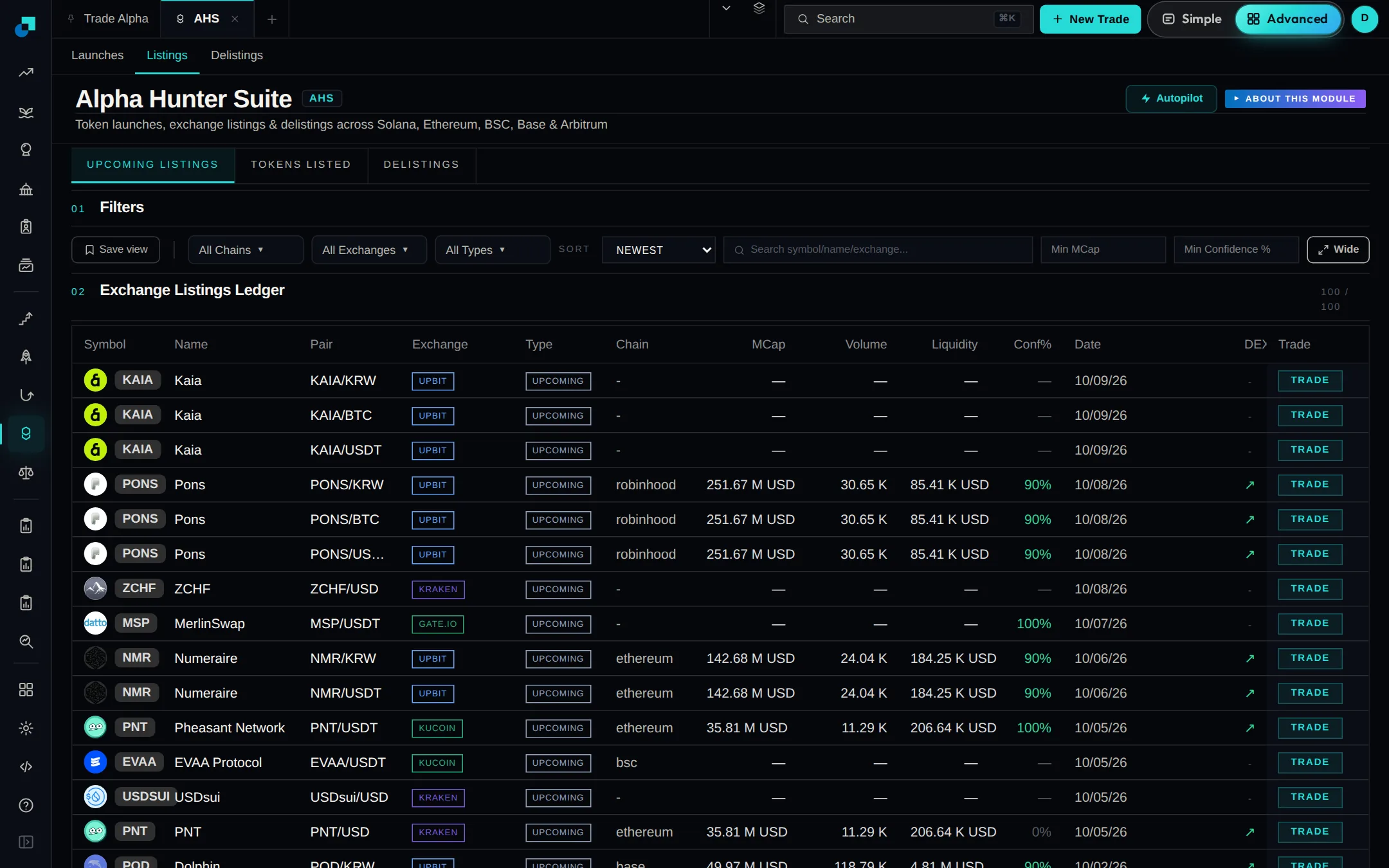
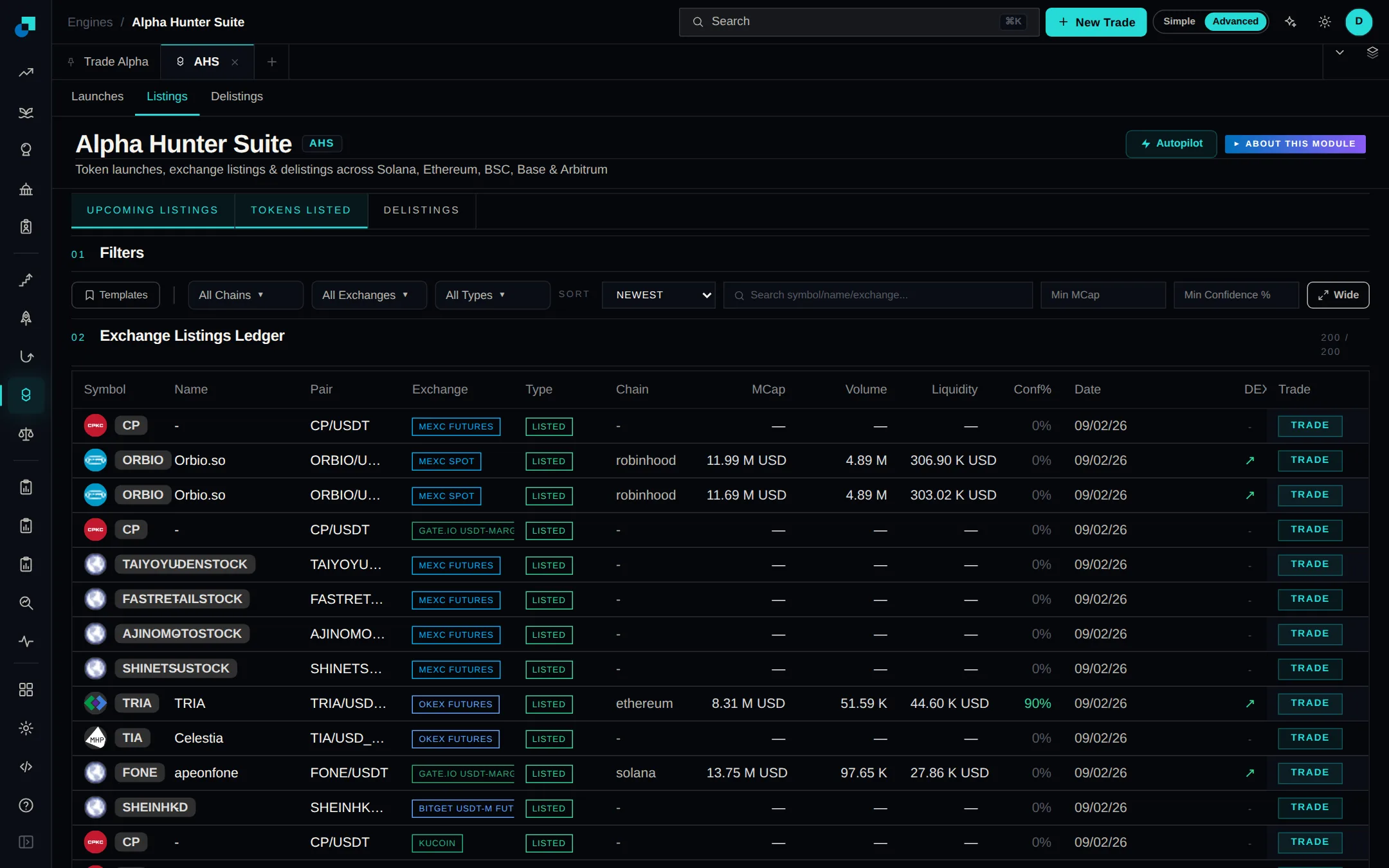
The Listings and Delistings tabs in Alpha Hunter Suite read each exchange's own notices again. New listings come from ten exchanges and delistings from six. Both are checked every few minutes.
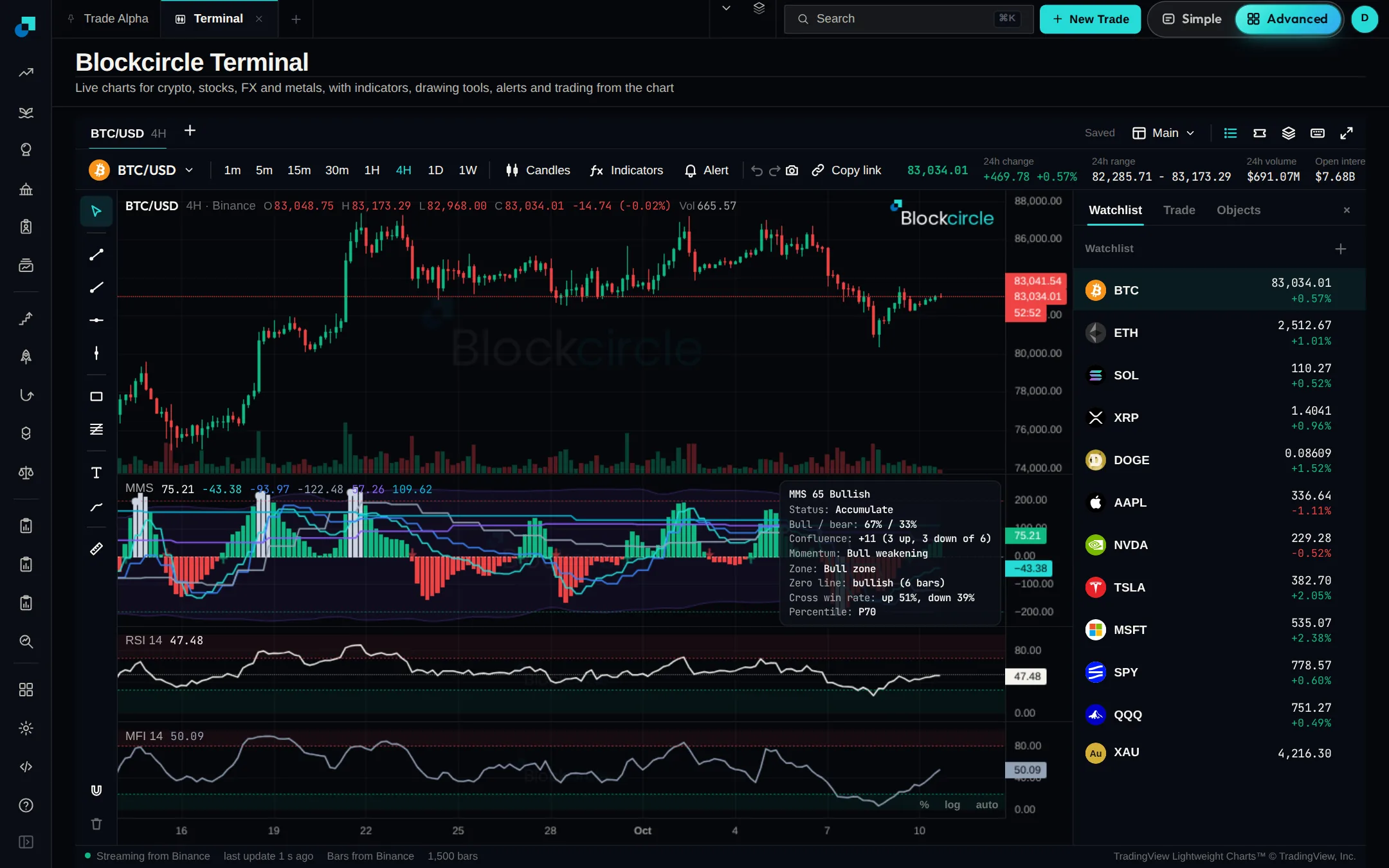
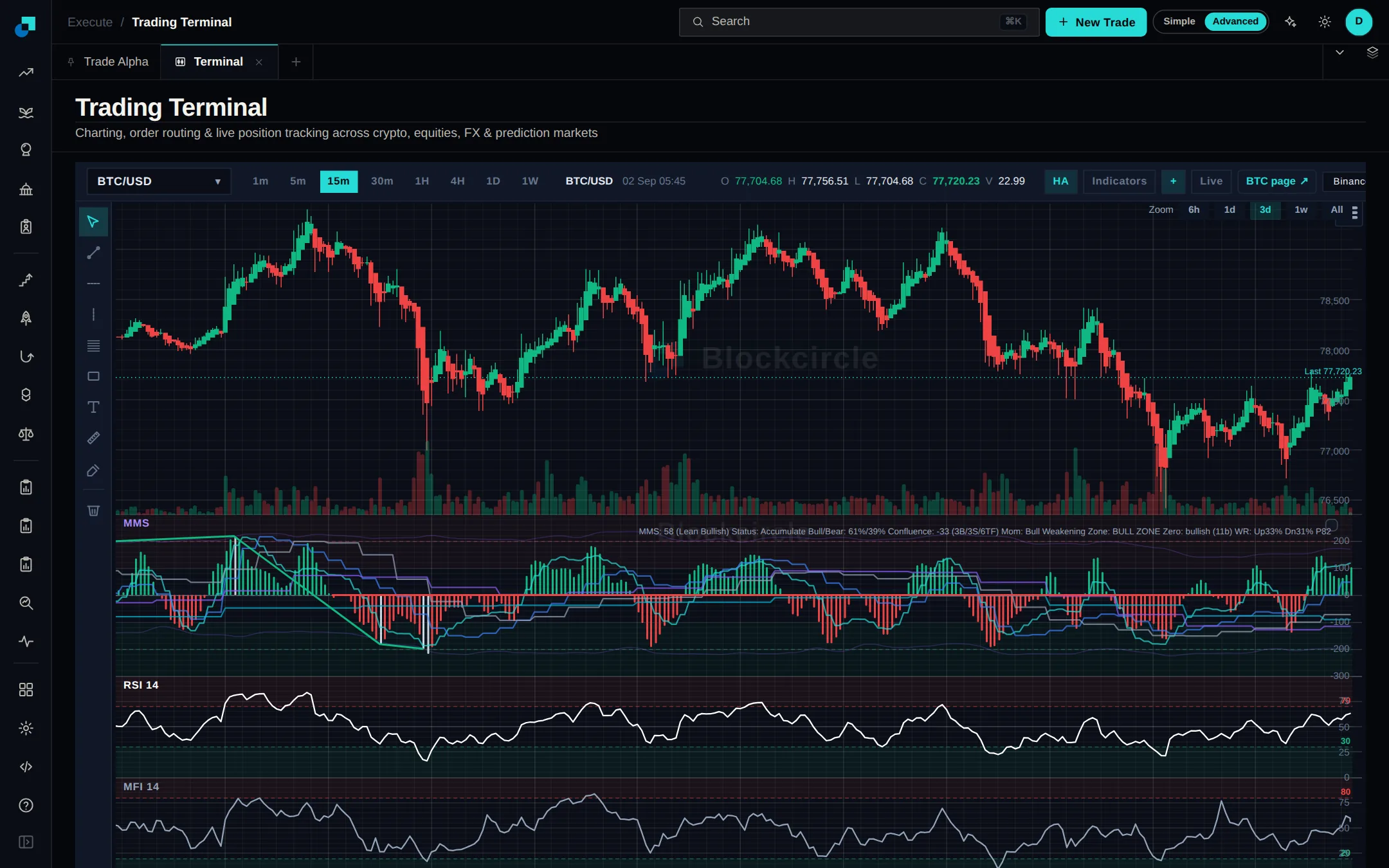
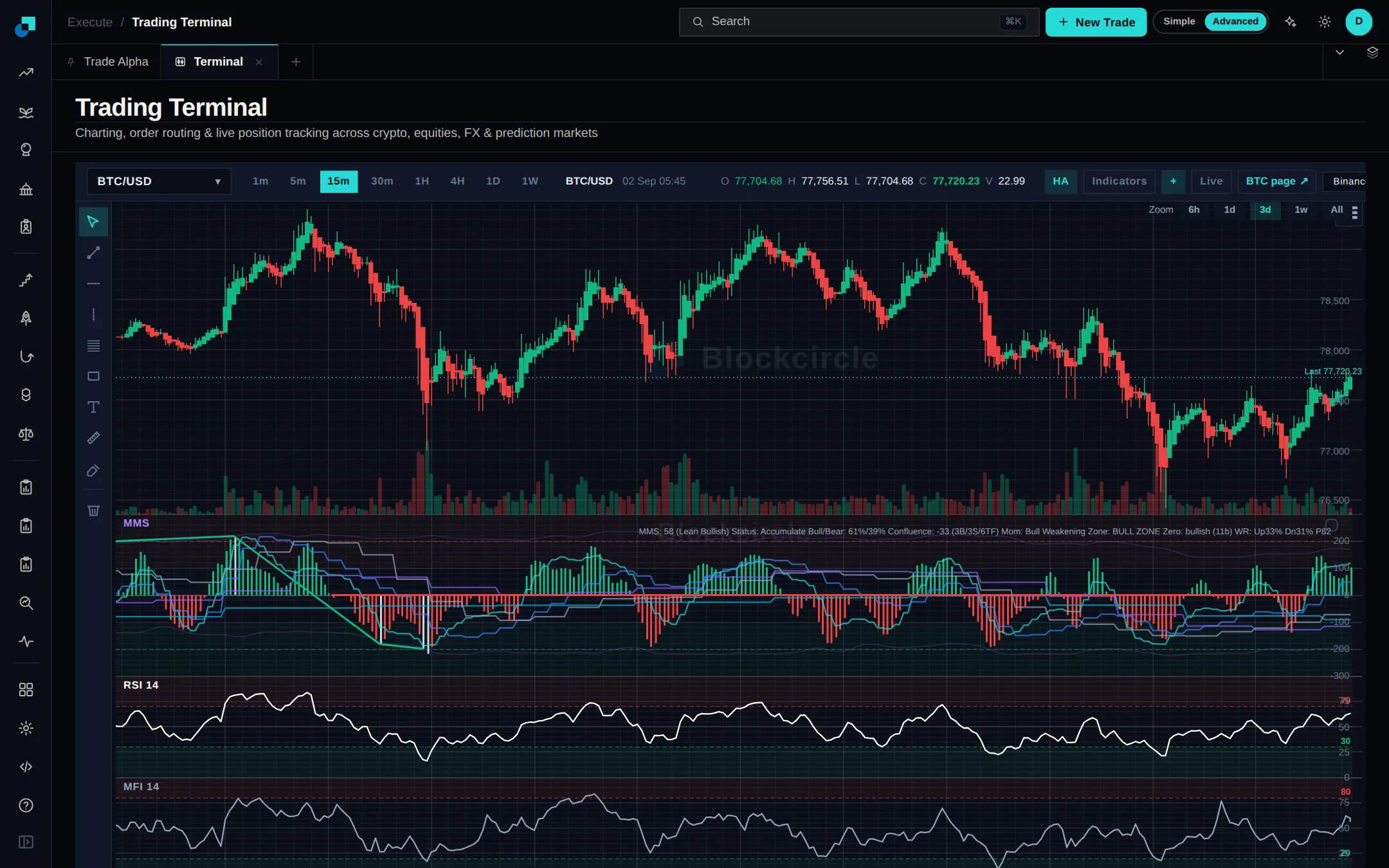
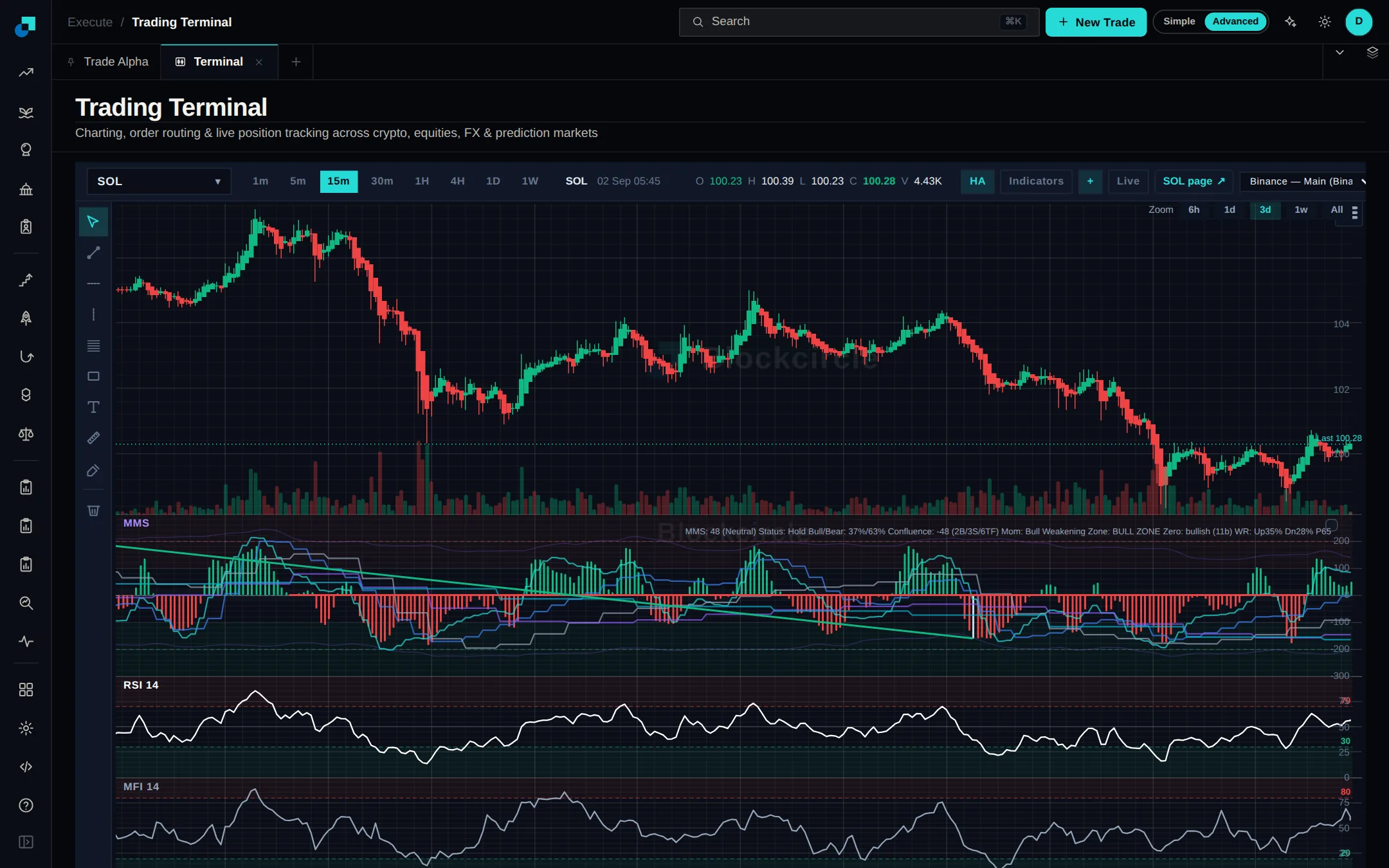
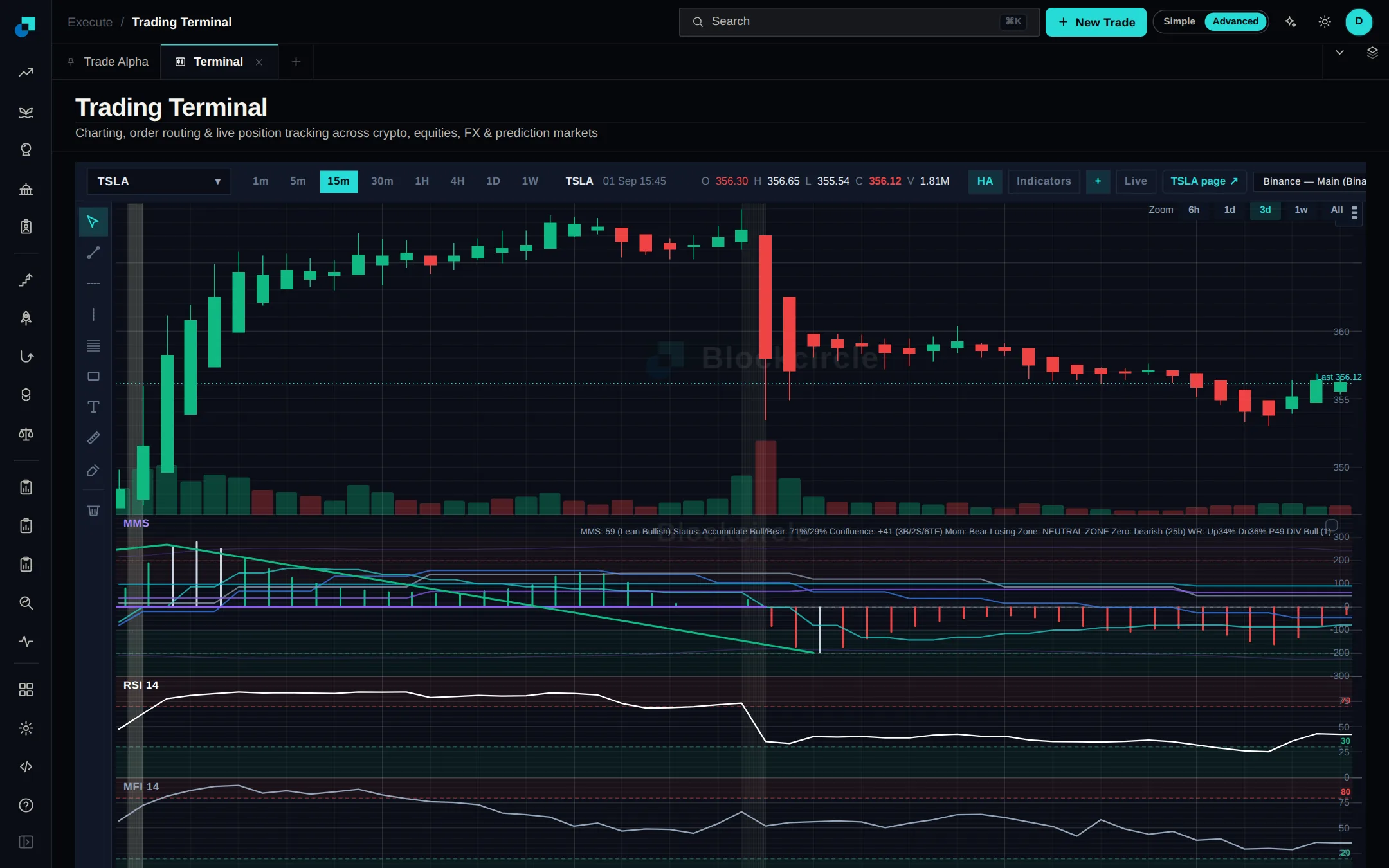
The Terminal is now the Blockcircle Terminal, and anyone can open it without an account. Chart any coin, stock, currency pair or metal with indicators and drawing tools, then copy a link that opens the same chart for whoever you send it to.
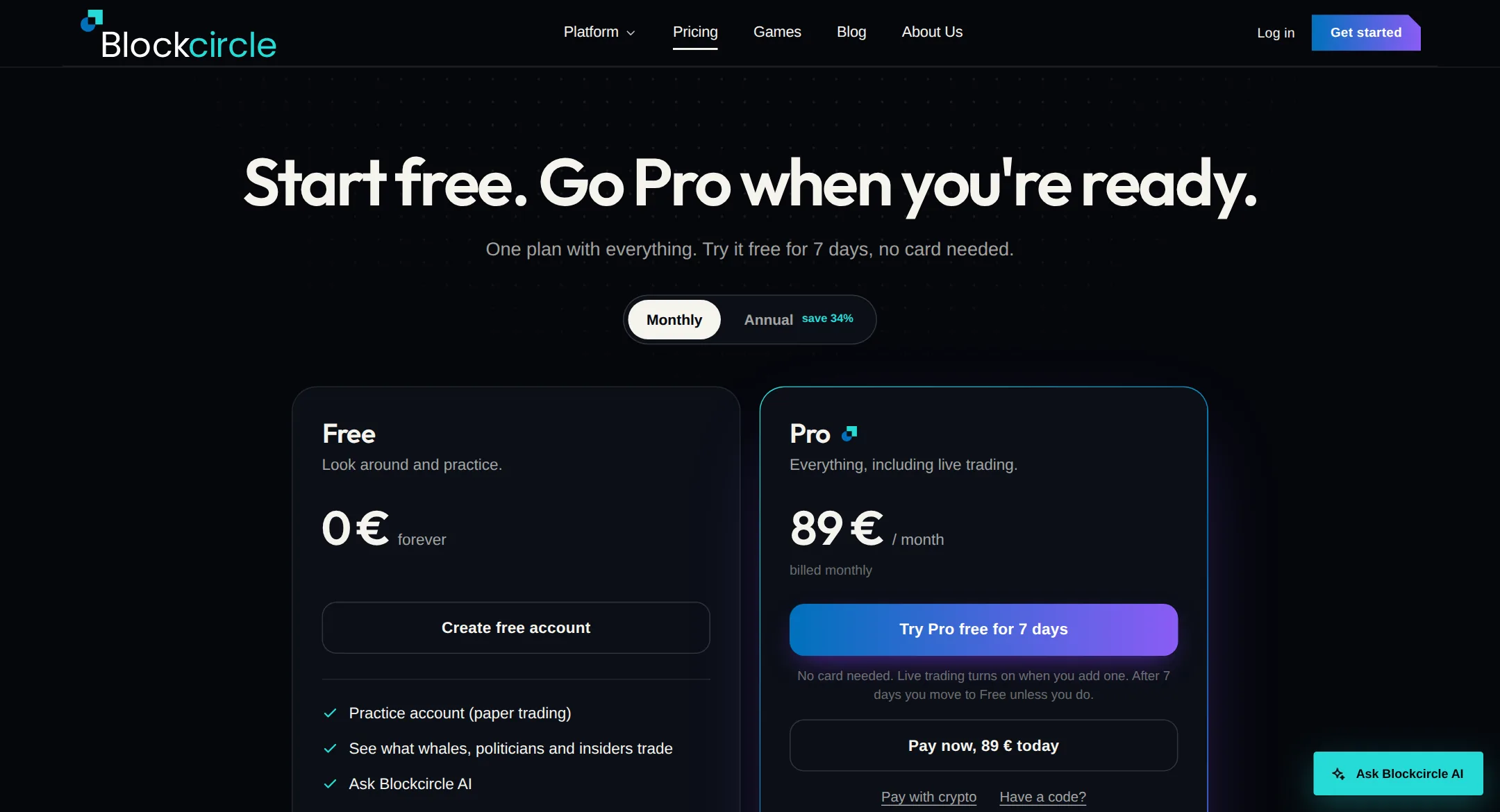
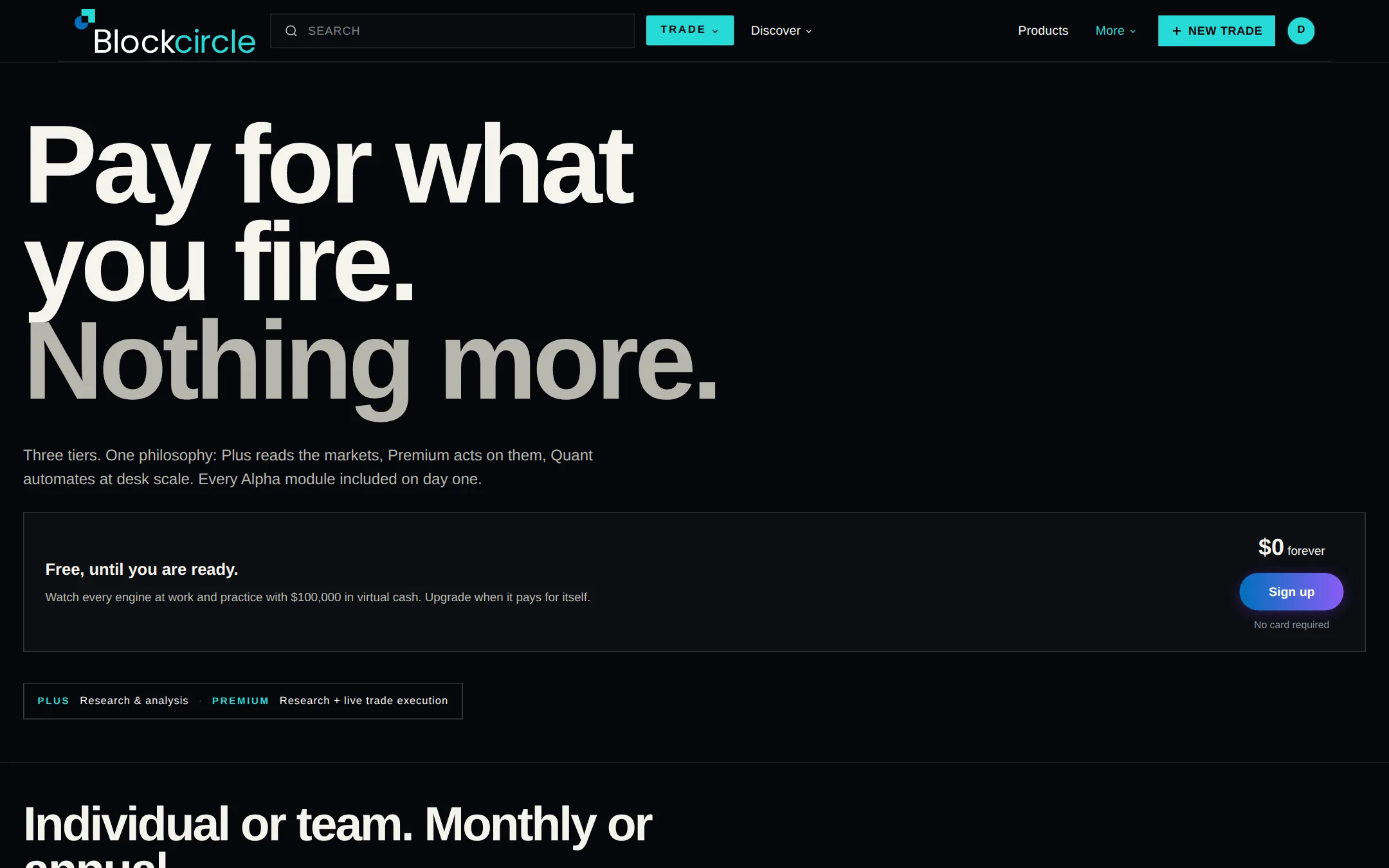
You can now go straight to Pro without the free trial. The pricing page has Pay now, Pay with crypto and a place for your code, under the free trial button.
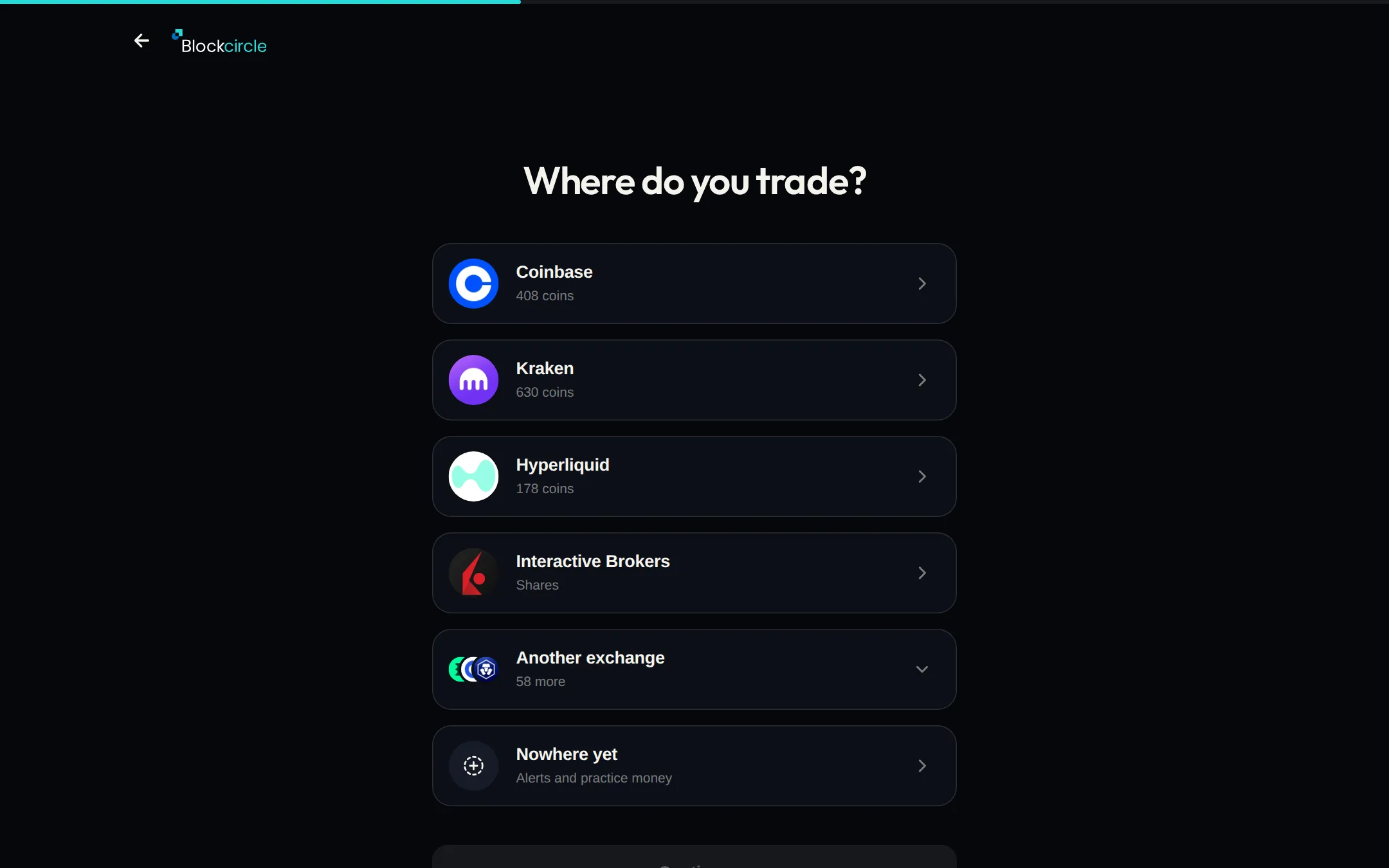
When you connect an exchange or broker, Blockcircle now tests the key first. If the exchange refuses it, you see the exchange's own message and nothing is saved.
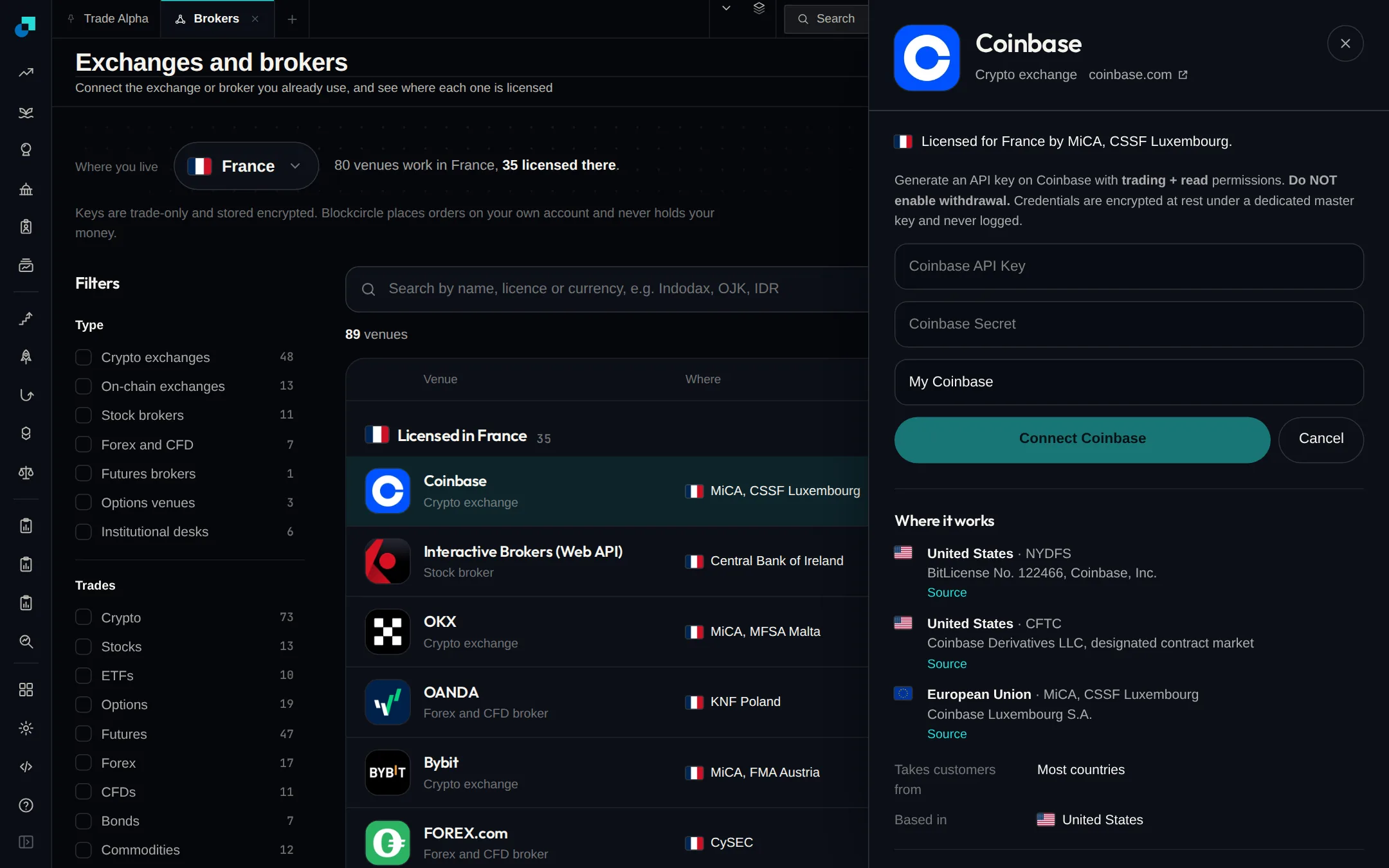
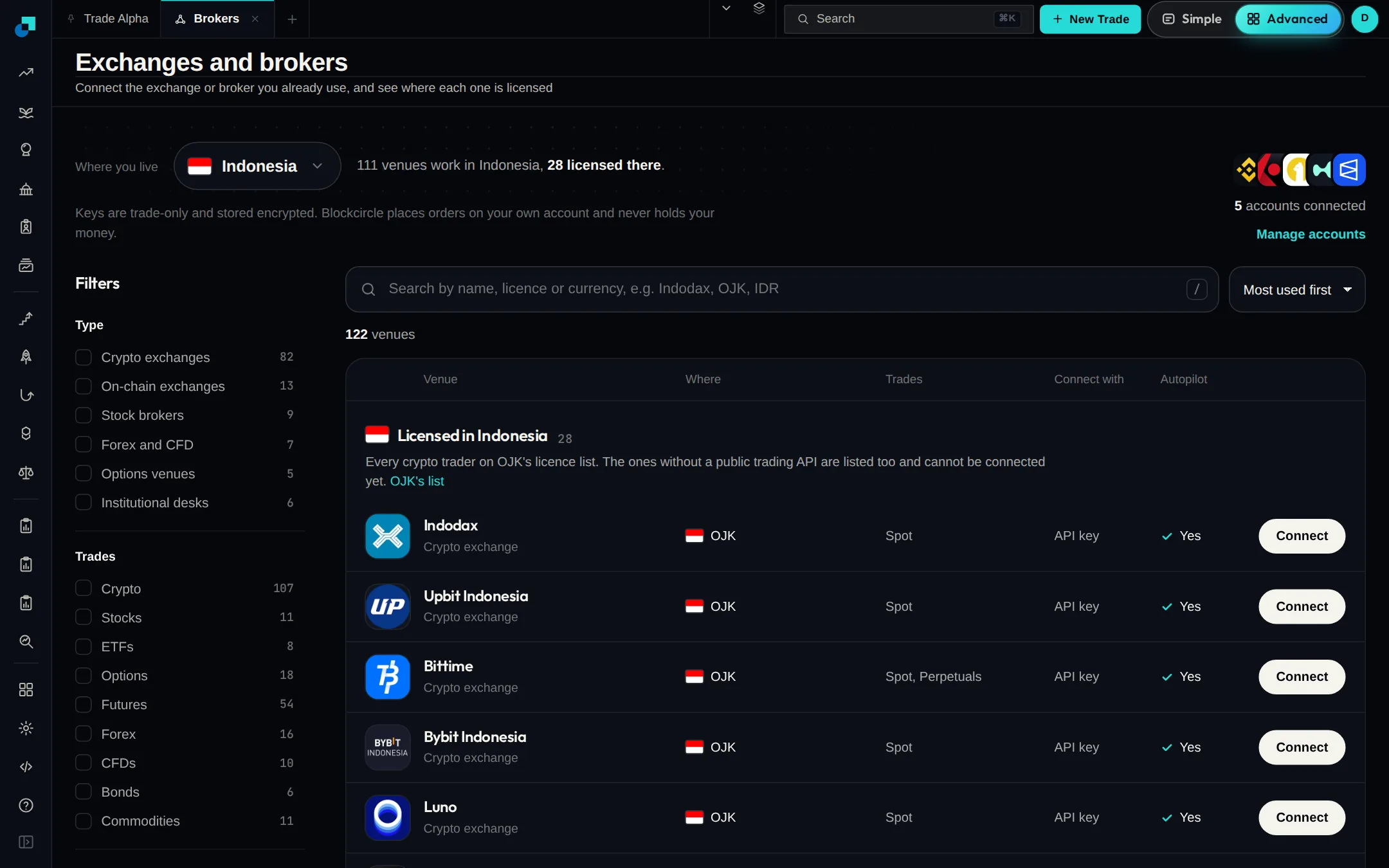
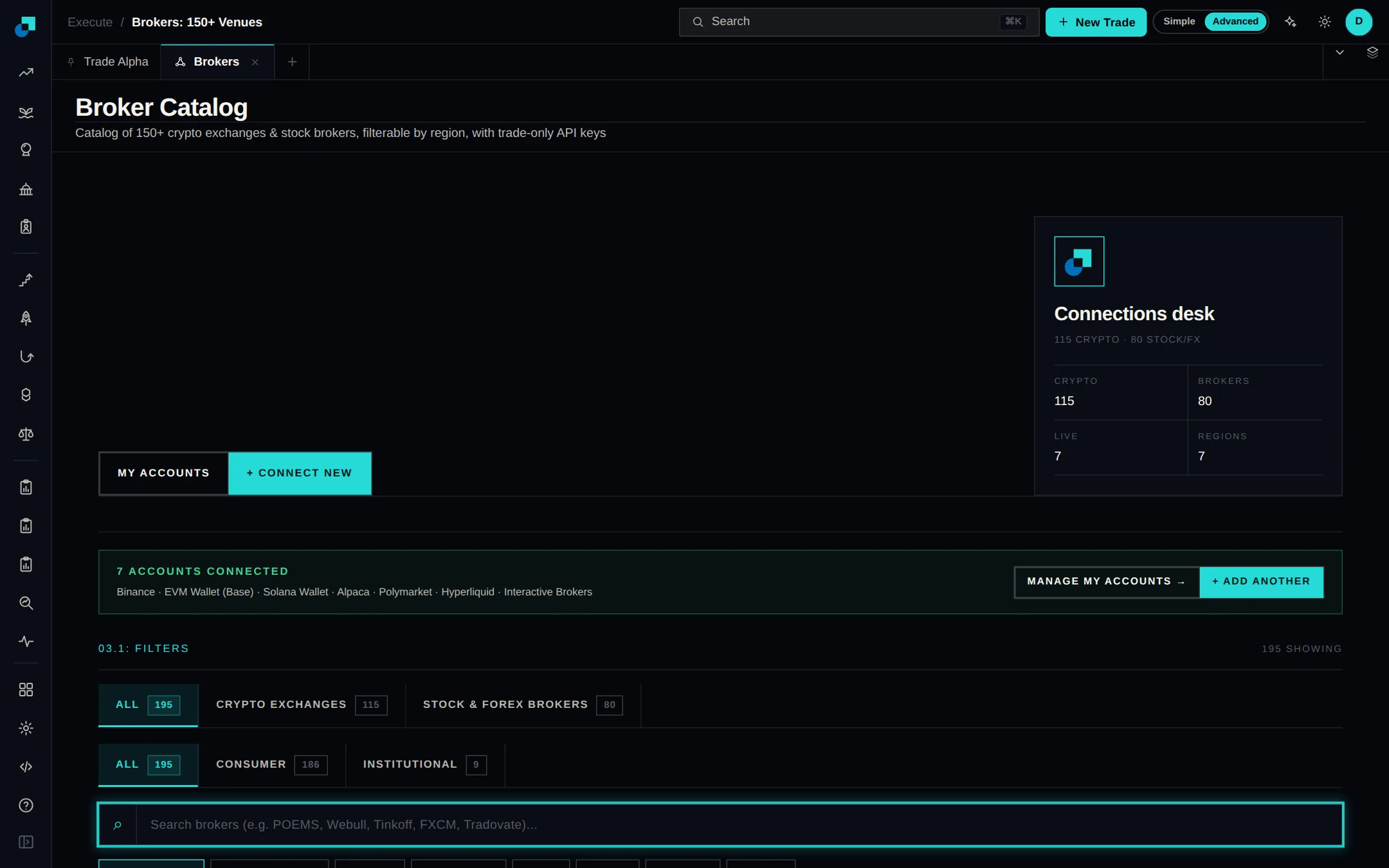
The Exchanges and brokers page now starts from your country. It shows which venues take customers there, who licenses them, what they trade and how you connect each one.
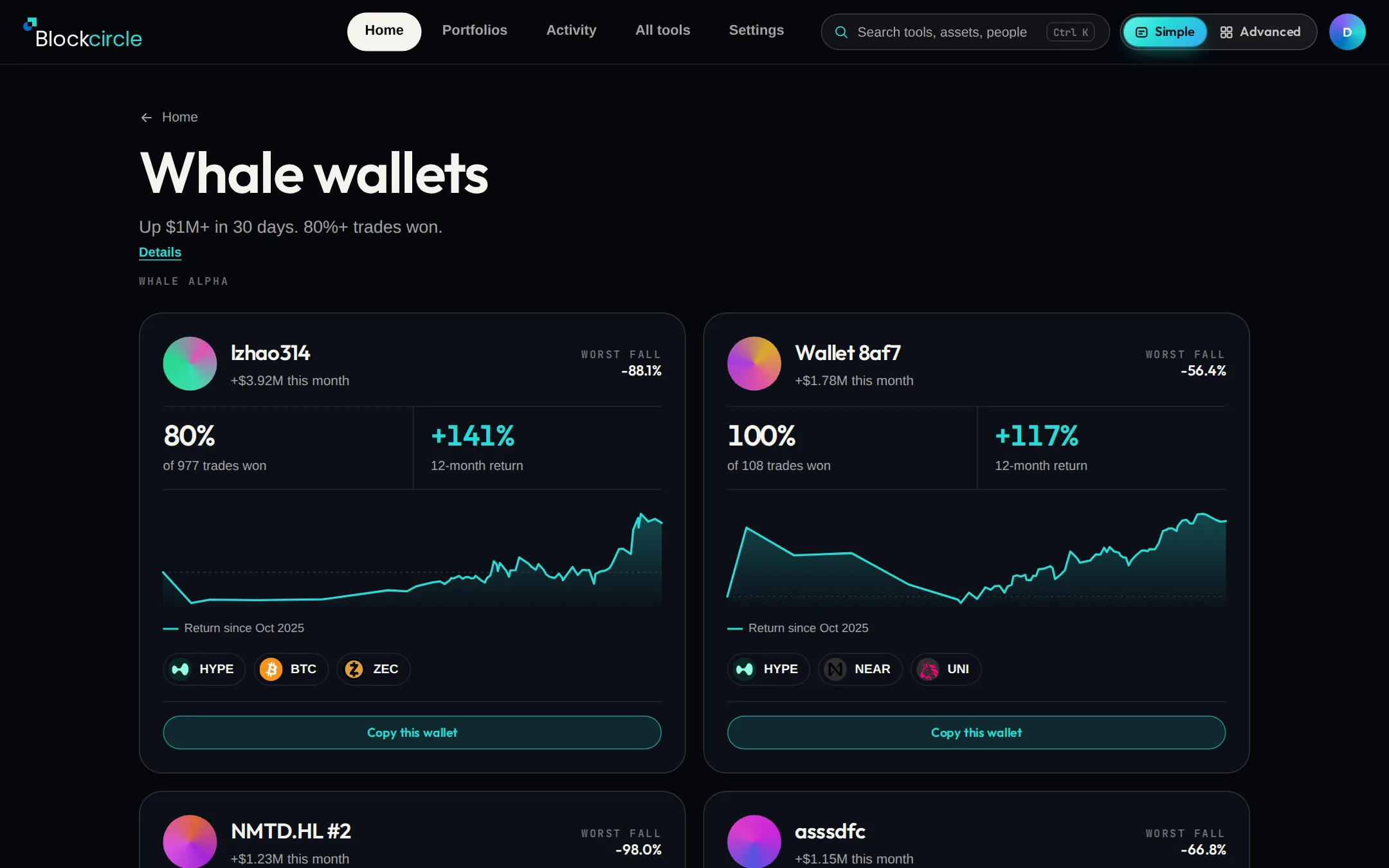
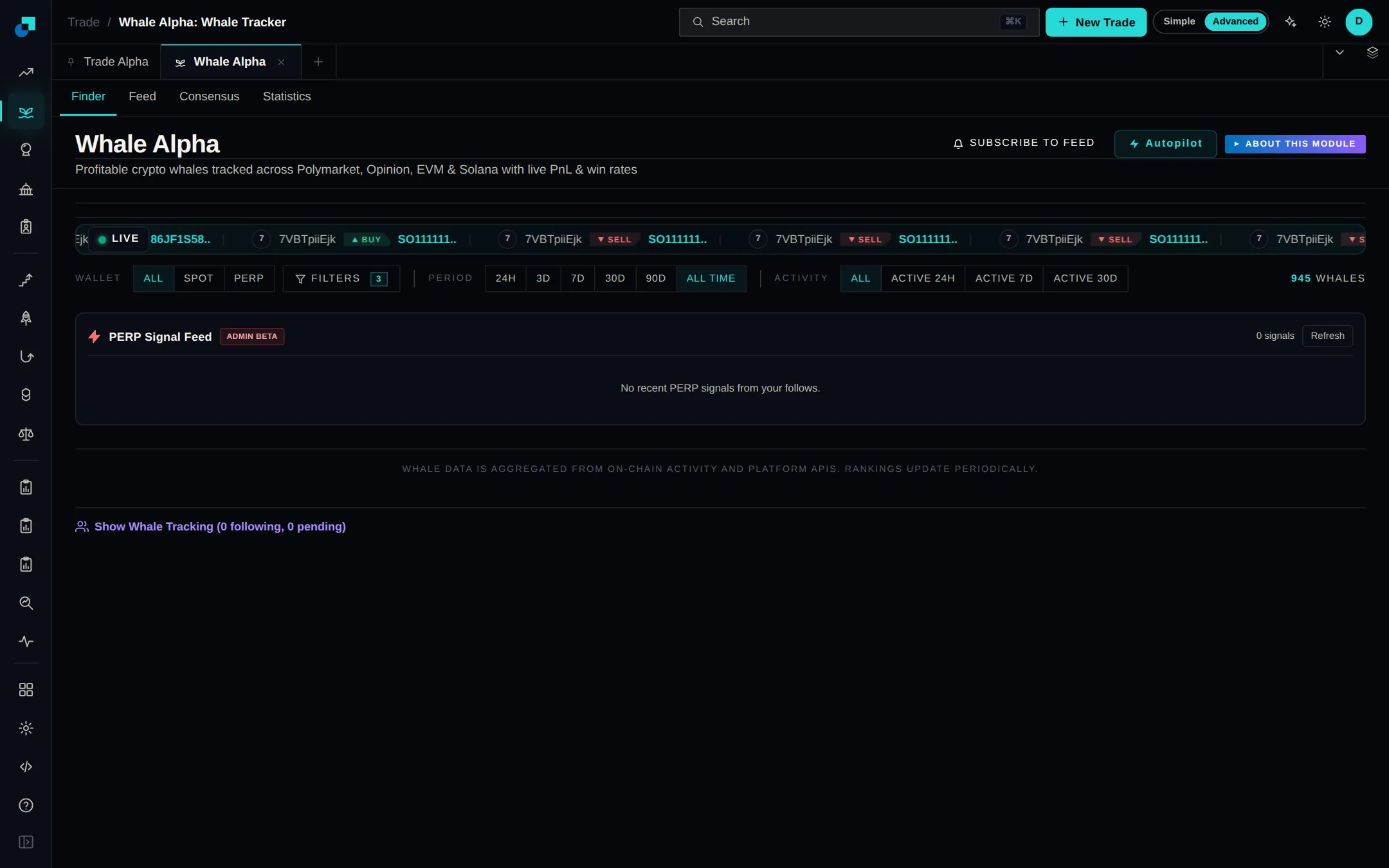
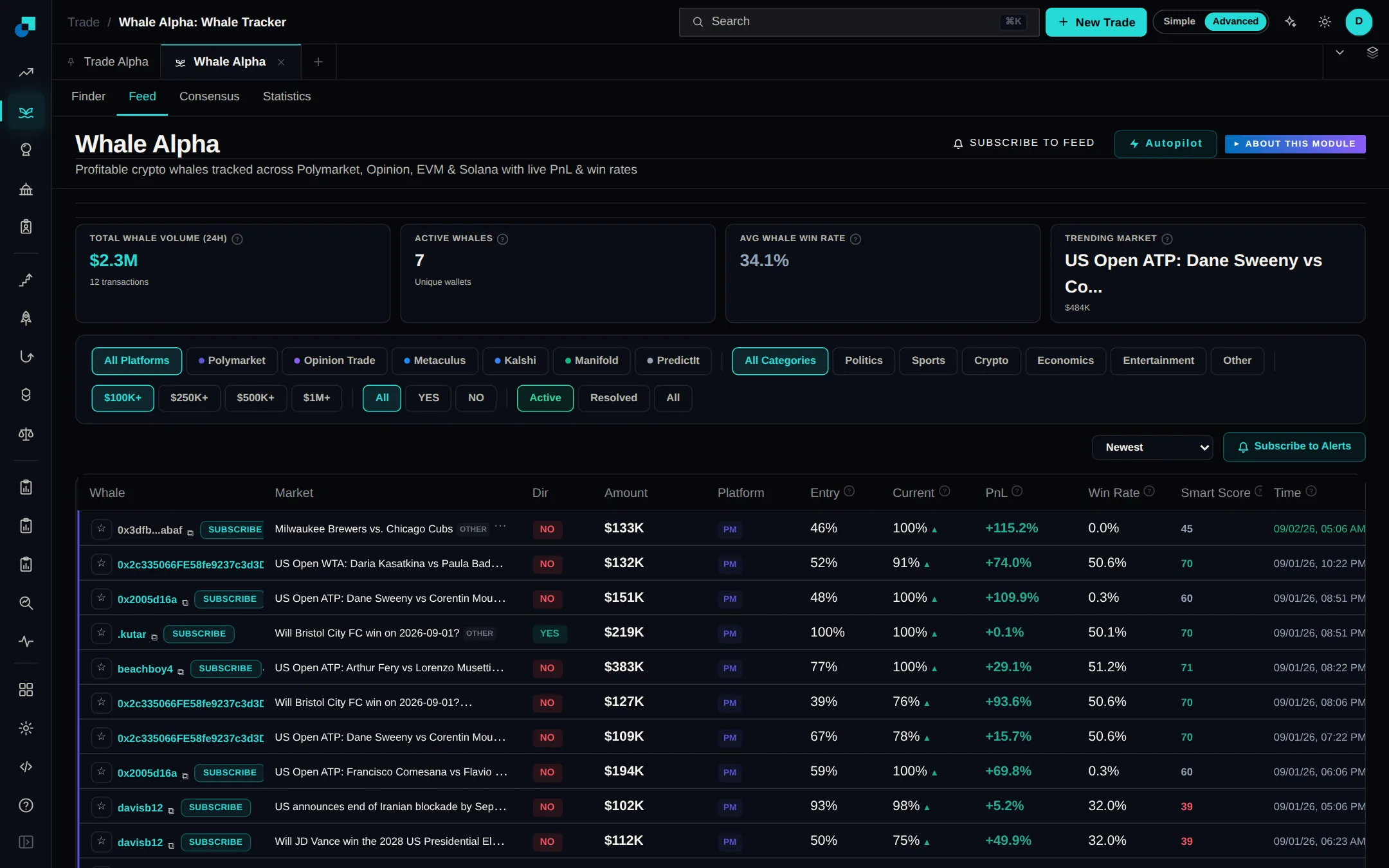
Whale Alpha now has Copy this wallet. Pick an amount per trade. When that wallet opens a trade, the same trade opens for you, and when it closes, yours closes. It starts with practice money.
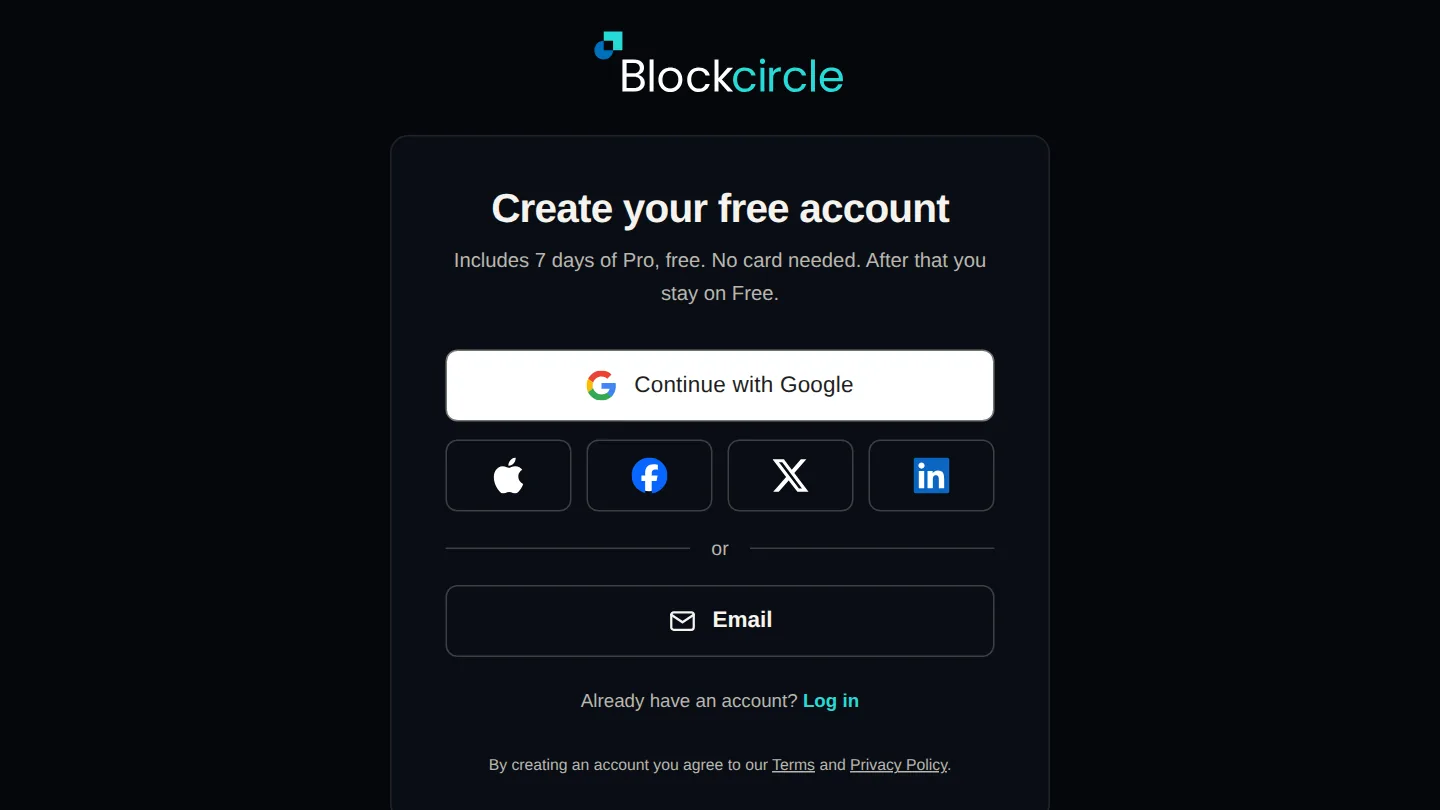
You can now create a Blockcircle account or log in with Google, Apple, Facebook, X or LinkedIn. There is no new password to remember. Signing in with your email still works.
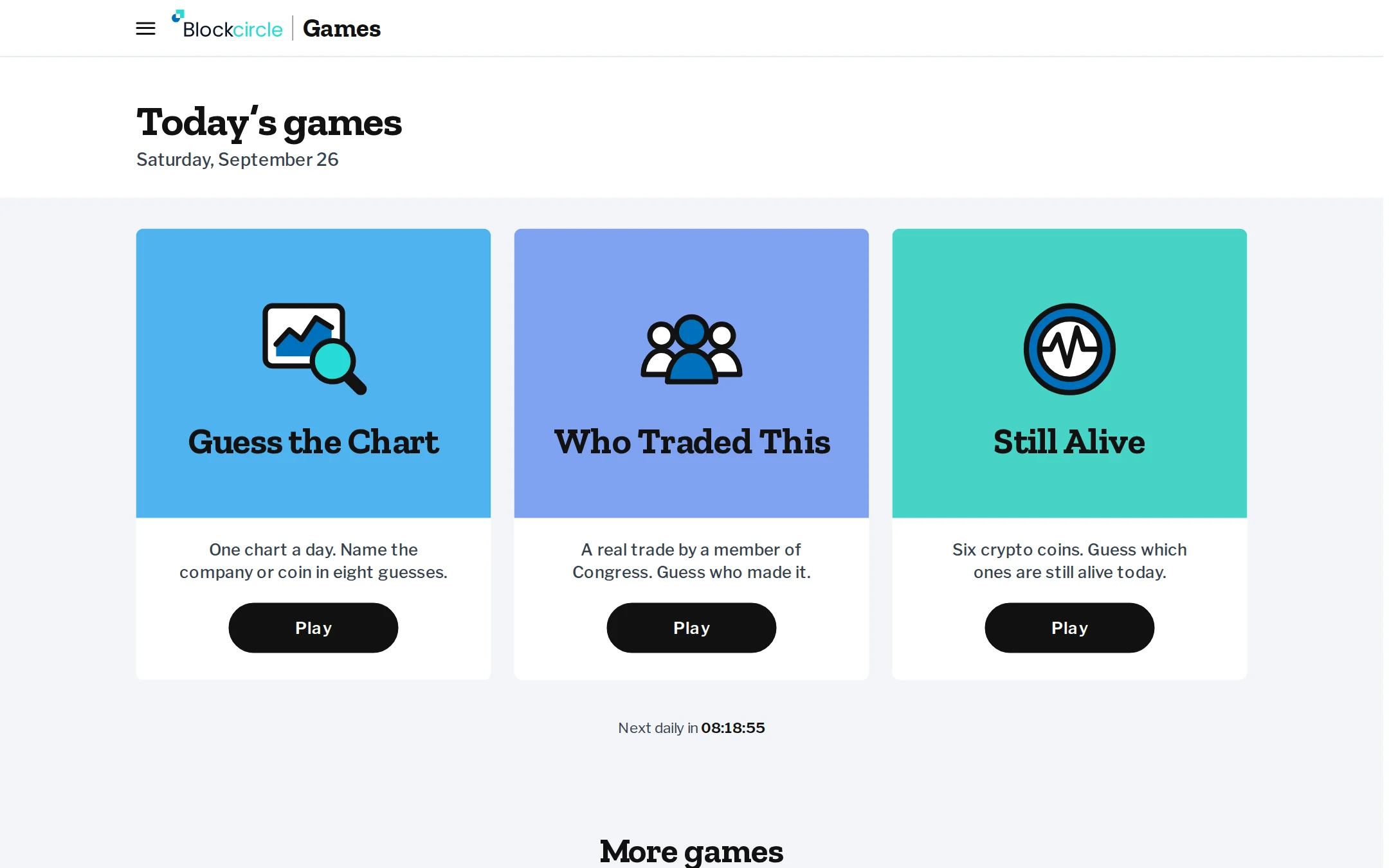
19 free games built on real market data, and anyone can play, signed in or not. Name a stock or coin from its chart in Guess the Chart, work out which member of Congress made a trade in Who Traded This, or pick which crypto launches are still alive. A round takes a few minutes, and at the end you get a score card to copy into X, LinkedIn or your group chat.
Ask Blockcircle AI is now available on every plan, and to visitors who are not signed in. Click Blockcircle AI in the top bar, or the sparkle button on a table, to ask about what is on the page or have it sort and filter that table for you. Daily limits depend on your plan.
Pro and Quant subscribers can now use the Options desk. Browse option chains with the greeks, build a strategy and see its payoff chart, preview its cost and risk, and send the order to a connected broker account that supports options. Type Options into the search box at the top of the page to open it.
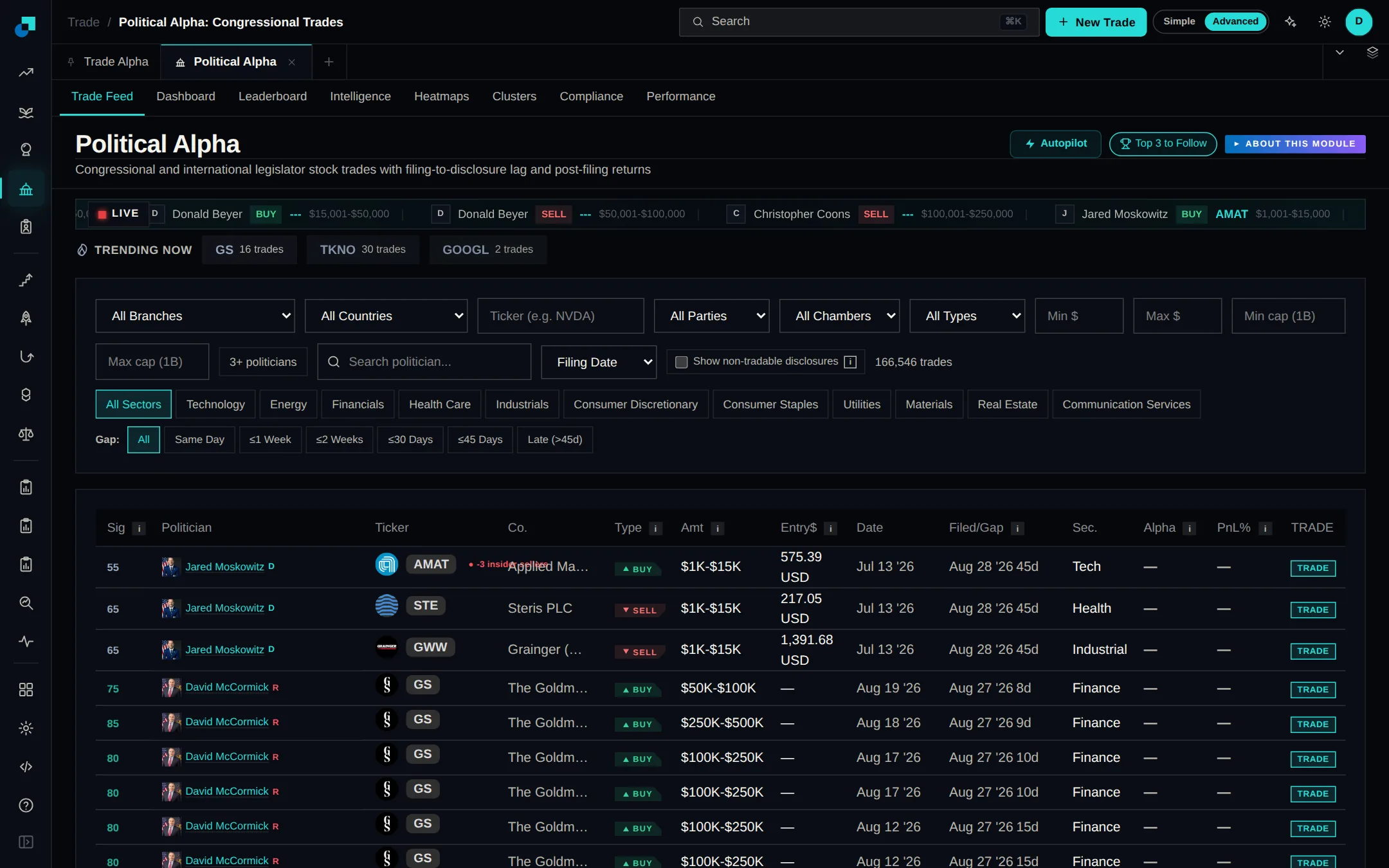
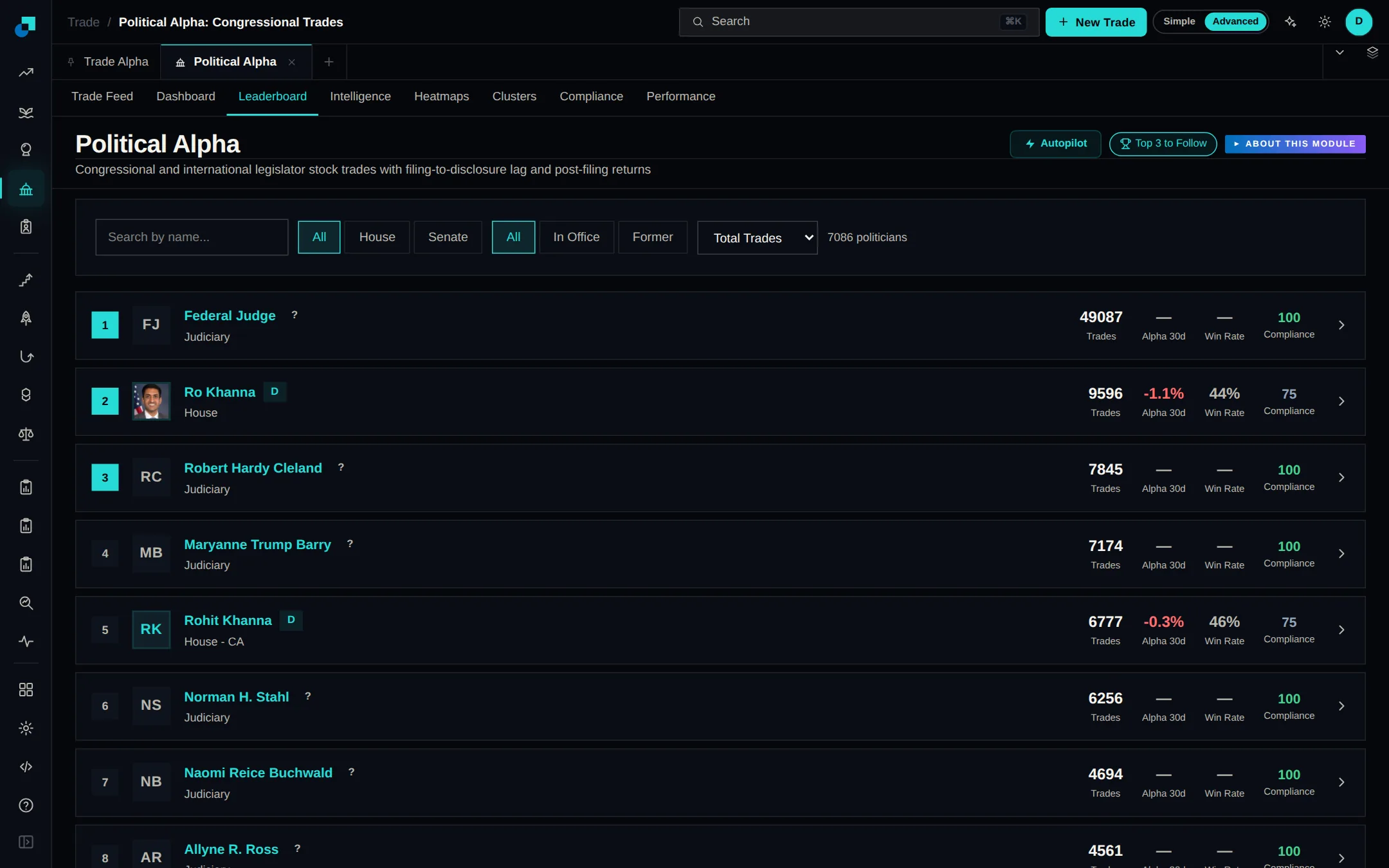
Political Alpha V2 takes House trades directly from the official disclosure files published by the Clerk of the House, and checks for new reports every 30 minutes. More than 3,200 trades from 95 members filed in 2026 are in, most with ticker and party filled in. Use the Branch filter above the feed to switch between Congress, Executive, Judicial, Federal Reserve and International filings.
Political Alpha now includes the 16 periodic transaction reports President Trump has filed with the Office of Government Ethics: 8,768 transactions dated January 2025 to June 2026. Choose Executive (Cabinet/Agency) in the Branch filter to see them next to Senate-confirmed officials at federal departments and agencies. About 4,000 stock trades show by default. Turn on Show non-tradable disclosures to include bonds and holdings without a ticker.
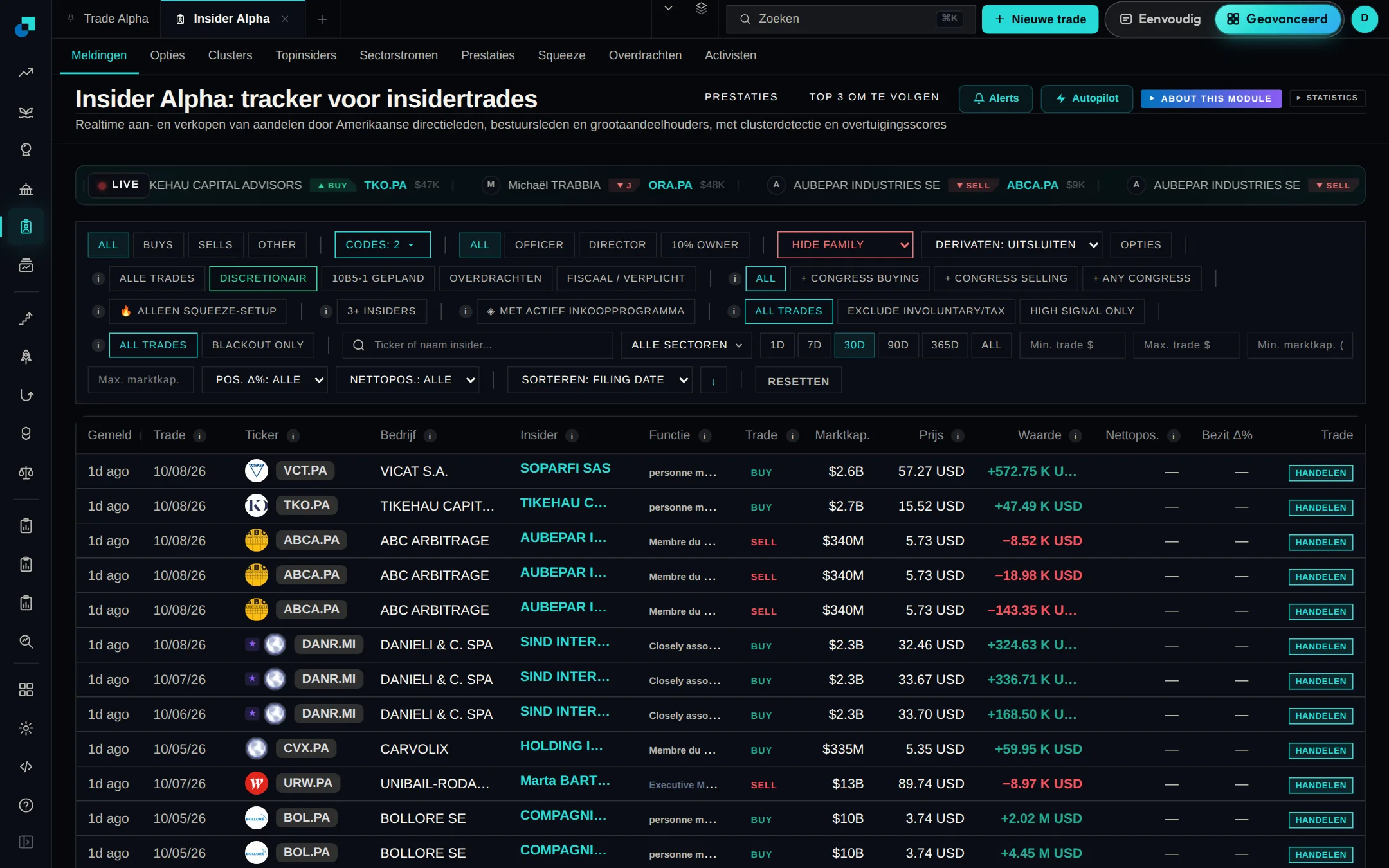
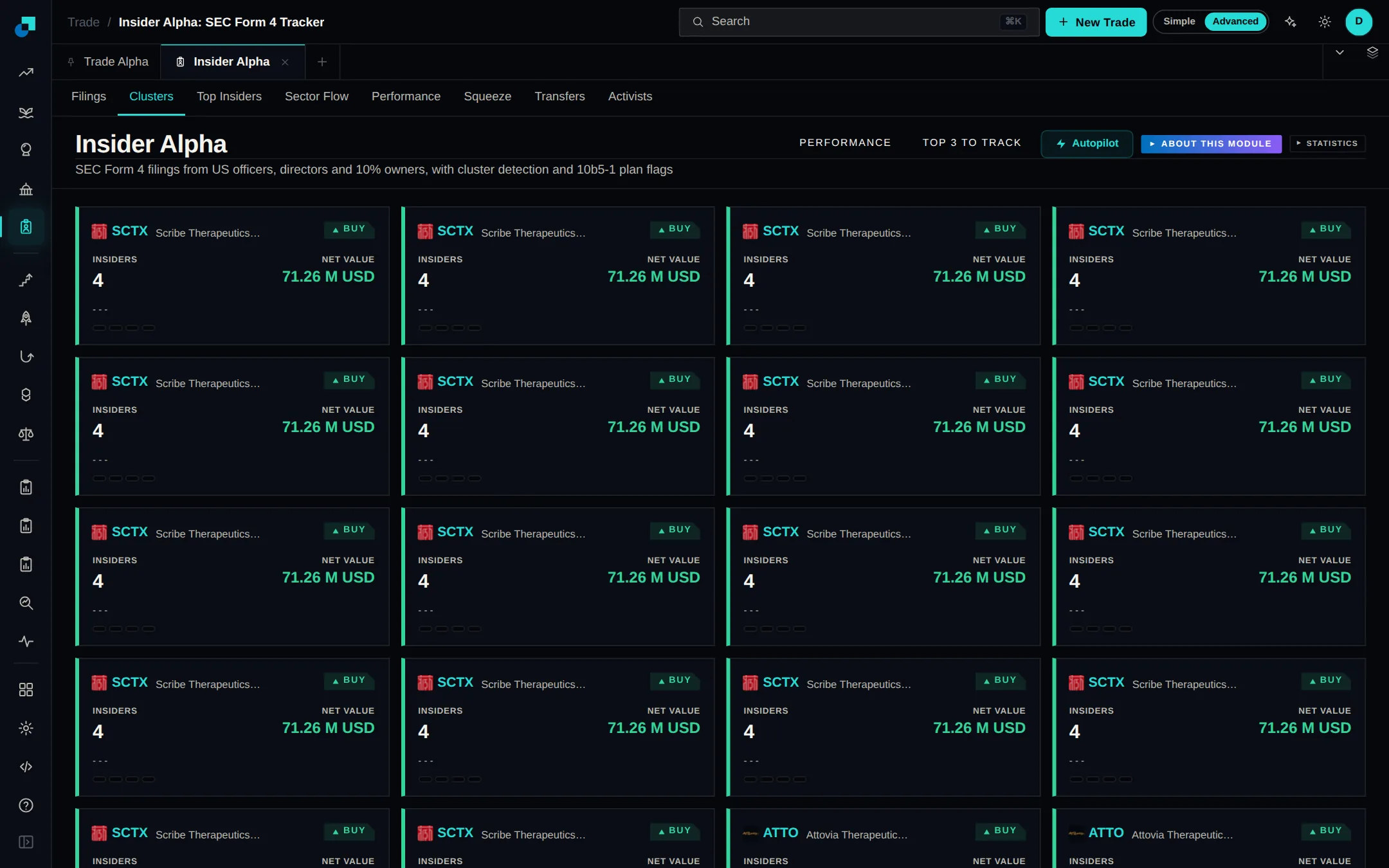
Insider Alpha V2 opens on discretionary open-market buys and sells from the last 30 days, with pre-planned 10b5-1 trades, tax-related and gift transfers, and family filings left out, and no size limits applied. The 3+ insiders filter now finds selling clusters as well as buying ones. When your filters return nothing, the page names the filter that emptied the list so you can remove it.
Political Alpha and Insider Alpha each have a new Options tab. Call and put trades that used to look like ordinary stock buys and sells are listed as contracts, with strike, expiry, days left, contracts, where the stock stood against the strike then and now, and an estimated return. The Copy button on a contract opens it in the Universal Trading Engine, where you review it before any order is sent.
Hyperliquid sub-accounts now appear under Connected Accounts and in the trade ticket, and the API wallet you already connected can trade them. Send an order to the master account, to one sub-account or to several at once, each with its own size and leverage. On Binance, Bybit, OKX, KuCoin and other centralized exchanges, connect each sub-account with its own API key and it works like any other account.
The trade ticket now shows one chip for each account an order can go to, Hyperliquid sub-accounts included. Click a chip to trade on that account only, or Ctrl-click (Cmd-click on a Mac) to add or remove it. A highlighted chip is always an account the order will be sent to.
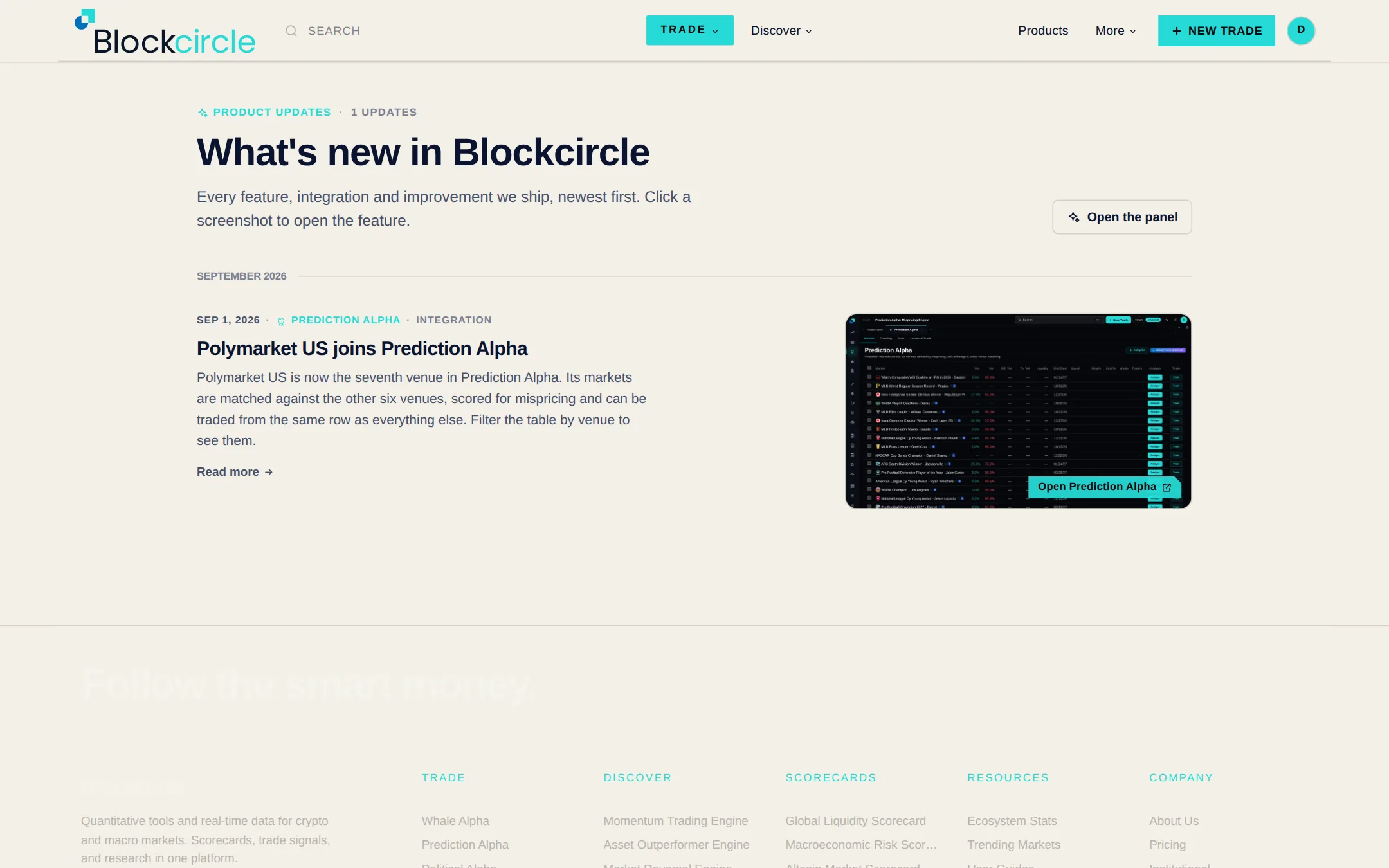
The Blockcircle logo at the top of the left menu now opens a menu with What's new in it. A red number on the logo shows how many updates you have not seen yet, and the same number appears next to What's new in your account menu. It clears as soon as you open the panel.
Many Hyperliquid perps, including most of its stock perps, only accept isolated margin, and orders on them used to be rejected. Blockcircle now reads each market's margin rules and leverage cap, places the order in the margin mode the market allows, and keeps leverage within that market's maximum.
For Hyperliquid accounts in unified mode, Blockcircle now reports the same account value Hyperliquid shows, instead of adding position margin on top of the USDC that already backs it. Portfolio now uses the same total as Connected Accounts, so the two pages agree.
Open trades in My Trades can now carry exit rules: choose the conditions and Blockcircle closes that trade when they are met. Rules can be paused, edited, checked without closing anything, applied to several trades at once, or set on the order ticket before the trade opens.
Click the Blockcircle logo at the top of the left menu, or open your account menu at the top right, to see everything that has shipped, newest first. Each item has a screenshot and a link straight to the feature. A red number on the logo shows how many updates have landed since you last looked, and the full list is at /whats-new.
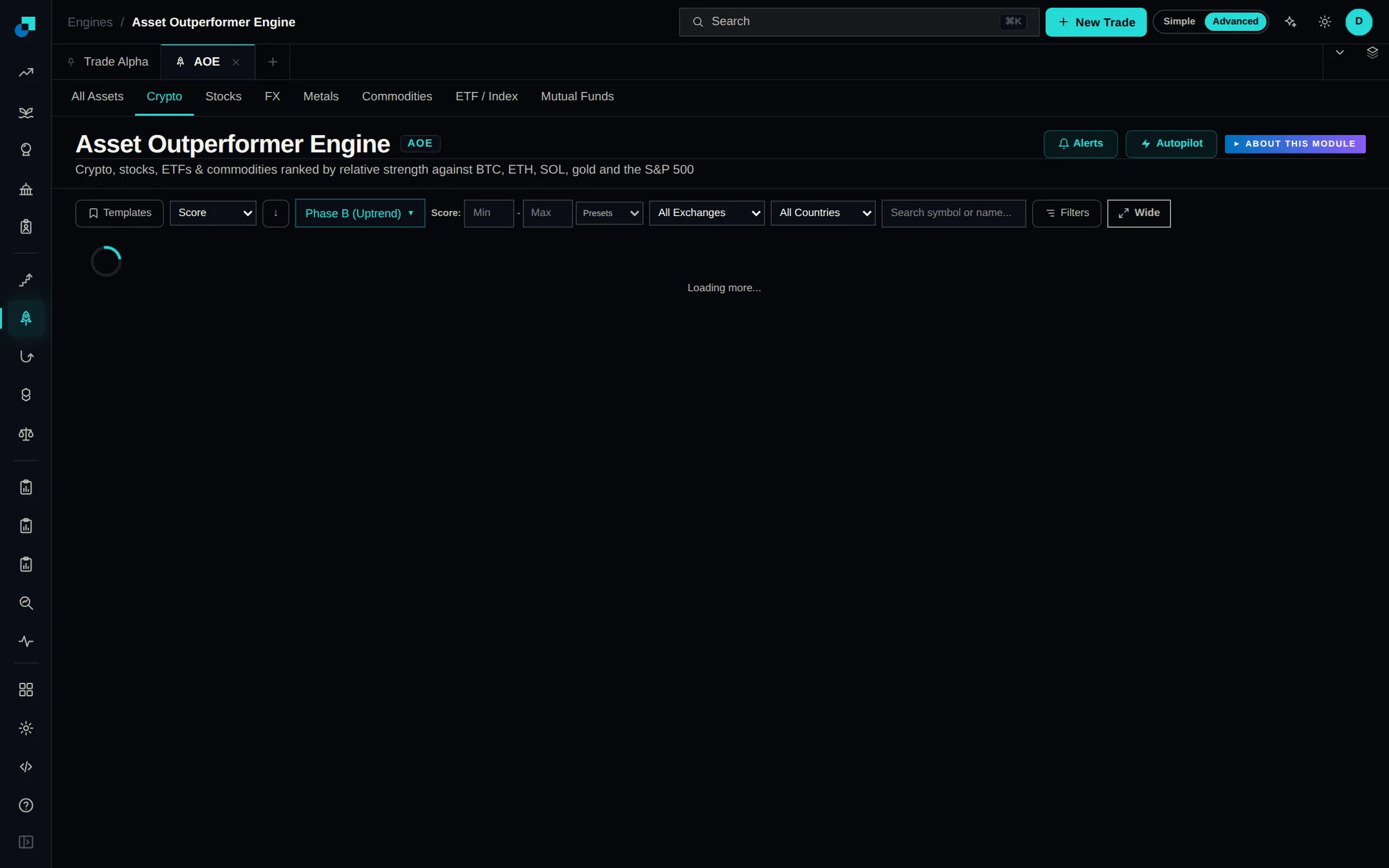
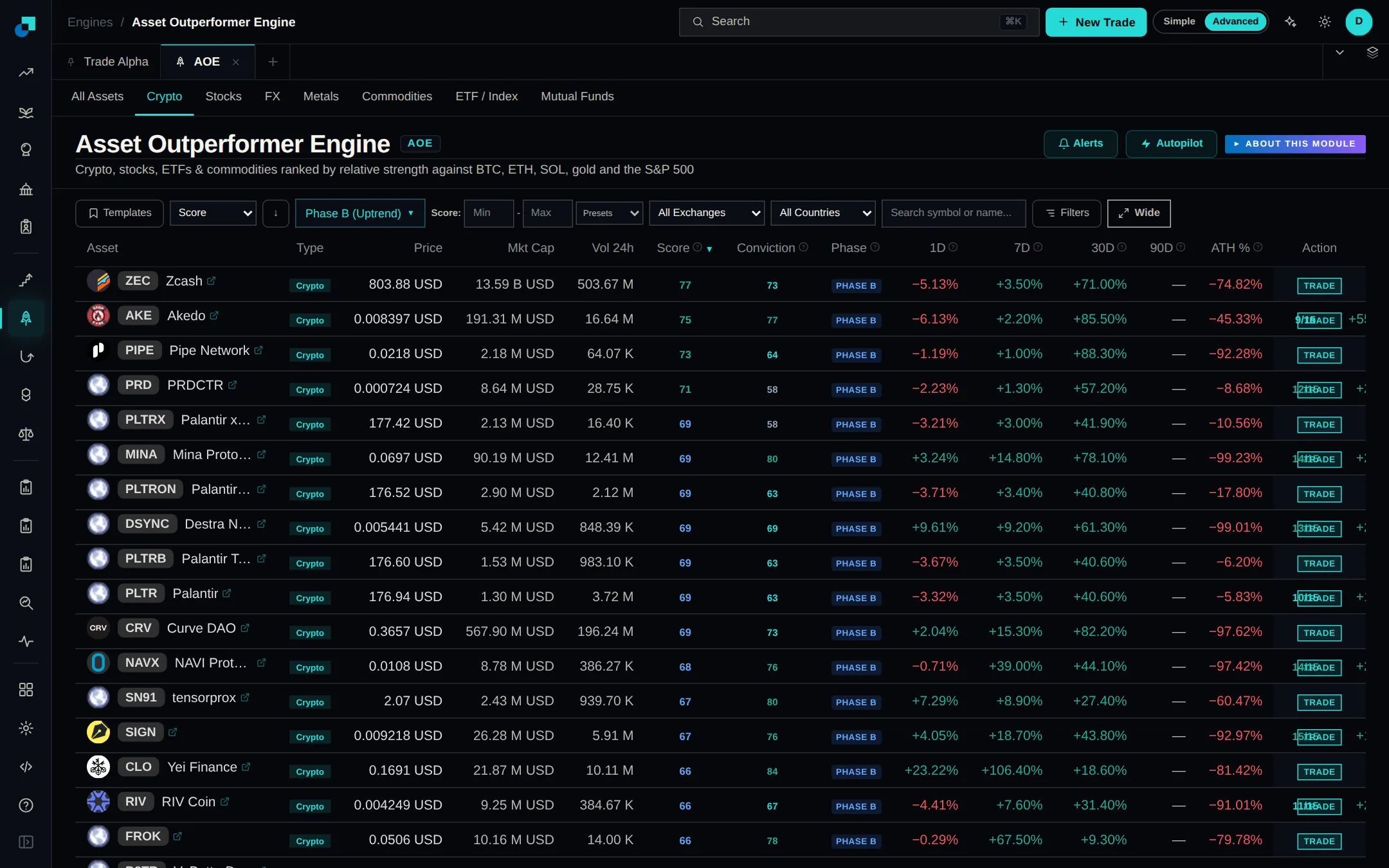
Some crypto return figures in the Asset Outperformer Engine were filled in from other time periods instead of real prices. Those estimates are gone, so rankings, outperformance counts and conviction now come only from returns measured on real price history for every coin. See the crypto tab.
Hit Trade on a US stock in the Asset Outperformer Engine and the venue list now shows both ways to trade it: the brokers that carry the real share, and the on-chain markets that track it. On a tokenized share you get the brokers trading the real listing, and venues you have connected come first.
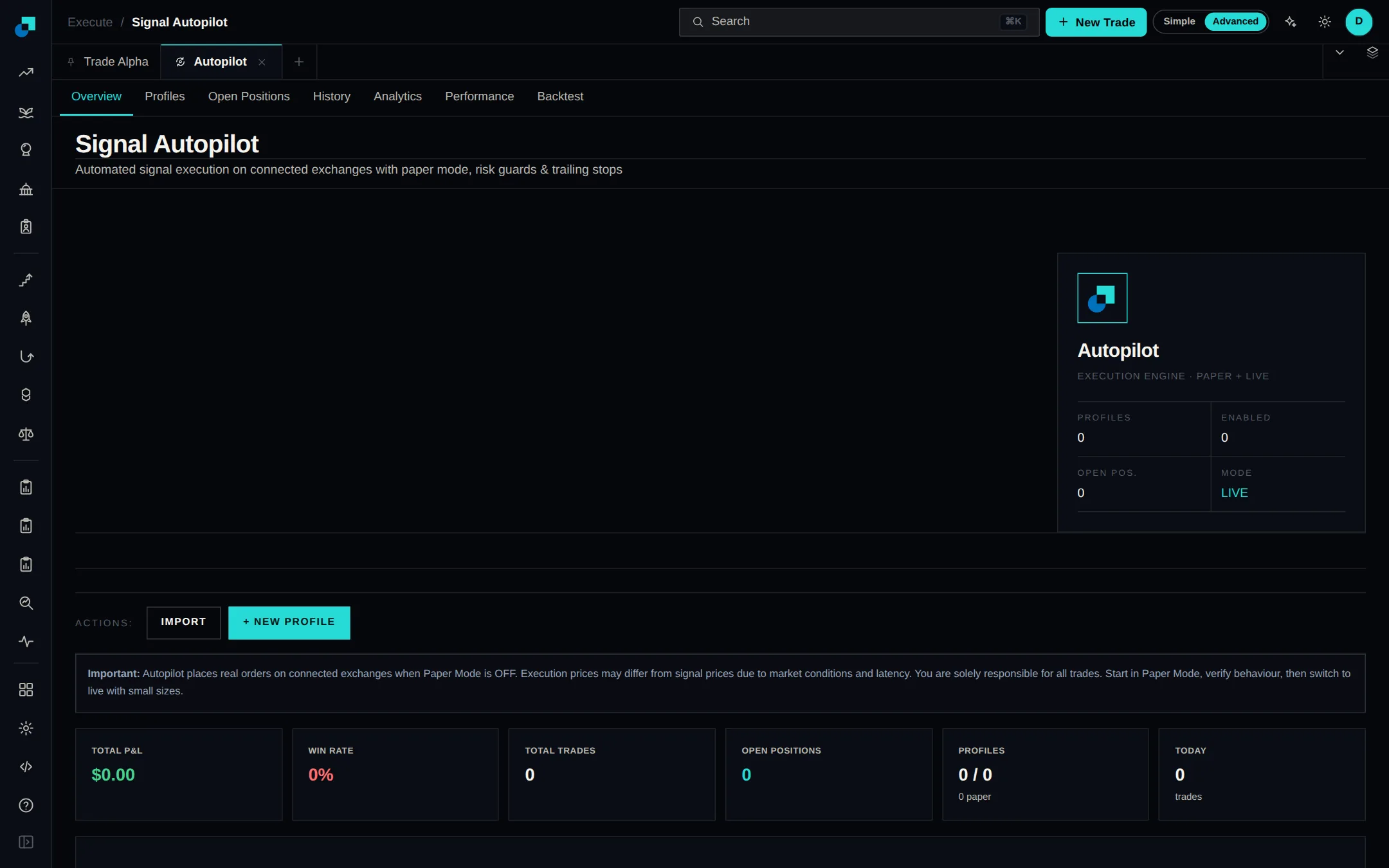
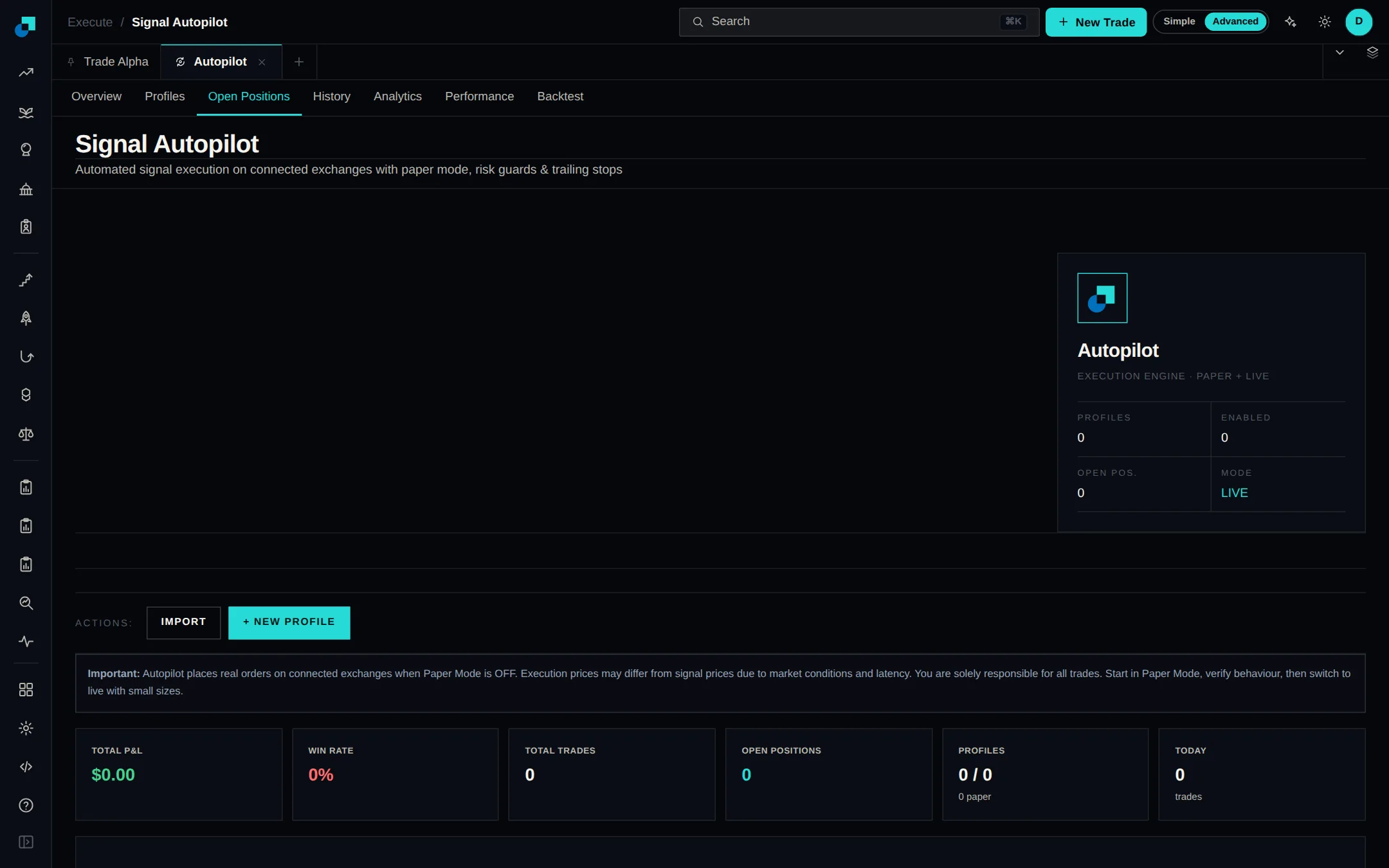
Your open Autopilot positions now appear in My Trades alongside your manual trades, and you can act on them there. Close 25, 50 or 100 percent of a position or a custom size, and set or clear a stop loss and take profit. Autopilot watches those levels and closes the position for you when one is hit.
Right-click a column header on the platform's data tables to sort, move, add, remove or reset columns, and drag a header edge to resize. Each table remembers your layout, and headers stay in view while you scroll. Module overviews now sit behind an "About this module" toggle, so the data starts higher up the page.
When Autopilot can't place a trade you wanted, you now get an email saying why: no venue connected for that asset, a missing wallet, a daily trade cap hit, or a cooldown still running, plus what to fix. Routine filter skips stay quiet, and the same reason won't email you twice within six hours.
Insider Alpha and Political Alpha now filter trades by dollar size and by company market cap, with a toggle that keeps only tickers three or more insiders or politicians traded within 14 days. You can type 2.5M or 1,000,000 in the amount boxes. Each page also has a Top 3 panel for following a name in one click.
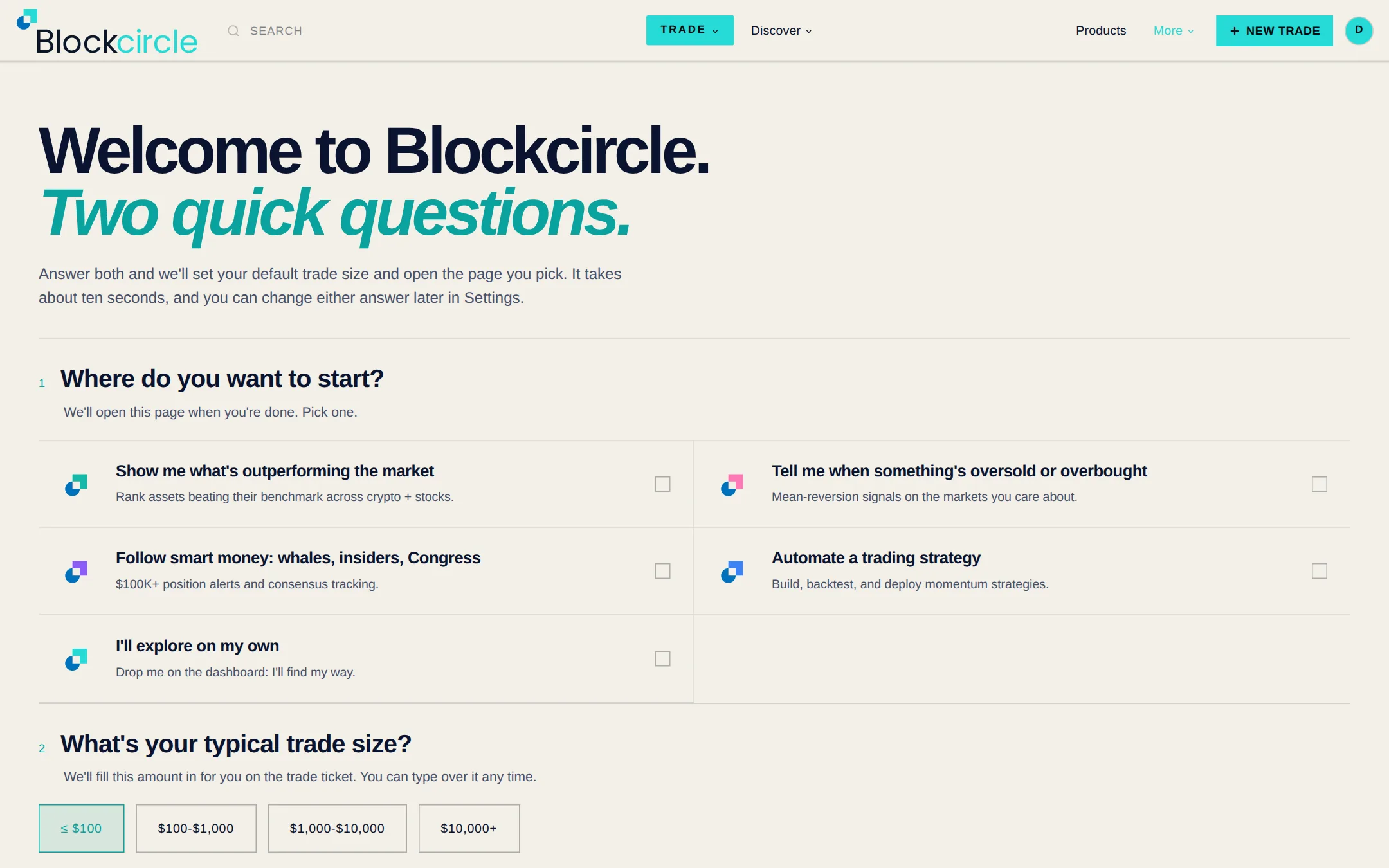
Signing up now takes an email and a password, nothing more. The first time you open the app, one question asks what you want to follow and takes you straight to the matching module. The welcome page asks the same question plus your usual trade size, which pre-fills the trade ticket.
Pages now open as tabs you can pin, drag to reorder, duplicate or close, and the left rail groups the main modules by section and can be dragged wider or narrower. Save a set of tabs as a named view and share it as a link that carries the pages only, never your data.
The Dark theme switch in your account menu at the top right, or in the Blockcircle logo menu, switches the whole app between light and dark, and your choice sticks after a reload.
Hyperliquid is now connected as a perpetuals venue. You can trade it by hand or let Autopilot open and close positions for you, and it connects through a separate trading wallet so your main wallet key is never used. Positions opened there show up in your portfolio and in Open Positions.
Pro and Quant subscribers, including anyone on a Pro trial, can connect a broker or exchange and let Blockcircle place trades, with no beta request or waiting list. Autopilot, the Trading Terminal and whale copy trading open straight from either plan. Live trading is not part of the Free or Plus plans. Add an account under Brokers to start.
Bitcoin is now one of the chains you can swap from. Connect a BTC wallet - Xverse, Leather, Unisat or OKX - in the swap window, sign there, and move native BTC out to Ethereum, Solana or another supported chain. Open the swap window from the trading panel on any crypto asset.
Five perpetual DEXs — dYdX, Lighter, edgeX, Aster and GRVT — can now be connected and traded from Blockcircle. Each connect form spells out which trade-only key to create and which permissions to leave switched off, and Blockcircle never accepts a main wallet key or seed phrase. Find them on the Crypto Exchanges tab.
A connected Hyperliquid account now shows its Perps and Spot balances separately, and you can move USDC between them from the account card under Connected Accounts. Do it once, or set a rule that queues a transfer when your conditions are met — your wallet signs each one, and pending ones can be cancelled.
Gold, silver, Brent oil and a set of large US stocks can now be traded as perpetuals on Hyperliquid, from the same order ticket as everything else. Search the symbol in the Terminal, or set Hyperliquid as the venue for those assets in an Autopilot profile so your signals trade them there.
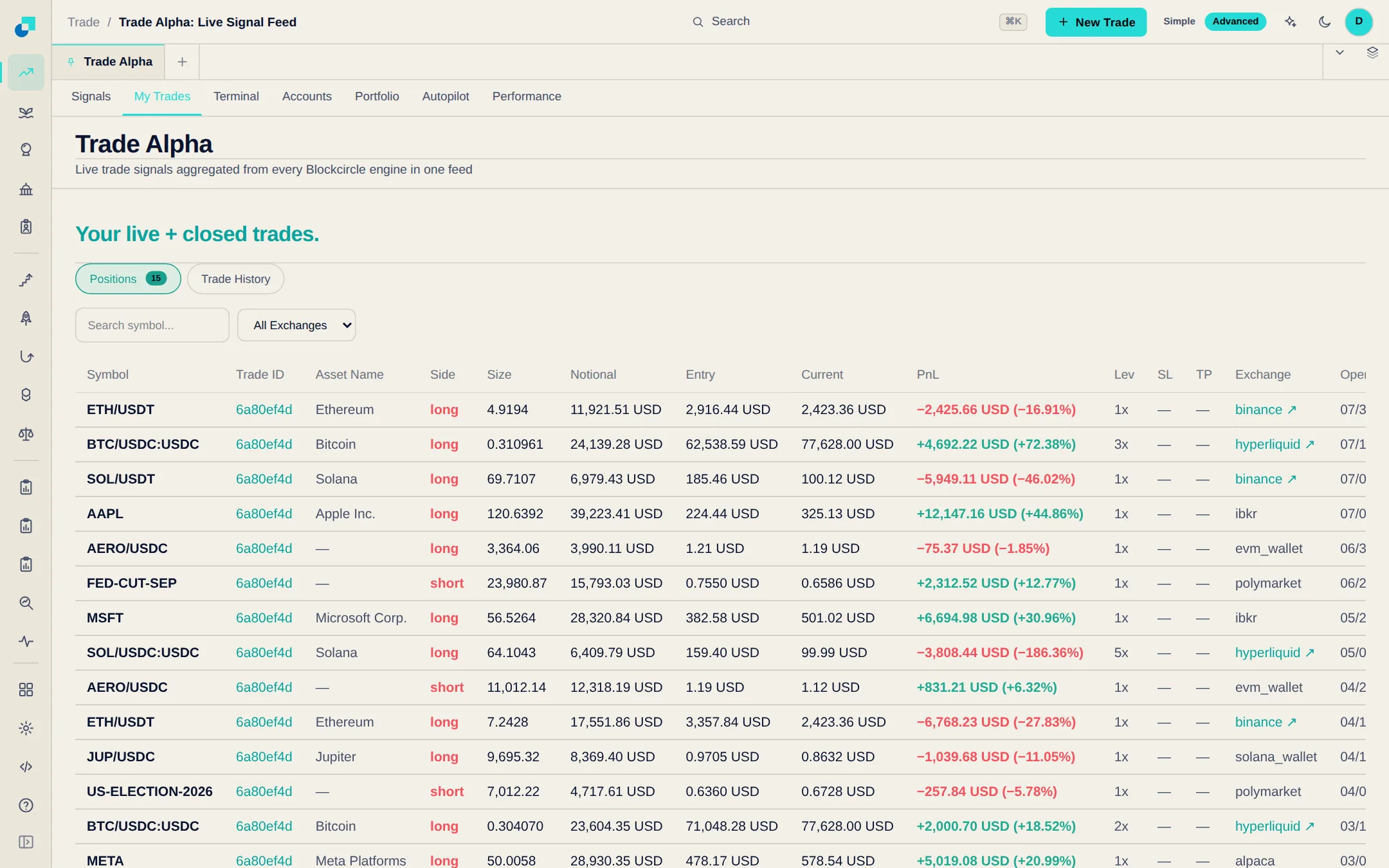
Every closed trade now shows how far it ran in profit and how far it dipped against you while the position was open. Both are sortable columns on the Trade Alpha feed and the engine trade tables, so you can spot trades that gave back most of what they made.
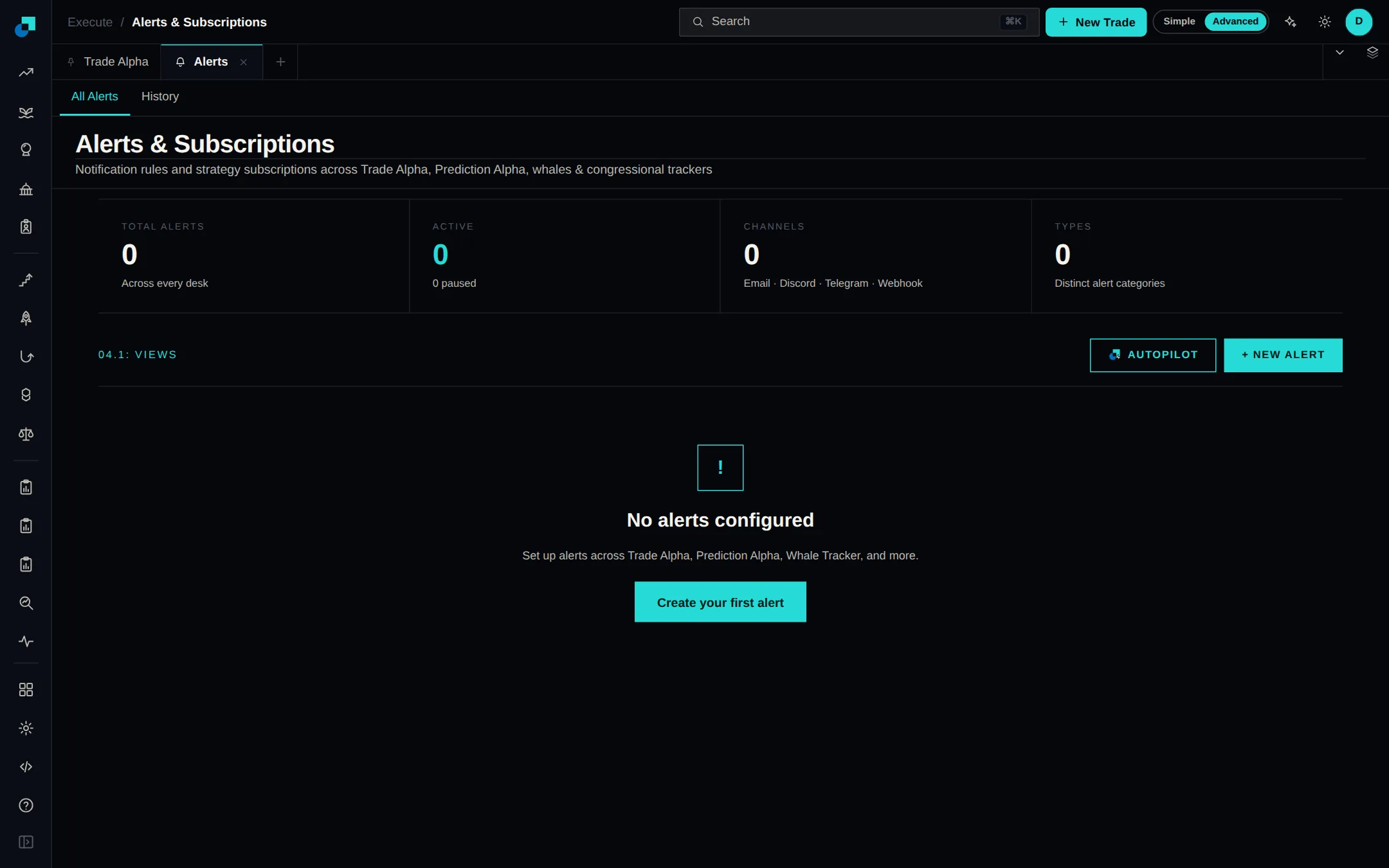
Each strategy you follow can now send its alerts where you want: email, Discord or Telegram, and only for the moments you choose - a new signal, a trailed stop, a closed position. Edit any subscription from its own row on the Alerts page, without unsubscribing first.
Create an API key in Settings and pull Blockcircle's data into your own scripts, spreadsheets and dashboards. Eight feeds are available, and the reference page lists every endpoint with a worked example.
Political Alpha covered congressional filings only. It now also shows disclosed trades from the executive branch, federal judges and the Supreme Court, and Federal Reserve officials. A Branch selector above the trades table narrows the feed to Legislative, Executive, Judicial, Federal Reserve or International.
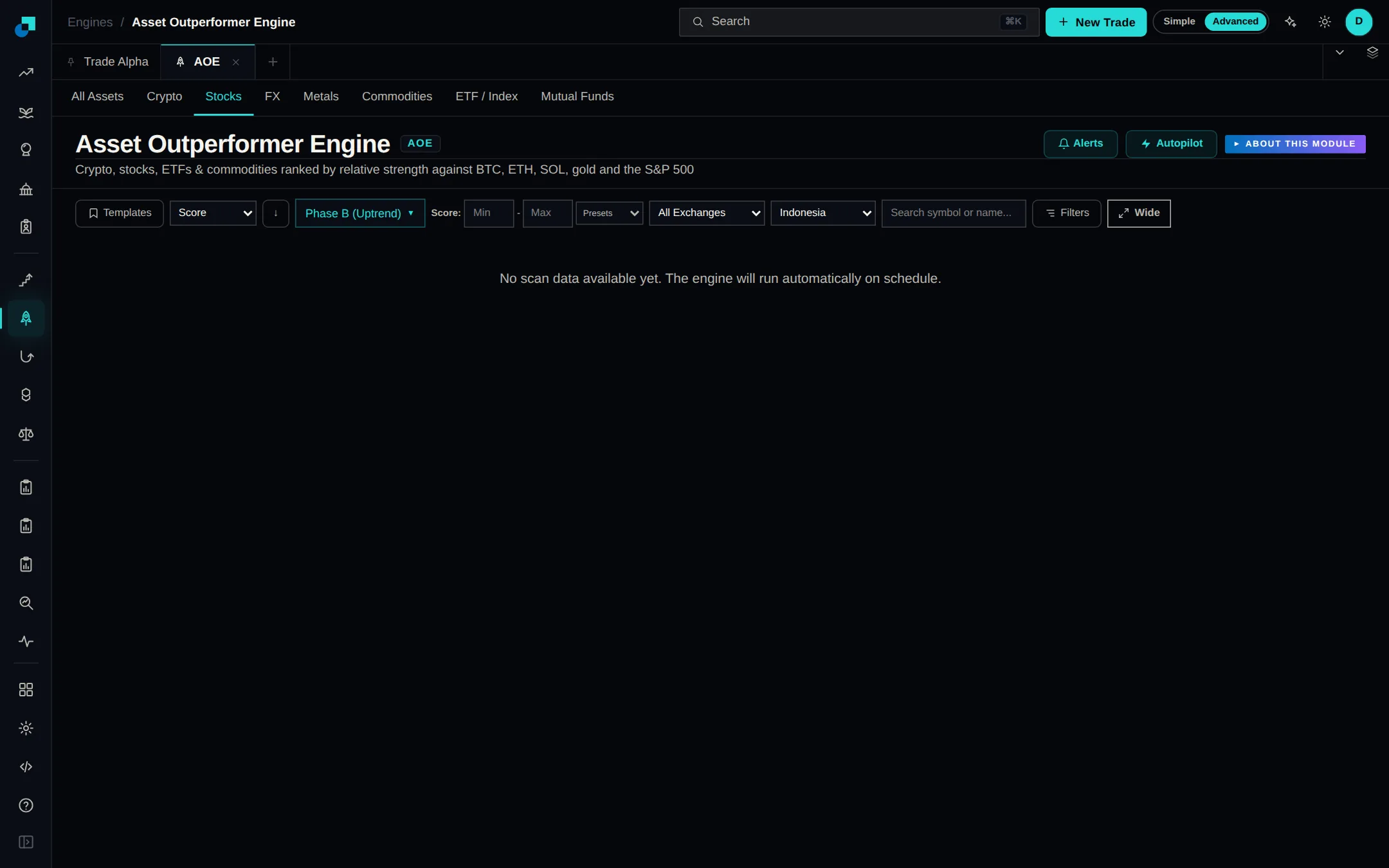
Indonesian coverage now spans the Jakarta exchange — more than 850 listed companies — instead of just the 45 blue chips in the LQ45 index, ranked in Asset Outperformer and scored in Company Valuation. Prices and market caps are shown in US dollars so Indonesian stocks compare directly with everything else.
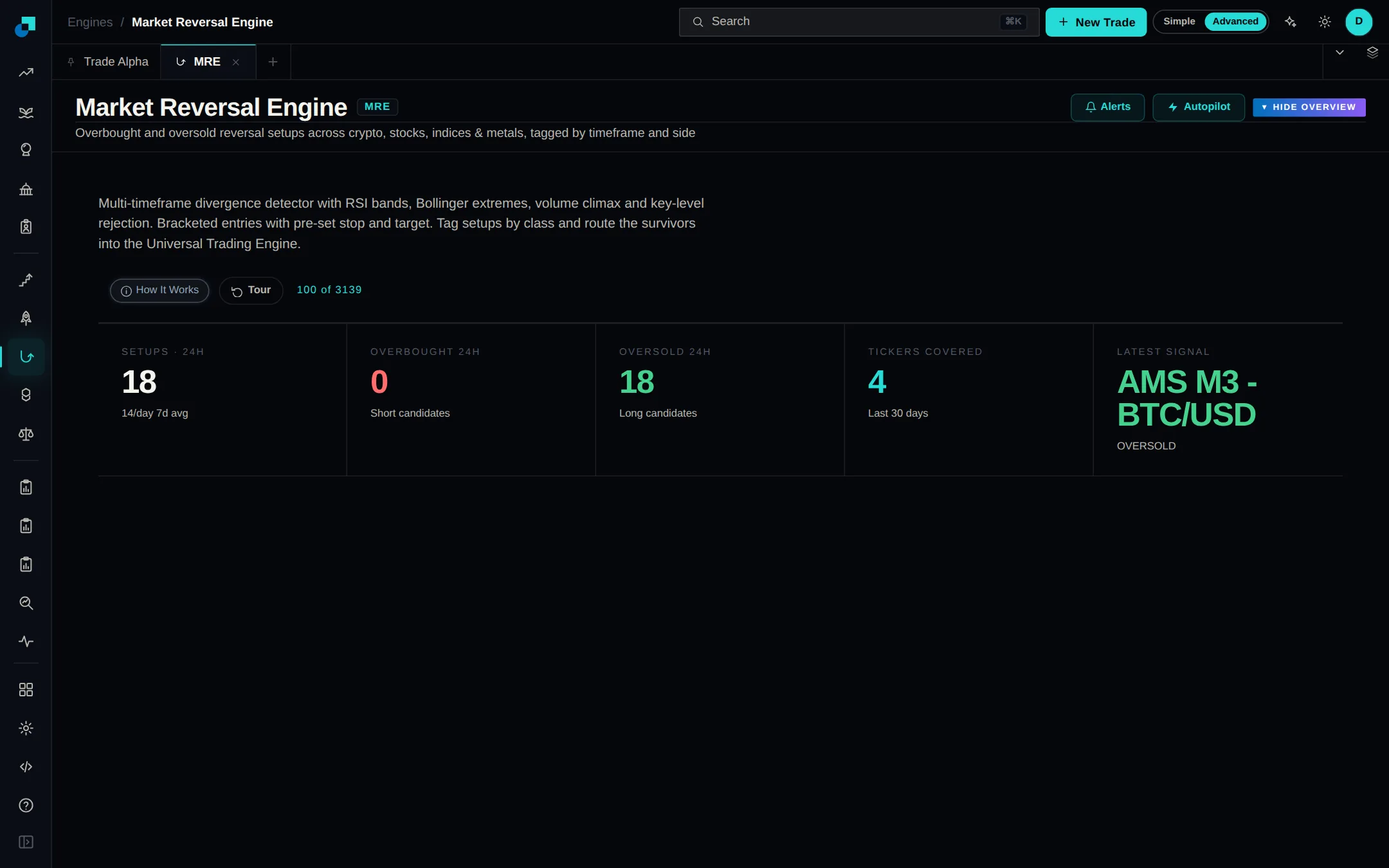
The Market Reversal Engine now reads Heikin-Ashi candles and only fires when every condition is true on the same bar. Oversold reversals it used to walk straight past now show up in the signal feed.
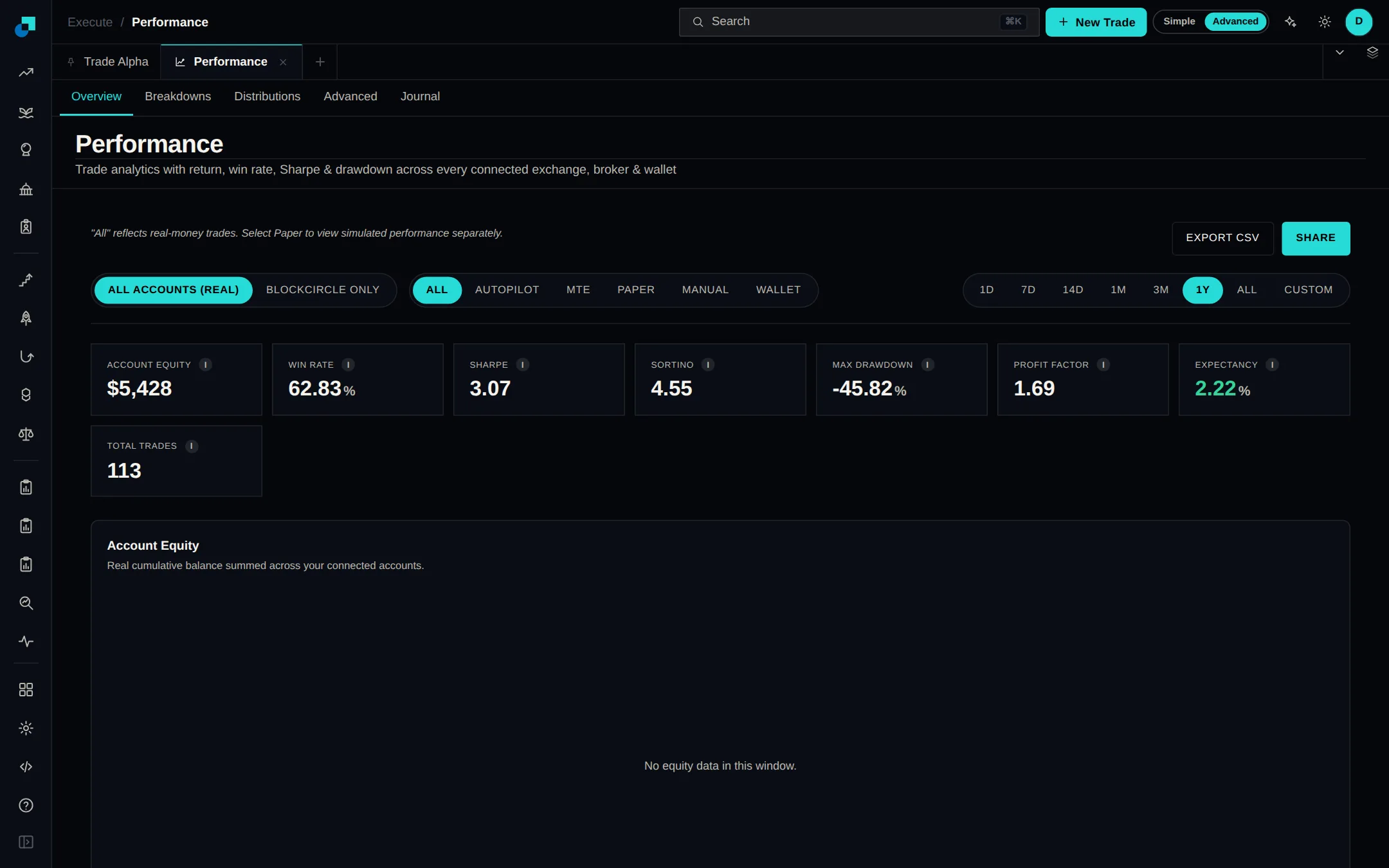
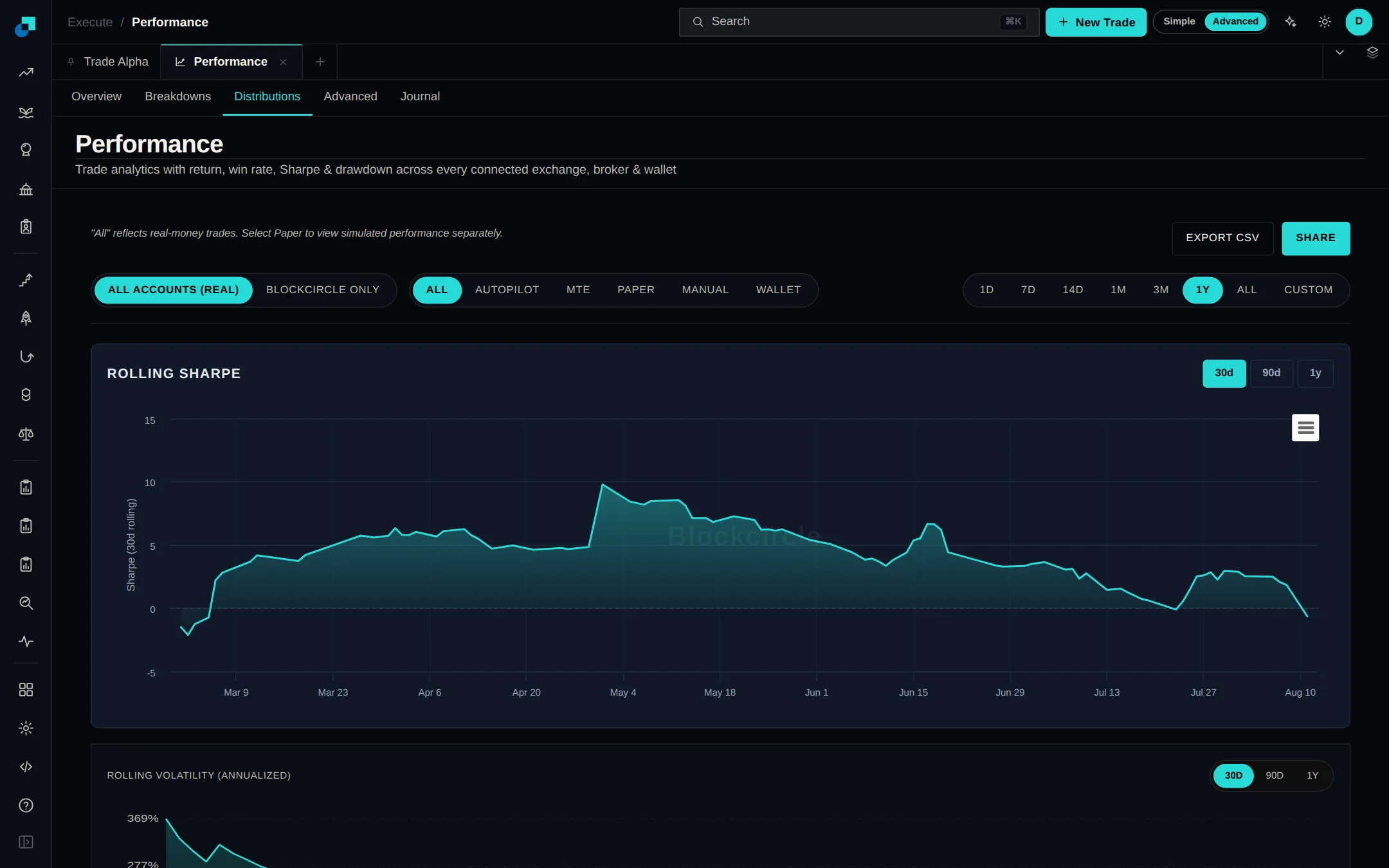
The Performance page now draws a single equity curve for your whole portfolio, combining every account you have connected, including several wallets on the same venue. Pick a range from one day to all-time or set your own dates, and use the new Journal tab to log trades you made outside Blockcircle.
Insider Alpha now measures each trade against everything the executive holds across the whole filing, so a small sale to cover taxes no longer looks like they sold almost their entire stake. Shares handed over for tax are marked as required and kept out of the view of voluntary trades.
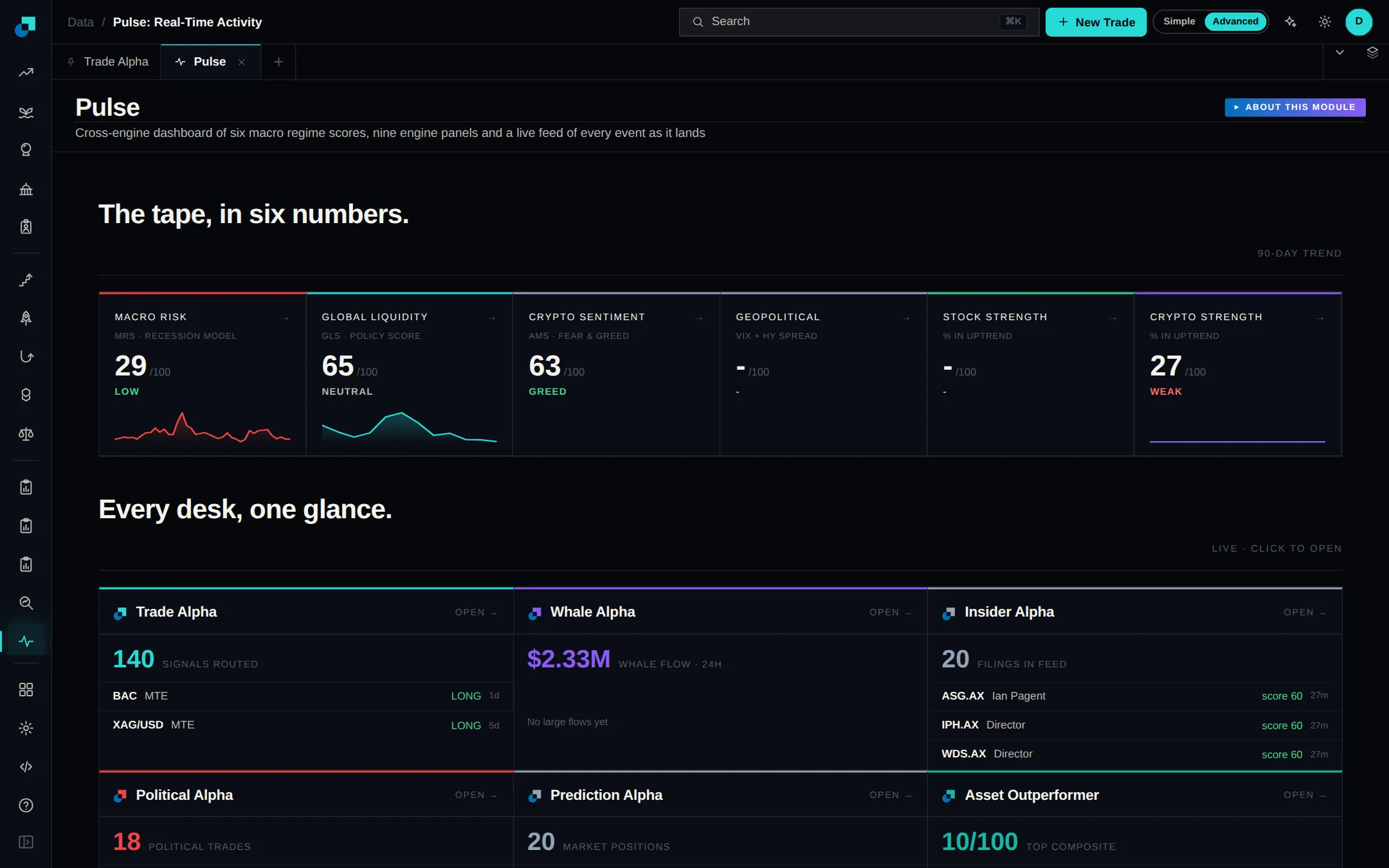
Pulse opens with market regime scores and 90-day trend lines, then a panel for each tool showing its headline number, its latest rows and a link straight into it. A combined activity feed of every event runs underneath, filterable by source.
Turn on Hide balances in your account menu and every dollar figure blurs at once: portfolio totals, position sizes and profit and loss. Tickers, prices and market data stay readable. The setting sticks between sessions, so you can share your screen without showing your account.
OSL's licensed Indonesian exchange can now be connected from the broker catalogue. The OSL card has an optional Passphrase field that Indonesian accounts need, and the setup steps now walk you through the Indonesian key flow rather than the Hong Kong one. Keys for these accounts used to be rejected on connect.
Advanced order types in the Terminal now sit in one section you can collapse, so the ticket stays simple until you need them. Distribute Over Time is a true TWAP: set a total duration and an interval, and it shows how many orders that splits into.
Autopilot can place its trades through the brokers you connect in the Broker Catalog, not just exchange API keys. Deploying a strategy now includes routing dropdowns for crypto and for stock signals, so you choose the exact connected account each side trades in. Paper mode is untouched.
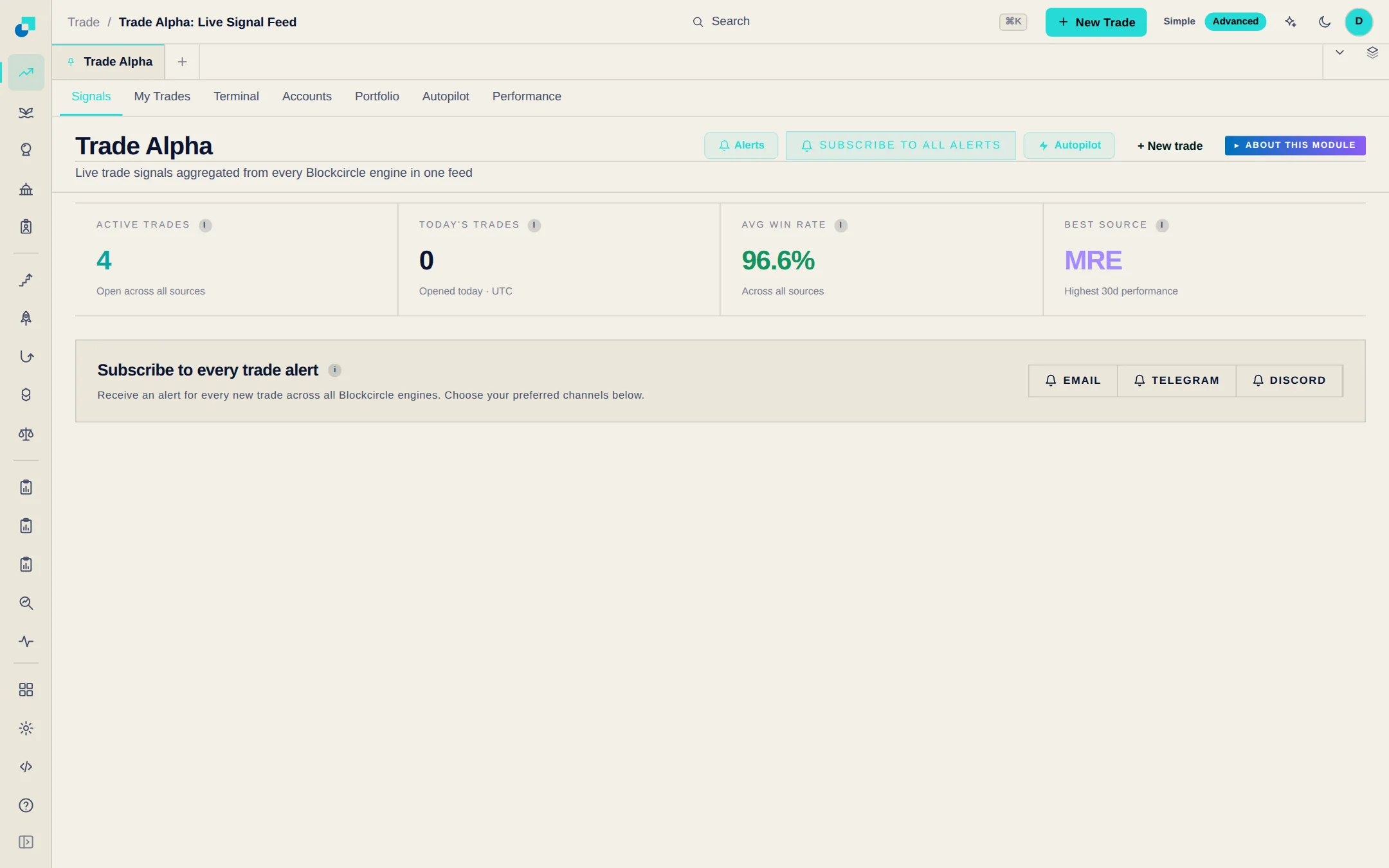
Trade Alpha collects every trade signal Blockcircle produces into one live feed. Each row shows the direction, entry, stop, target, how long the trade should run and whether it is still open, with a chart marking the entry and exit. Filter to open or closed, and place any trade from the table.
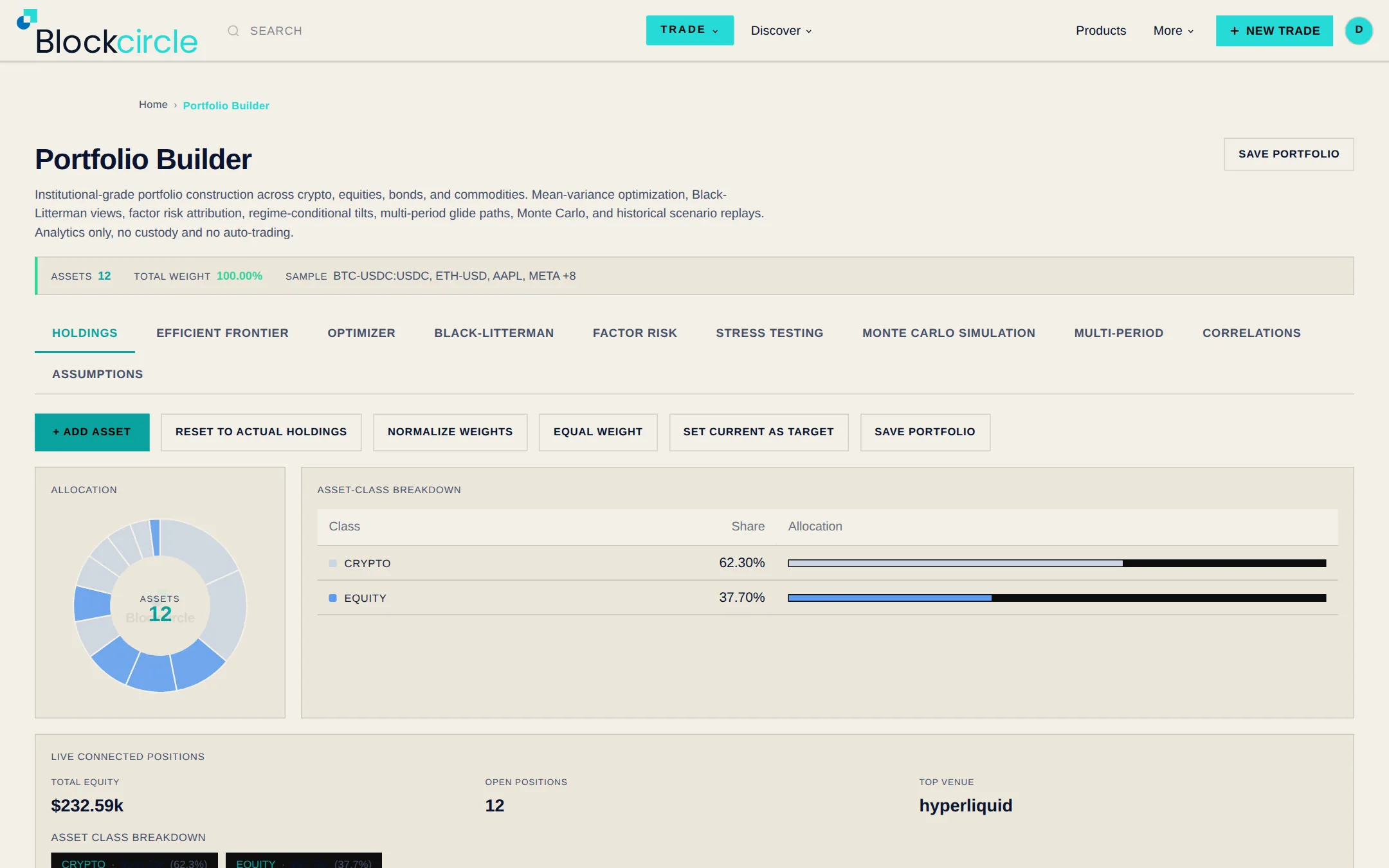
Portfolio Builder works on all your positions at once instead of one trade at a time. Load your holdings or pick assets from the list, then see the mix that gives the best return for the risk you are willing to take.
Each row in your holdings now has its own buttons: Buy and Sell for spot, Long, Short and Close for perpetuals. Clicking one opens the trade ticket already filled in with the symbol, direction and venue, and a close is pre-filled with your full position size.
Quant plan accounts can add webhook URLs in Settings, and Blockcircle sends events to them as they happen. Every request is signed so you can confirm it came from us. Failed deliveries retry on their own, and a deliveries table lets you inspect any attempt and send it again.
Performance takes the trades you've already closed and shows what worked. Slice results by symbol, venue or source, see how you did month by month and by how long you held, and compare your returns against a benchmark. Find it under Execute.
Settings now has a Billing tab. It shows your current plan and renewal date, lets you add, replace or remove a saved card, and opens the subscription portal so you can change or cancel your plan yourself. If a free trial lapsed before a card was on file, you can retry the upgrade from the same tab.
Each alert can now post to a Discord channel or a Telegram chat instead of only your inbox. Alerts route individually, so different trackers can land in different places. Pick the destination when you create or edit an alert.
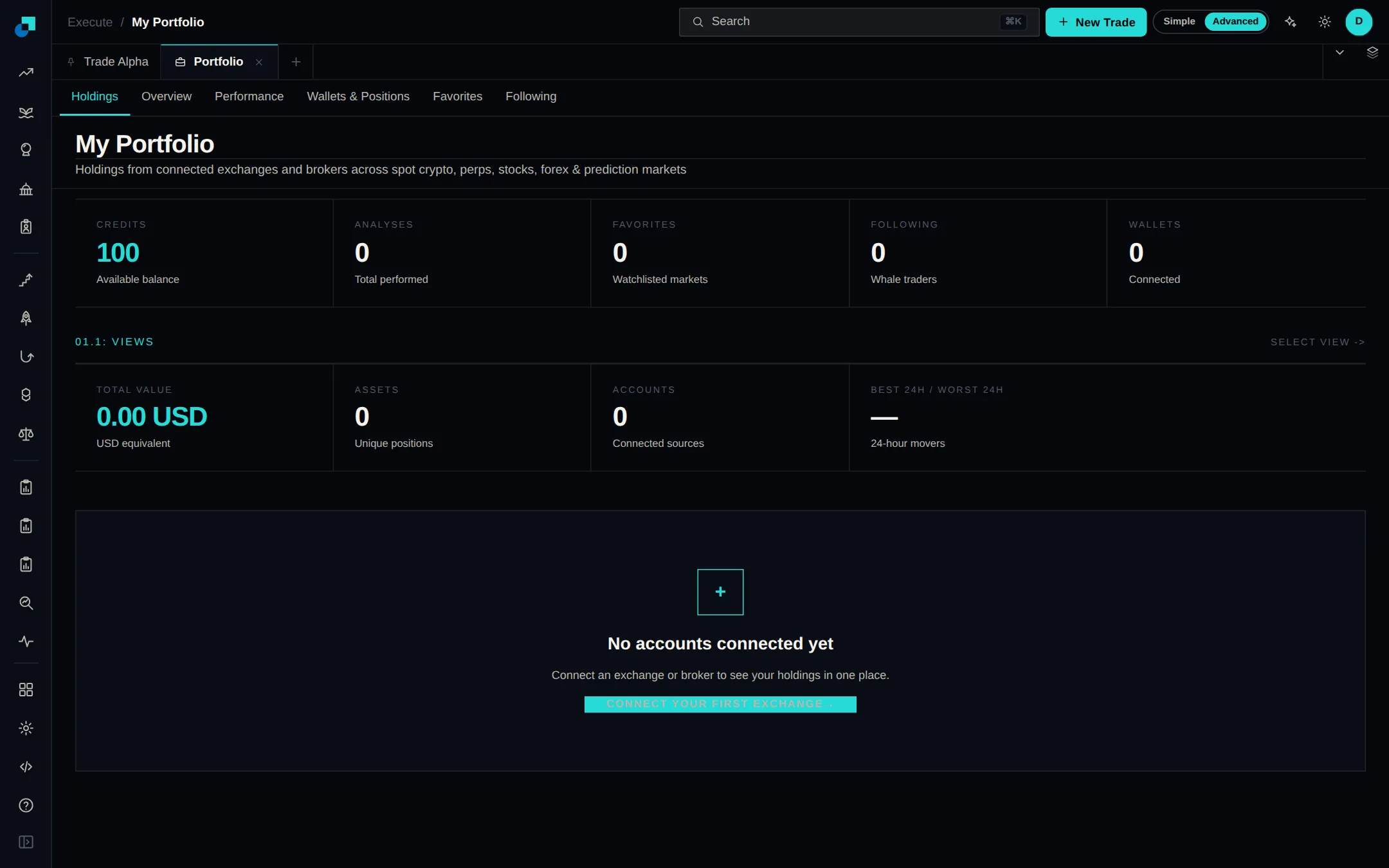
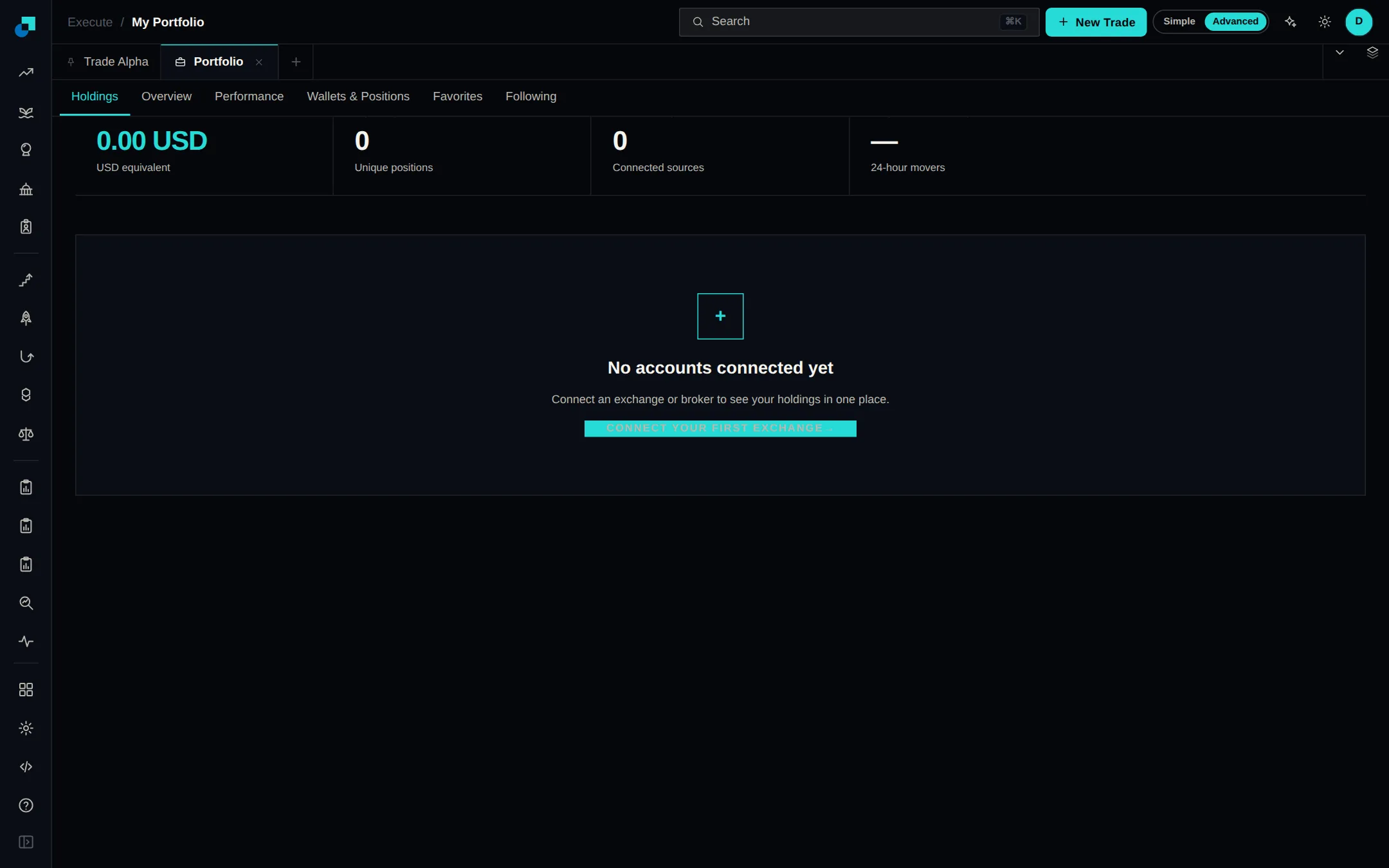
Portfolio has a Holdings tab that pulls every connected exchange and broker into one table, so spot crypto, perps, stocks and forex sit side by side with live balances. Connect a broker from the Brokers page and its holdings appear here.
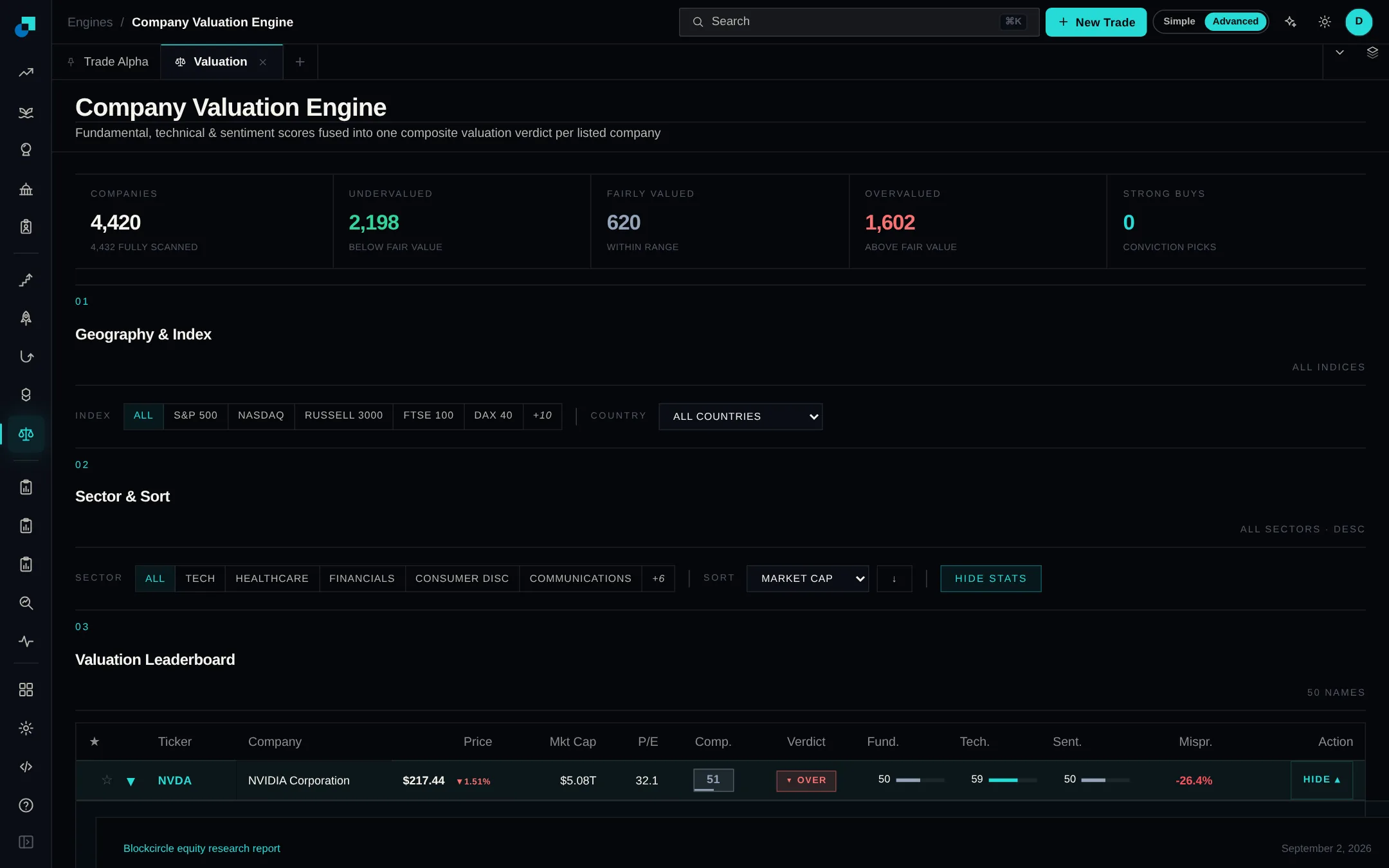
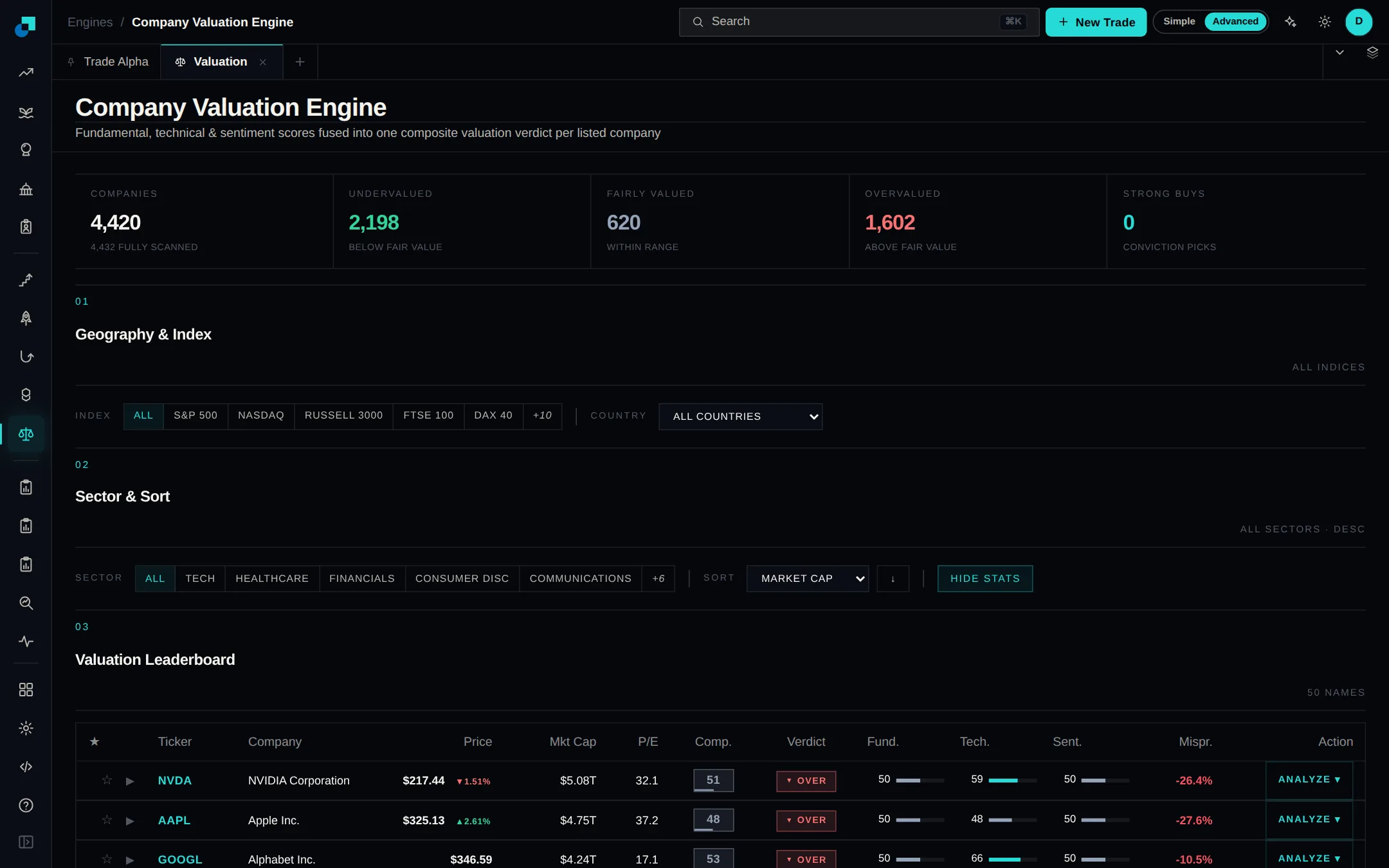
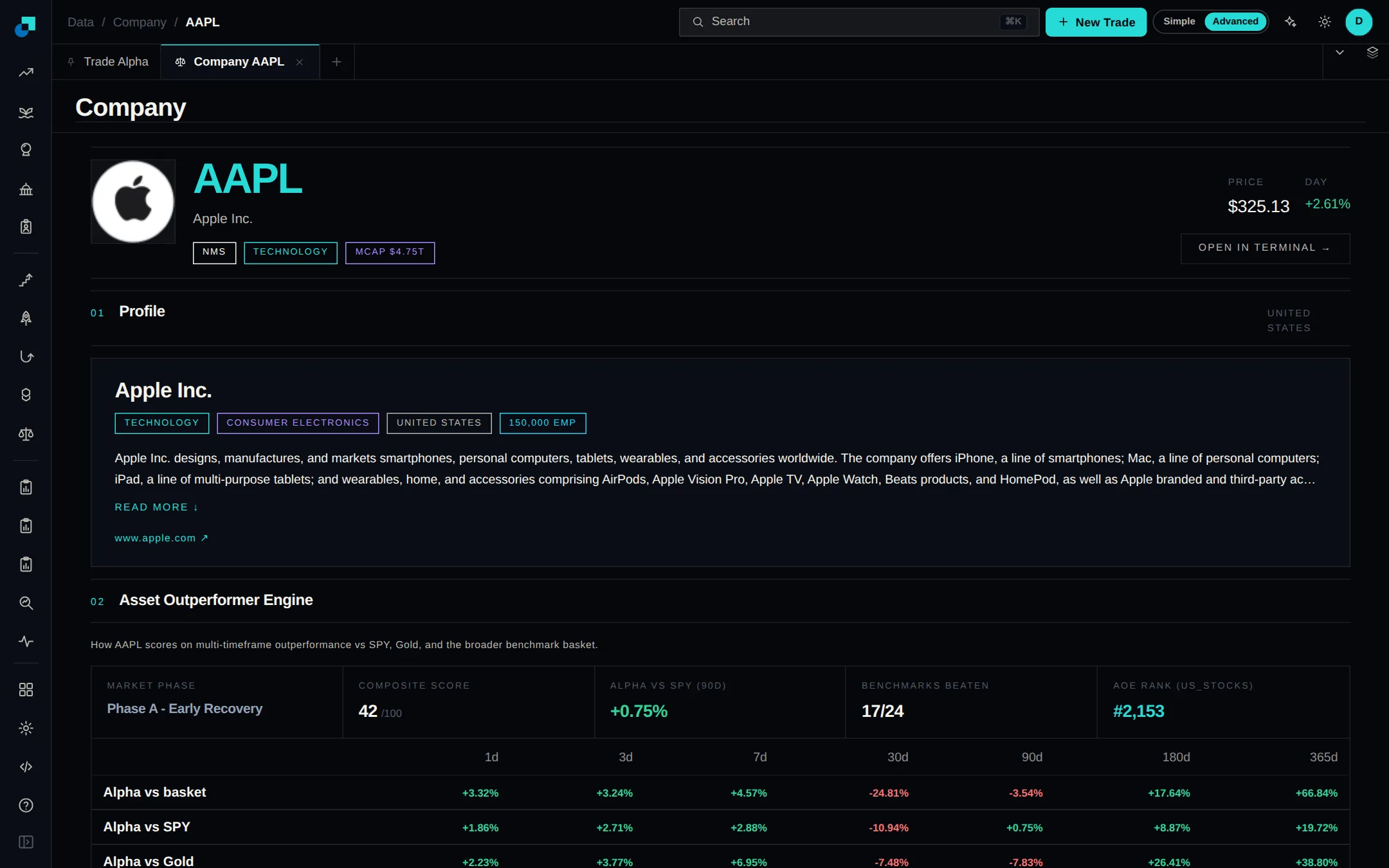
Click any company in the Company Valuation Engine and the row opens into a full research report. It covers the signal and fair value, a price chart, valuation models, financial statements, technical analysis, peer comparison, a score breakdown and a risk radar.
Checkout now takes crypto as well as card. Open "See other payment options" under the card button on the pricing page, pick a chain, send to the address shown, and your plan activates on its own once the payment confirms. Bitcoin, Solana, Ethereum, Polygon, Arbitrum, Base, Optimism and BNB Chain are supported.
Email alerts now cover Whale Alpha, Political Alpha and Insider Alpha, not just markets and tokens. Narrow an alert to a single wallet, politician or insider, set a minimum trade size, and choose whether to hear about buys, sells or both. Start from the Alerts button on any of the three.
See what US company directors and large shareholders are buying and selling in their own stock. Trades appear within minutes of hitting the SEC, grouped by company and by person, with a conviction grade and a flag when the trade came from a pre-scheduled plan.
Politician profiles now list every trade a member has disclosed, instead of a partial set, and different spellings of the same name share one profile. Each profile also shows an estimated net worth taken from public financial disclosures, with the range and source in a tooltip.
The Trading Terminal now opens straight onto the chart: the page header collapses to one row, the indicator buttons tuck behind a toggle, and the empty band below the candle low is gone. Indicator names sit top-left of each pane, RSI, MFI, CCI and MMS get shaded overbought/oversold zones, and 1H plots hourly candles.
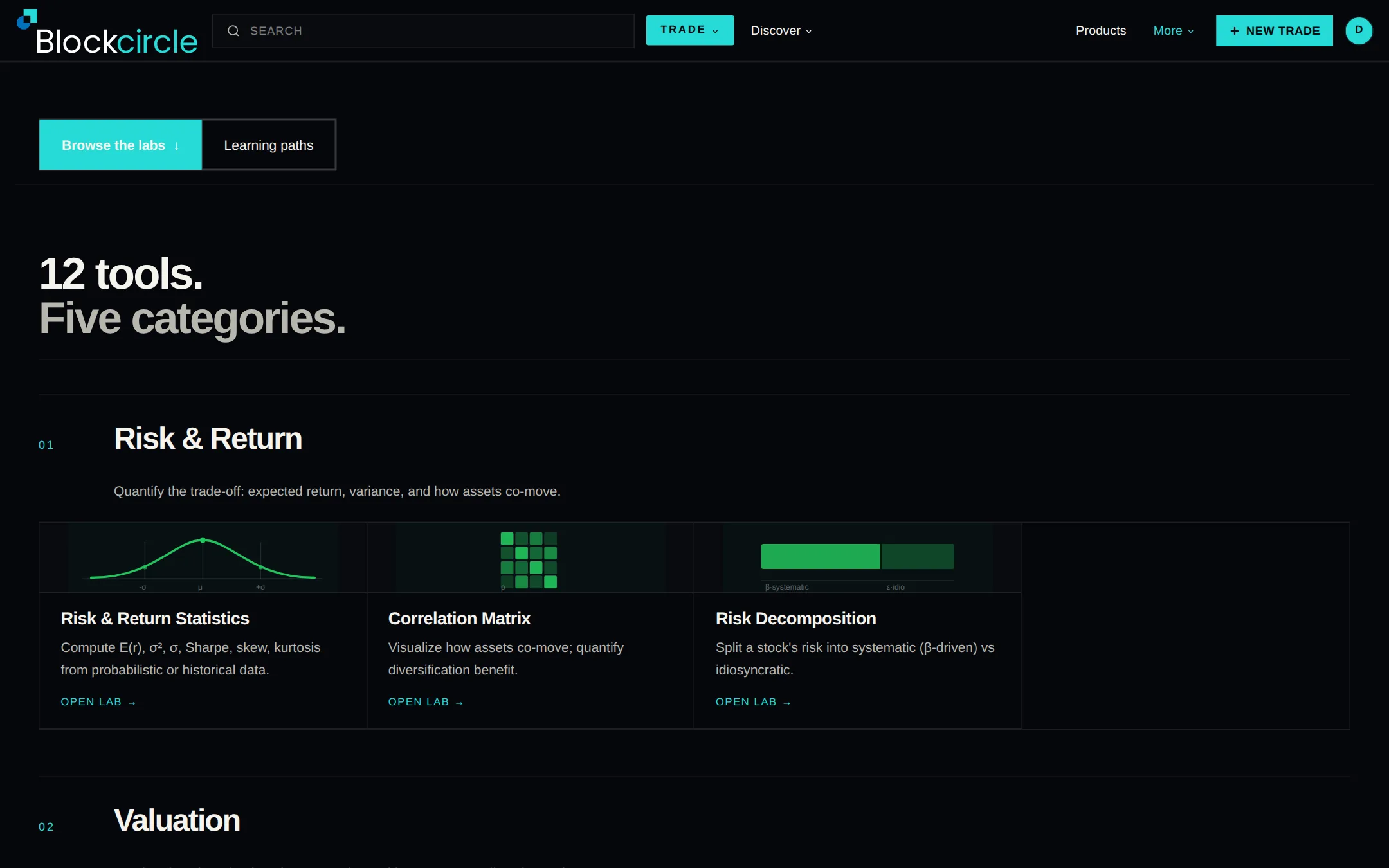
The Investment Lab Suite at /labs is twelve finance tools that anyone can use without an account, running on live prices. Build a portfolio from a 230-asset catalog and see its risk and return, plot the efficient frontier, price a bond or value a stock.
You can now connect thirteen more venues from the Brokers page, including Robinhood Crypto, Webull, Public.com, Tradovate, NinjaTrader, FOREX.com and CoinDCX. Search by name or filter by region to narrow the list to the ones you can actually use.
Swap tokens from the trade panel in the Terminal and Blockcircle asks every on-chain venue that covers your chain for a price: Jupiter on Solana, plus 0x, 1inch, ParaSwap and LI.FI on the EVM chains. Whichever comes back best gets your order, and you sign it from your own wallet, so your coins never leave it.
Whale Alpha's perpetual-futures roster now comes from six public leaderboards, and the Finder loads far more of those wallets at once. Open any wallet to see the venue it trades on and its typical leverage, alongside its open positions, the markets it trades and how long it has been active.
Prices on the pricing page now show in your local currency, based on where you are, across 79 countries. Checkout bills you in that same currency, on both monthly and annual plans. Switching the site language doesn't change it.
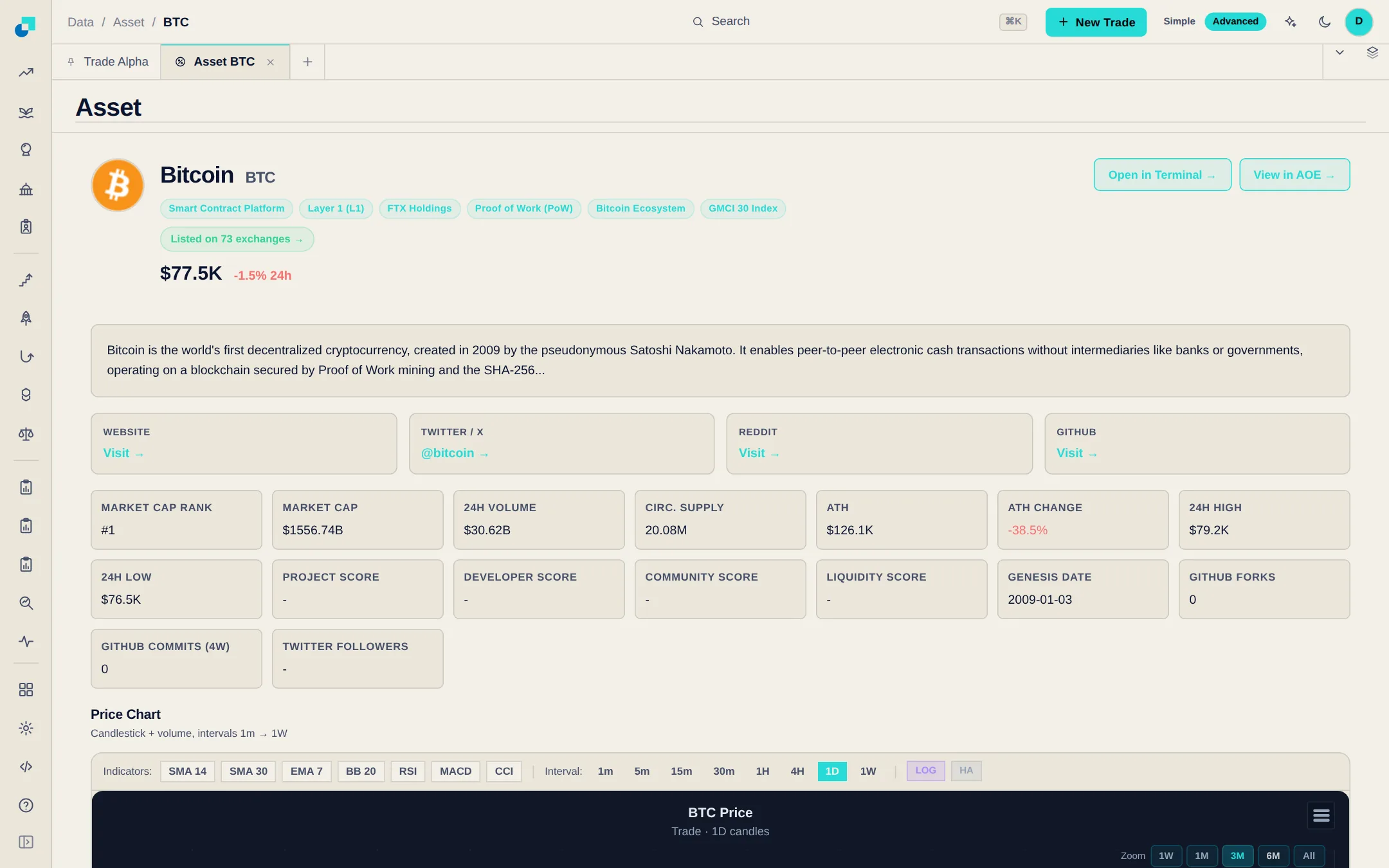
Every crypto symbol now has a page of its own: a candlestick chart from one minute to one week, the exchanges and pairs it trades on, whale activity, smart-money flow and recent news. Search for a symbol or click one in any table to open it.
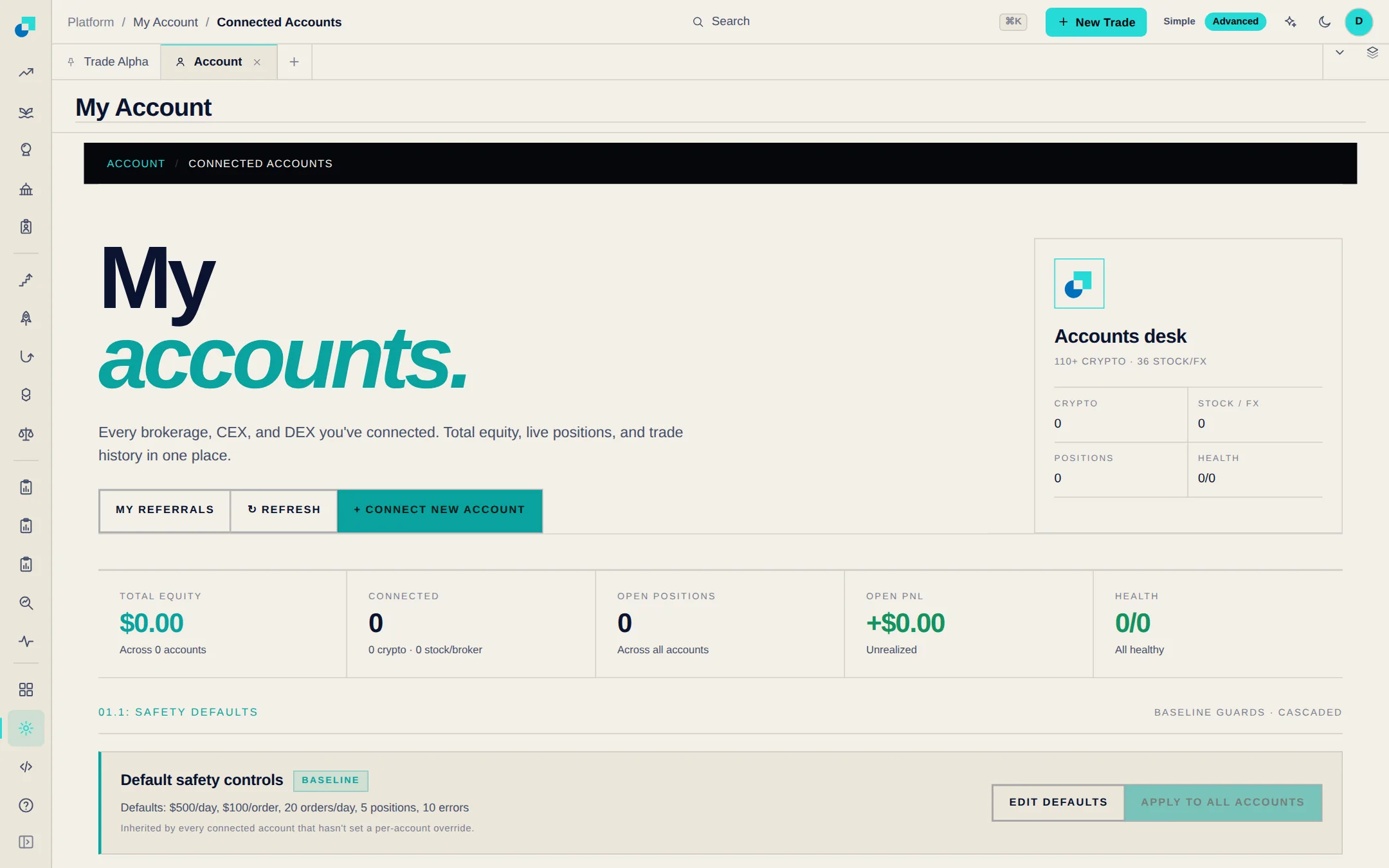
Cap what automated trading can do on each connected account: the largest single order, the most it can trade in a day, how many orders per day and how many positions open at once. Each account also has a kill switch that halts its trading. Set the limits once under Connected Accounts and every account inherits them.
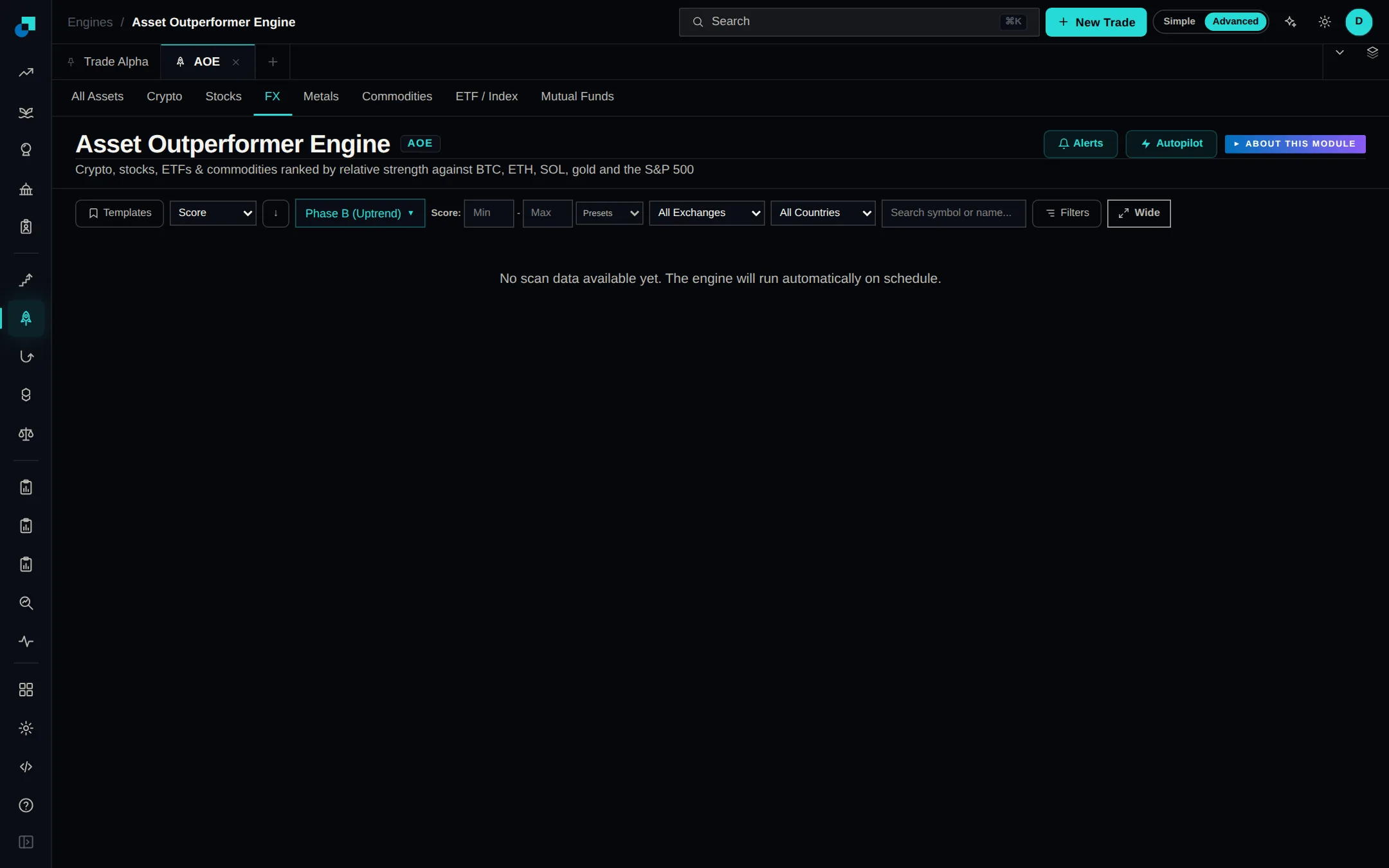
A new FX tab ranks 50 currency pairs - majors, crosses and exotics - alongside crypto, stocks, metals, commodities, ETFs and funds. Pairs are scored on relative strength the same way every other asset class is, and each row can be traded through a connected FX broker. Pick FX in the strip at the top of the engine.
The Company Valuation Engine calls each of 4,400 companies undervalued, fairly valued or overvalued, using one score built from fundamentals, price trends and sentiment. It covers 15 major indexes, from the S&P 500 to the Nikkei and the Tadawul.
Pulse streams every event across the platform into one running feed: legislator trades, insider filings, whale flow, momentum signals and reversal setups. Filter it to one source at a time. Six market summary cards sit above the feed, each with a 90-day chart.
A Follow button now sits on whale wallets, politicians and insiders. Follow one and you get an email, Telegram or Discord alert every time it trades. Everything you follow lives under My follows in your account, where you can edit, pause or unfollow it.
Search a stock ticker and you land on one company page: what the business does, its sector, industry and country, a price chart from one day out to max, and 16 key financials from market cap to P/E. Insider and political trades for that company sit in tabs underneath.
The Brokers page now lists thirty-six stock and forex venues instead of twelve, including ten Indian brokers and new ones across Asia-Pacific, Germany, Switzerland, the Nordics and Latin America. The crypto side lists every exchange we support, and each one walks you through connecting with trade-only access.
Pick a venue for a signal in one place. The trade window lists every route for that symbol - your connected brokers, on-chain perp and DEX venues, and tokenized versions of the same stock listed on crypto exchanges - each with its own logo and its price against a reference.
You can now connect MetaMask, Phantom, Coinbase, Ledger, Trezor, Safe or hundreds of mobile wallets over WalletConnect. Before you approve a swap, a preview shows the route, the recipient, the minimum you will receive and the price impact. Connect one when you pick a DEX venue on Trade Alpha.
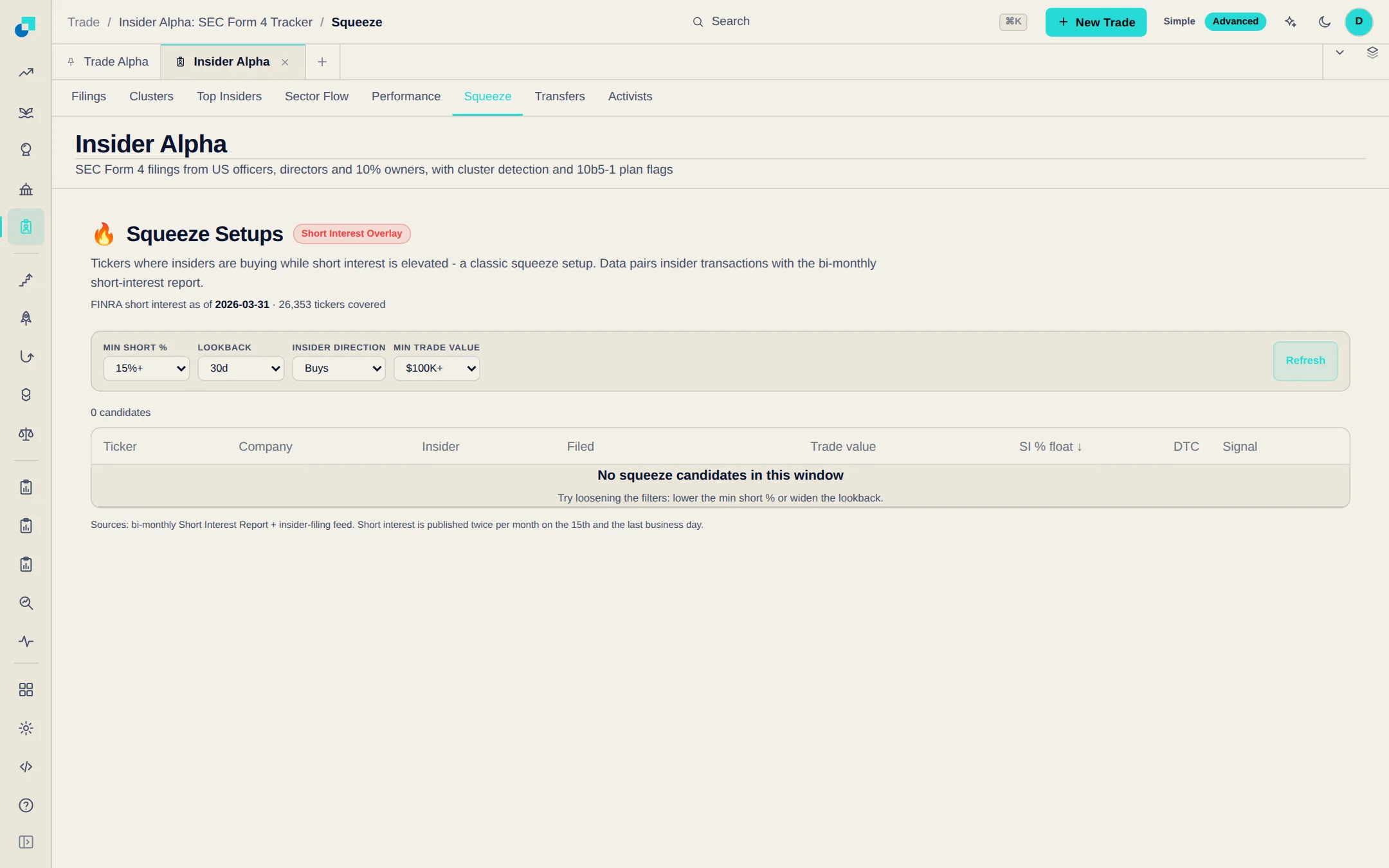
Insider Alpha has three new views. Squeeze finds tickers insiders are buying while short interest is high; Transfers separates gifts, estate and trust moves from ordinary trades; Activists follows 13D and 13G filings and tender offers, and ranks likely takeover targets.
Some listed shares also trade on-chain as tokens. Open a stock in the Terminal and those tokens now show up next to the regular exchanges, each labelled with its issuer, so you can see everywhere the same share trades.
The scorecards, Trade Alpha, Whale Alpha, Insider Alpha and the reversal and outperformer pages each carry an Alerts button. It opens one dialog: the conditions that page offers, ALL or ANY matching, a cooldown, and email, Discord or Telegram delivery. The Alerts page lists every alert you make, in one editable list.
Pick the signal sources you want and set your own rules. When a signal arrives, your rules decide whether an order goes to your connected exchange and how big it is. You can run several profiles at once, each starting from a Conservative, Balanced or Aggressive preset. New profiles run in paper mode until you switch them to live.
Asset Outperformer ranks assets by how far they beat their benchmark, and it now covers stocks from sixteen international exchanges plus internationally listed ETFs and mutual funds. Country and Exchange dropdowns in the filter bar narrow the table to the markets you trade.
You can now require a code from an authenticator app every time you sign in. Set it up under Security in Settings — scan the QR code with Google Authenticator, Authy, 1Password or similar, then save the ten one-time recovery codes in case you lose your phone.
Hover an asset name in the Asset Outperformer table to open a card with the company or project description, its sector and key fundamentals such as P/E, dividend yield and beta, plus links to the project's website and official channels.
Stock and FX trades can now go to a real broker instead of a crypto exchange. The Brokers page lists every supported venue with a step-by-step setup guide and a Connect button, and Alpaca can be linked right where you execute a stock signal, without leaving the page.
Search or filter by region, then open a card for the markets it covers, how involved the setup is and a numbered guide to your API keys. Connecting a venue needs Pro.
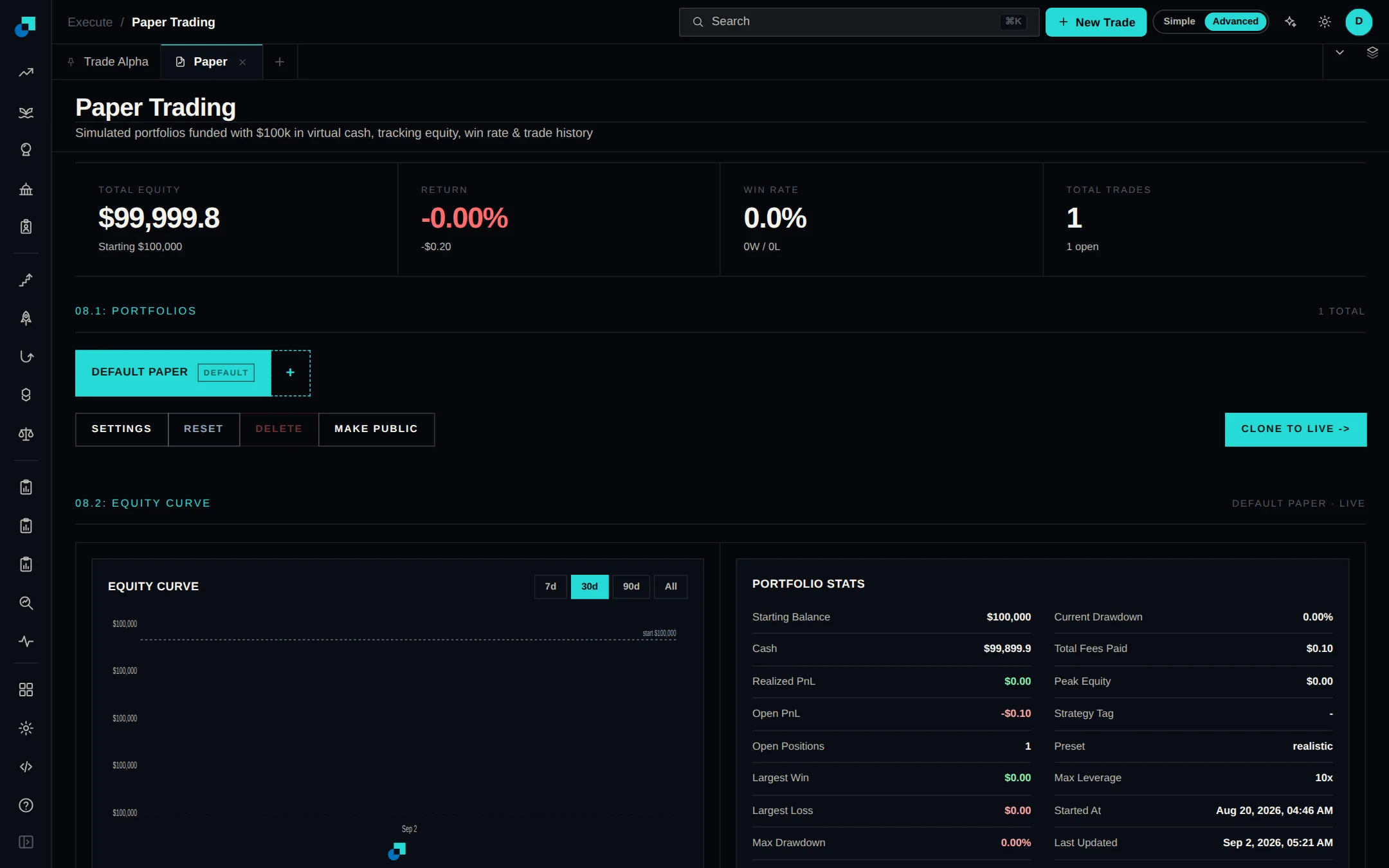
Practice on live prices without connecting a broker. Paper Trading gives you simulated portfolios across crypto, stocks, forex and commodities, with market, limit and stop orders, leverage, stop-loss, take-profit and trailing stops. When you are ready, it points you to the live venues that match what you traded.
Open a crypto whale from Whale Alpha and its profile now lists the wallet's fifty most recent swaps, each with side, token and size, and a link to the transaction. A chart plots the flow behind them.
The Terminal puts a live chart, an order ticket and your open positions and orders on one screen. Chart crypto, stocks, commodities or FX across eight timeframes, add indicators, then send a market or limit order from the panel beside it. Find it under Execute.
Trade Alpha's Execute button now connects straight to your exchange. Add trade-only API keys for Binance, Bybit, OKX, Kraken, Coinbase, Bitget, MEXC, Gate.io or HyperLiquid, among others, then send a signal with your own size, leverage, stop loss and take profit.
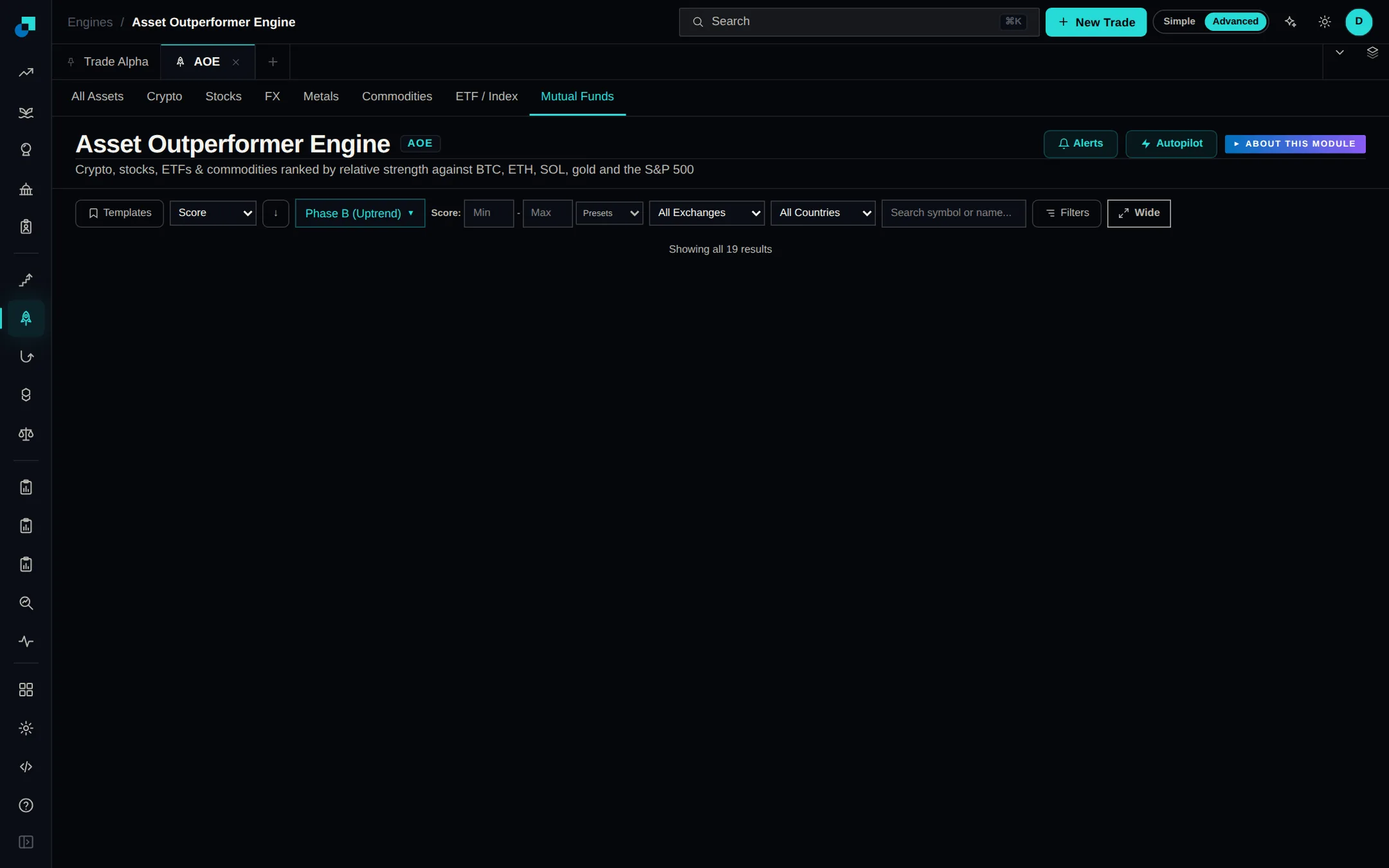
The Asset Outperformer Engine now ranks funds alongside crypto, stocks, FX, metals and commodities. Hundreds of ETFs, index funds and mutual funds from Vanguard, Fidelity, Schwab and T. Rowe Price are scored against the same benchmarks as everything else. Open the ETF / Index or Mutual Funds tab to see them.
The Global Liquidity, Macroeconomic Risk and Altcoin Market scorecards can now alert you. Ask for a weekly digest, a note when the data refreshes, or a message when a metric crosses a level you set. Alerts arrive by email, Discord or Telegram.
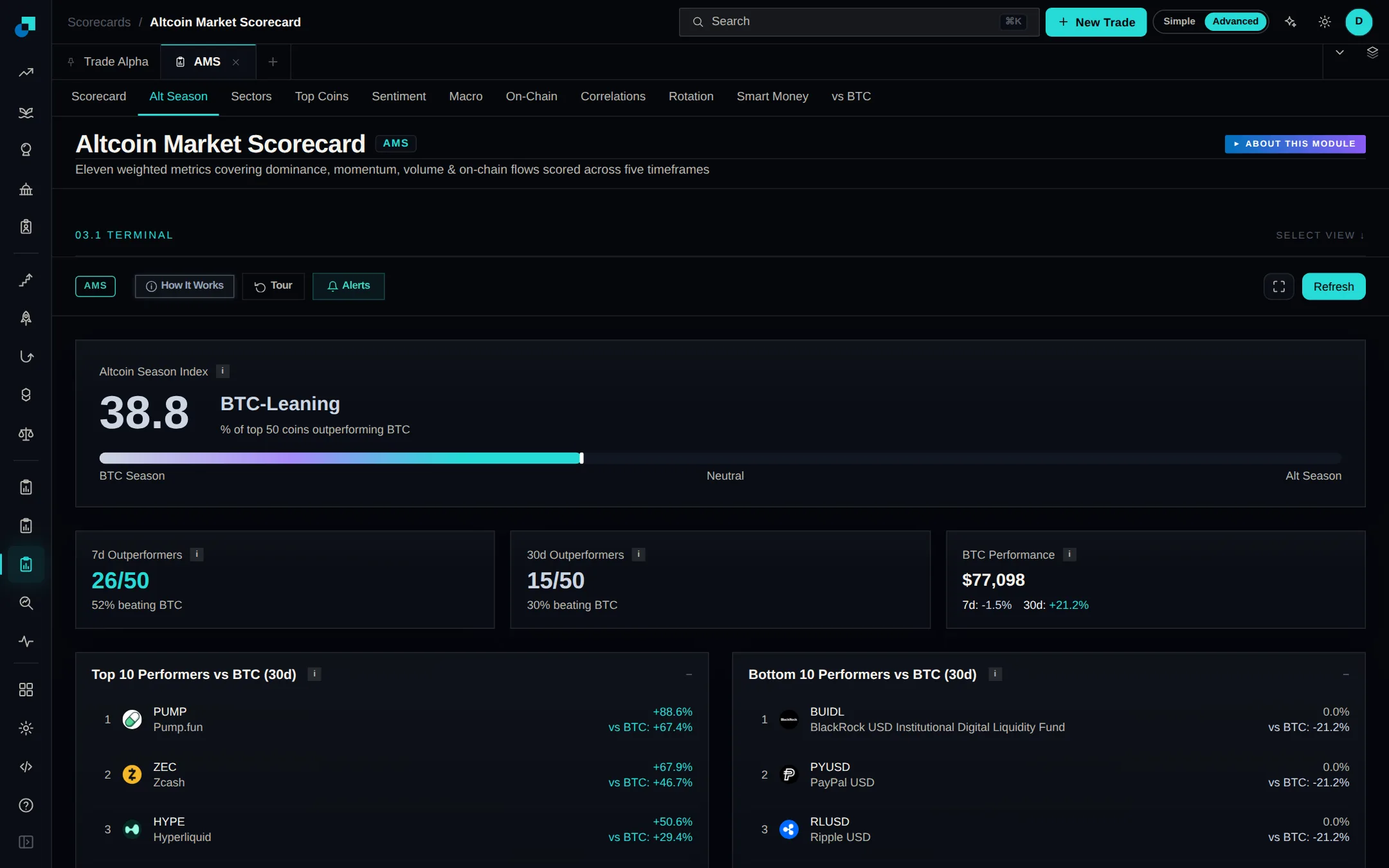
The Altcoin Market Scorecard now goes beyond its overall score. New tabs show whether alt season is running and which sectors money is rotating into - DeFi, L1s, L2s and memes - plus on-chain flows, correlations and how coins are holding up against Bitcoin.
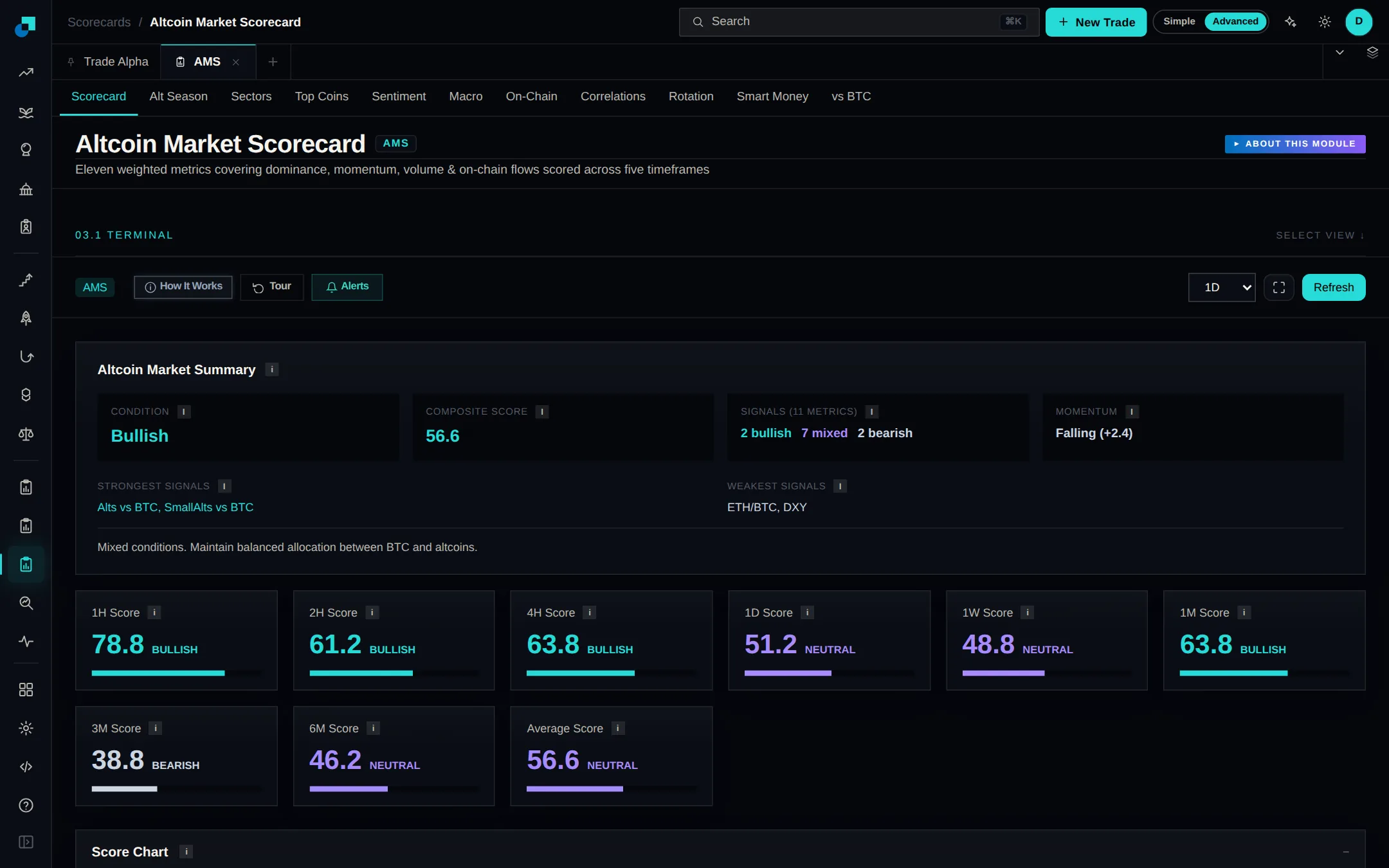
The Altcoin Market Scorecard scores the whole altcoin market on eleven weighted metrics across five timeframes, and tells you whether alt season has started. Tabs break it out by sector, top coins, sentiment and funding, macro backdrop, on-chain health and correlations.
The scorecard now names where the global liquidity cycle stands, rebound, calm, speculation or turbulence, and explains what drove the call. It comes with a Bitcoin liquidity barometer and an asset rotation view. Find it all on the Analysis tab.
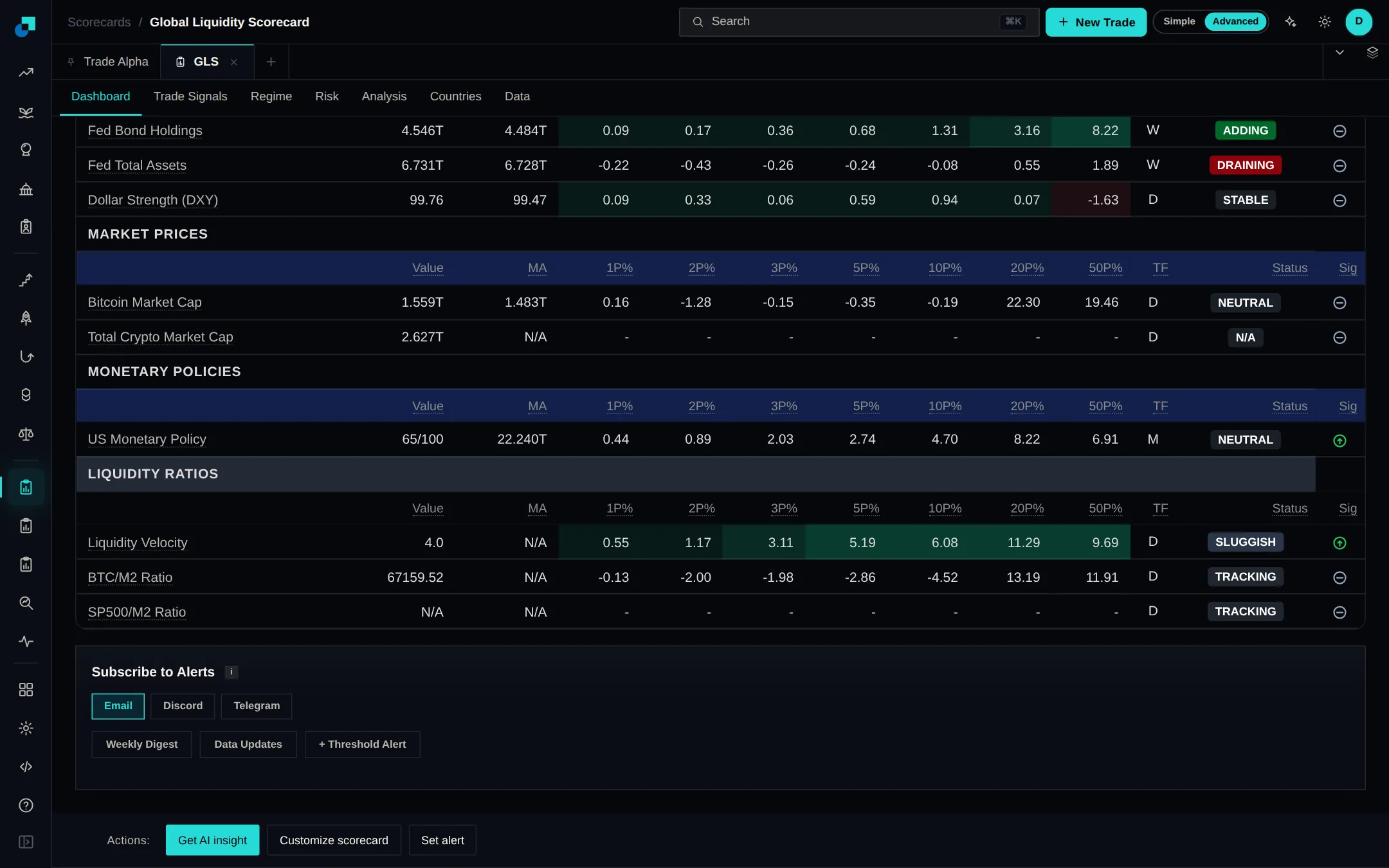
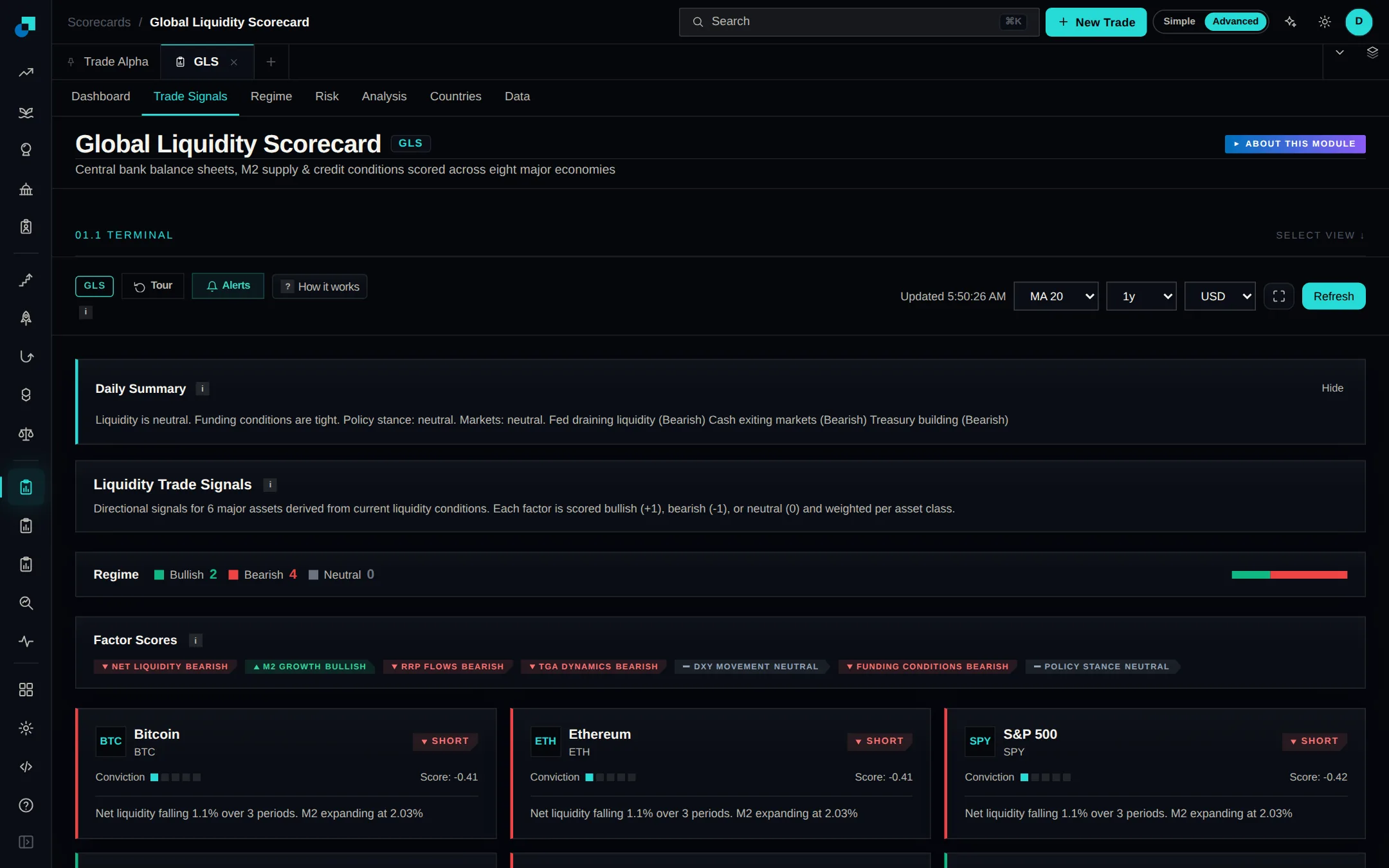
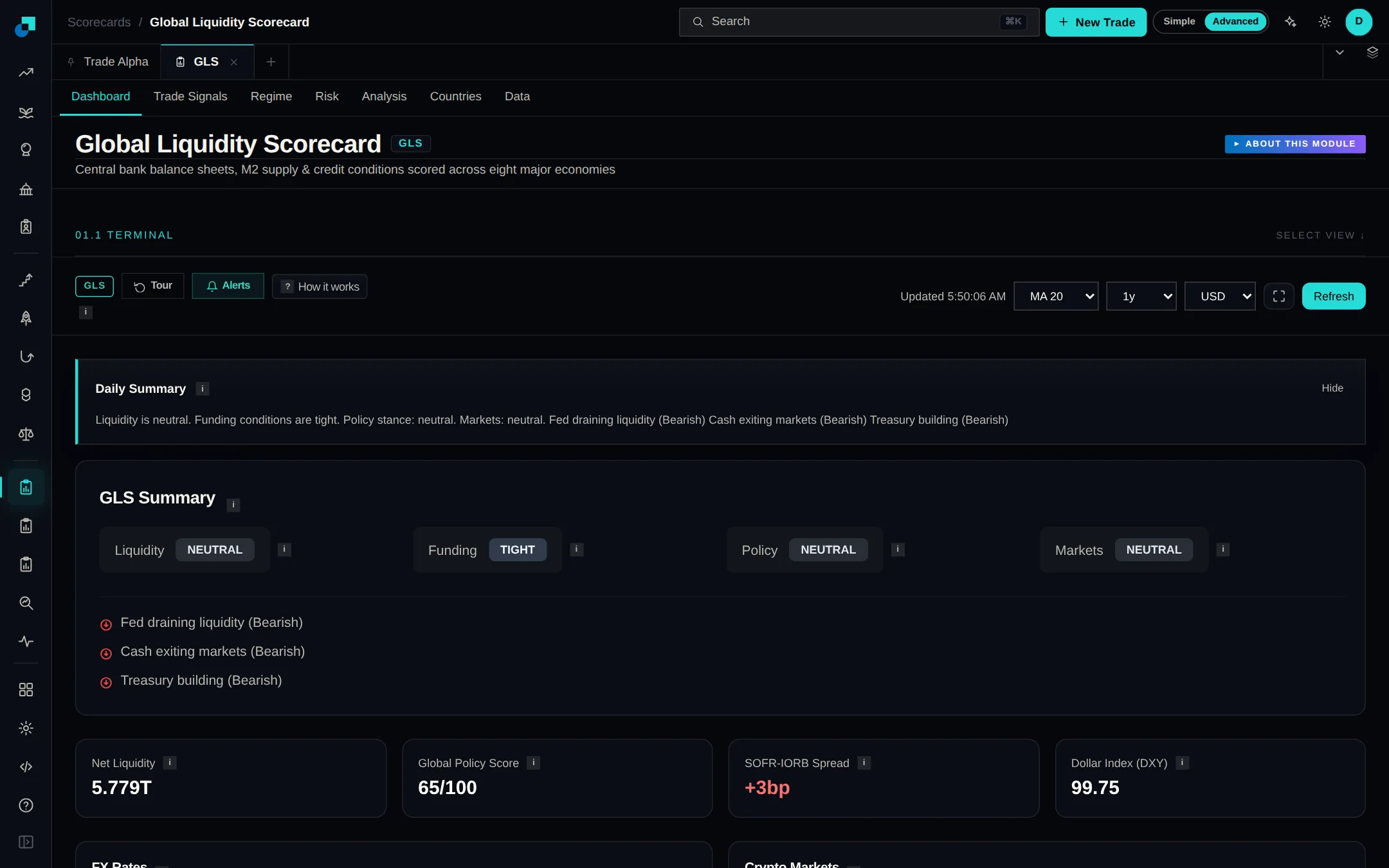
The Global Liquidity Scorecard is open under Scorecards. It tracks central bank balance sheets, M2, reserves and net liquidity across eight major economies, then turns them into trade signals for the major assets, a read on the liquidity regime and a country-by-country view.
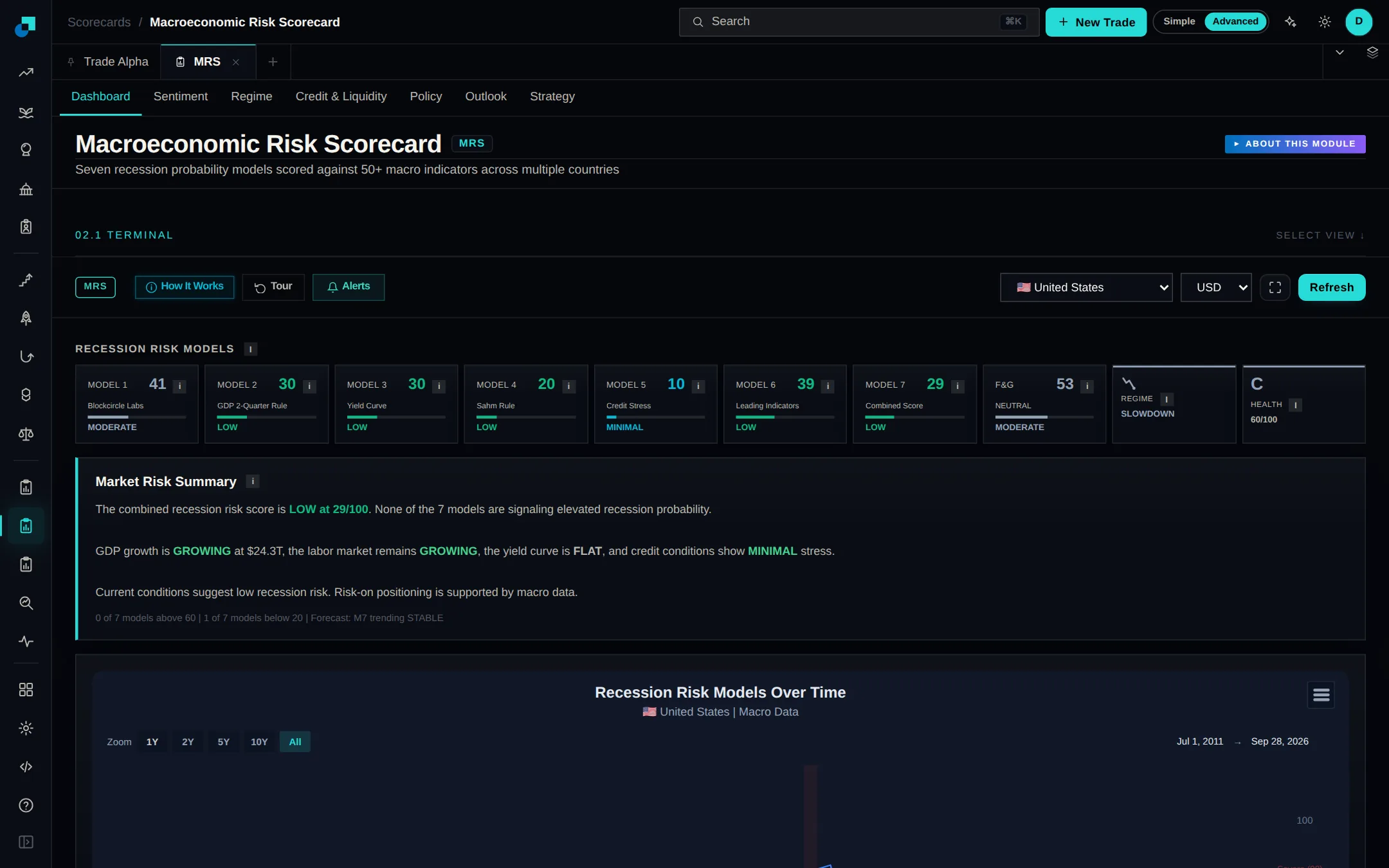
The Macroeconomic Risk Scorecard is now its own module in the app. It reads dozens of macro indicators to score how close a country is to recession, and one selector switches country. Tabs cover sentiment, the current regime, credit and liquidity, central bank policy, the outlook and positioning.
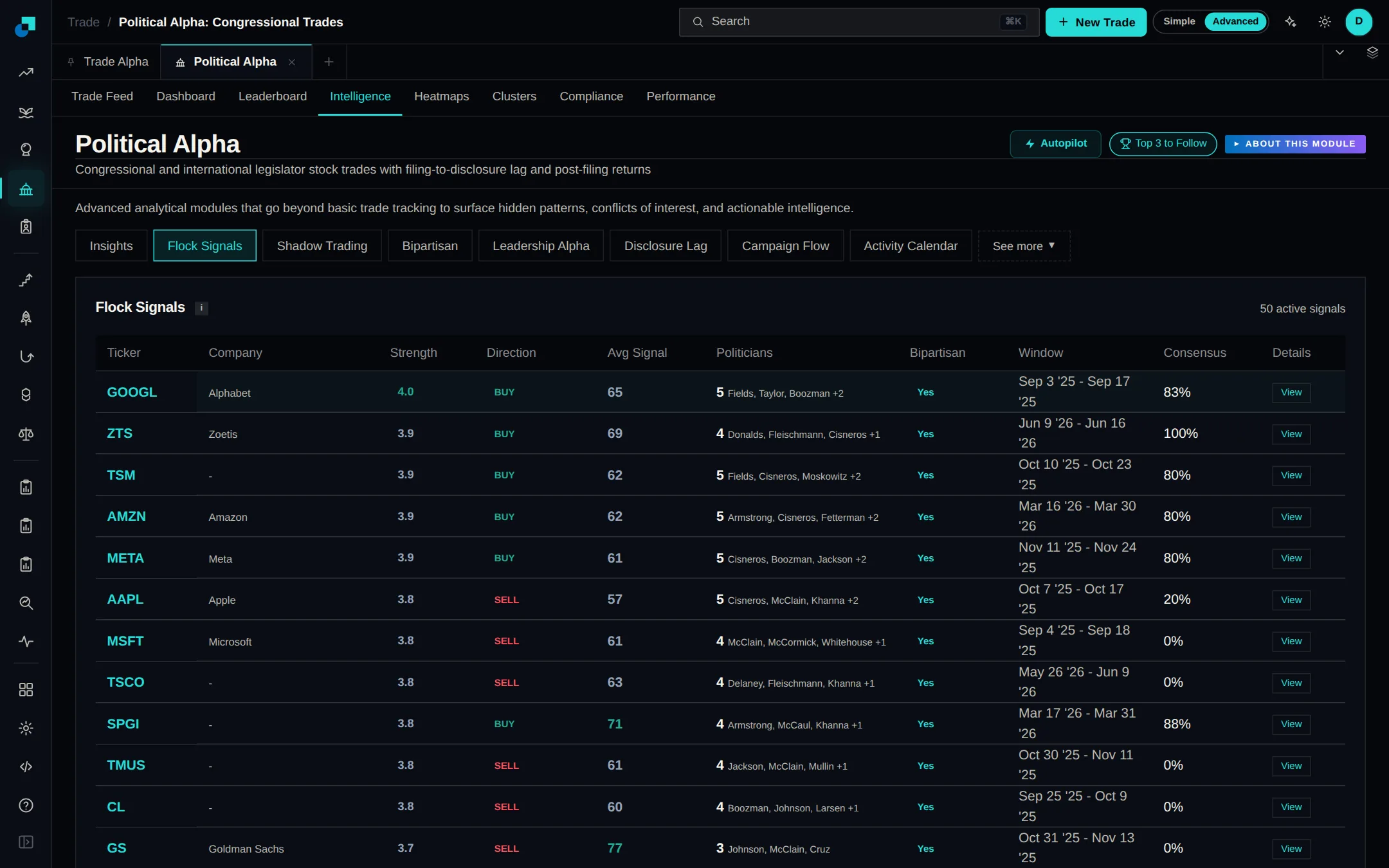
Political Alpha's new Intelligence tab takes the stock trades US politicians have disclosed and turns them into ten ready-made analyses. Each one sits in its own sub-tab with a short note on what it measures, so you can read it without knowing the underlying filings.
Political Alpha shows stock trades disclosed by legislators in the US and abroad. Browse the trade feed, rank politicians on the leaderboard, or open a profile for one politician's history against the S&P 500, with top tickers, sectors and holdings. Expand a trade to open its government disclosure.
Whale profiles in Whale Alpha are now built from the venue's own leaderboard, so they cover a wallet's full trading history rather than a recent handful of positions. Many more wallets have a complete profile as a result. Click any whale to open theirs.
The Asset Outperformer Engine ranked crypto only. It now ranks US stocks, precious metals and commodity ETFs as well, measuring each against the S&P 500 alongside the existing crypto benchmarks so you can see what is leading and what is lagging. Switch asset type at the top of the page.
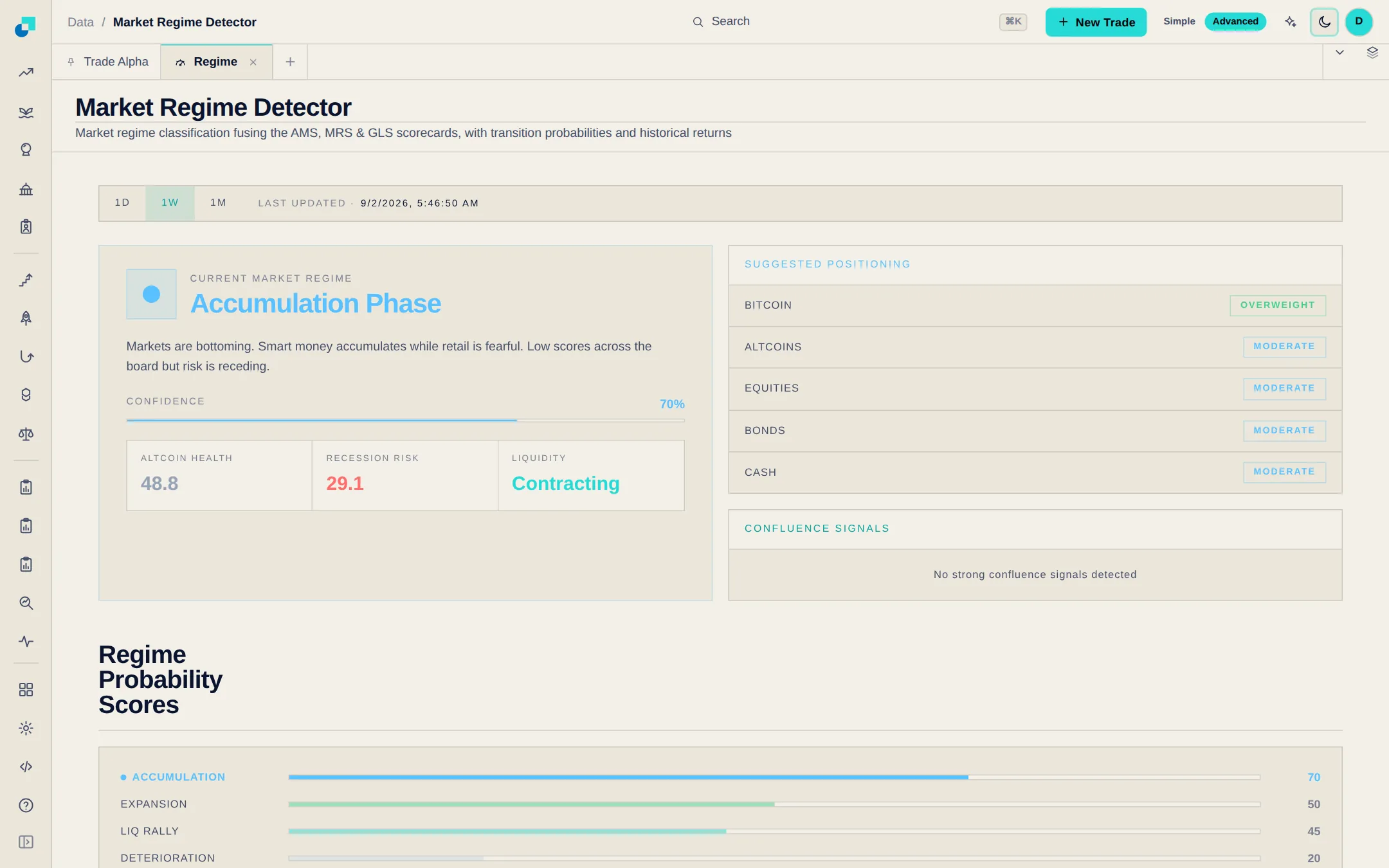
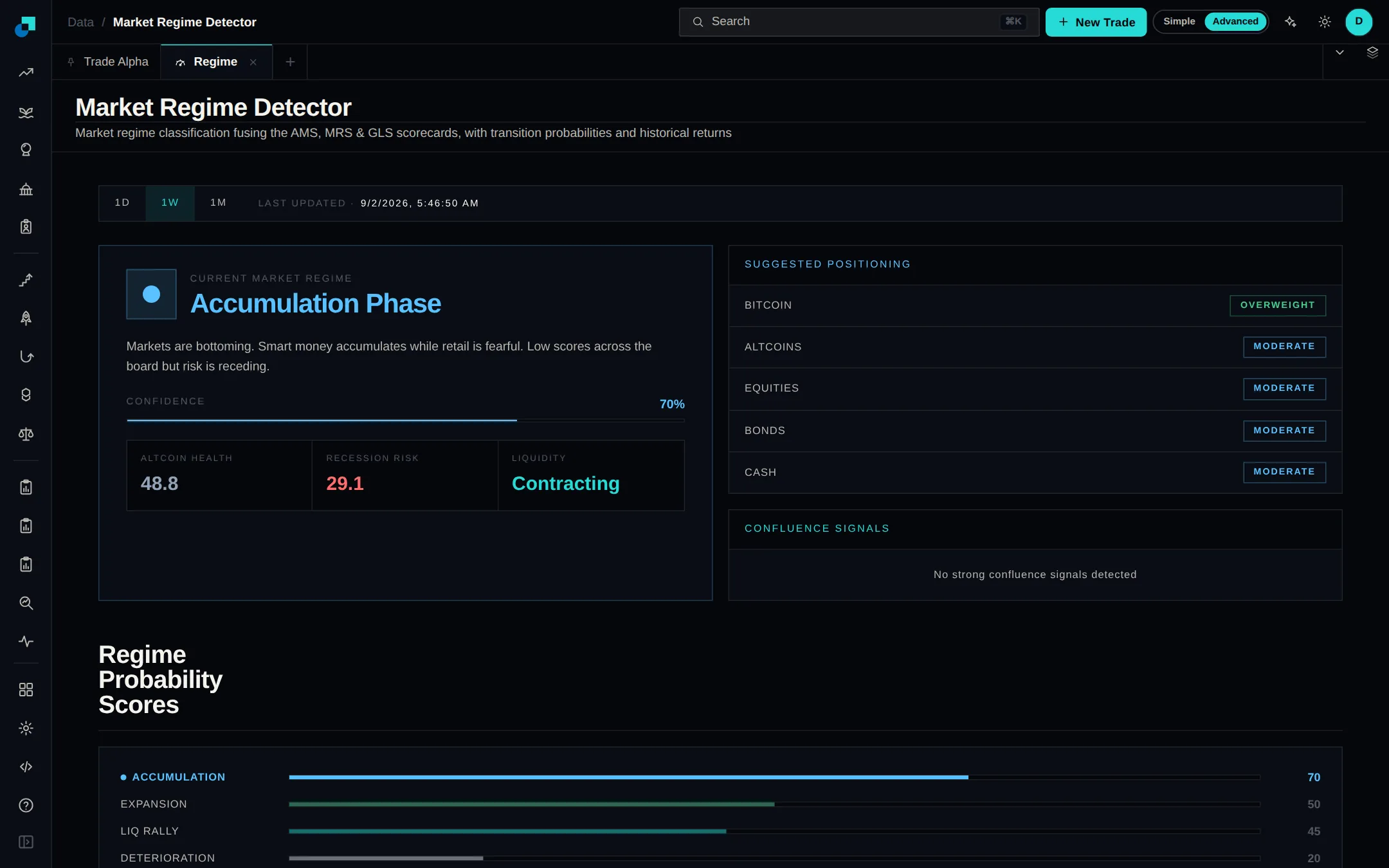
Two research tools join the Data group. The Market Regime Detector sorts the market into one of eight regimes by fusing the Altcoin Market, Global Liquidity and Macro Risk scorecards, and shows the confidence behind the call, the signals driving it and the positioning it suggests.
The Complete Cryptocurrency and NFT Trading Course now has a video walkthrough and a quiz on every one of its 26 lessons, scored as soon as you finish. Six sections cover exchange and on-chain trading, wallets, NFTs, staking and technical analysis. Find it under Courses.
Blockcircle now runs in 15 languages, and not only on the marketing pages: the engines, scorecards, charts and calculators all switch too. Pick a language from the globe in the header and the choice sticks as you move around.
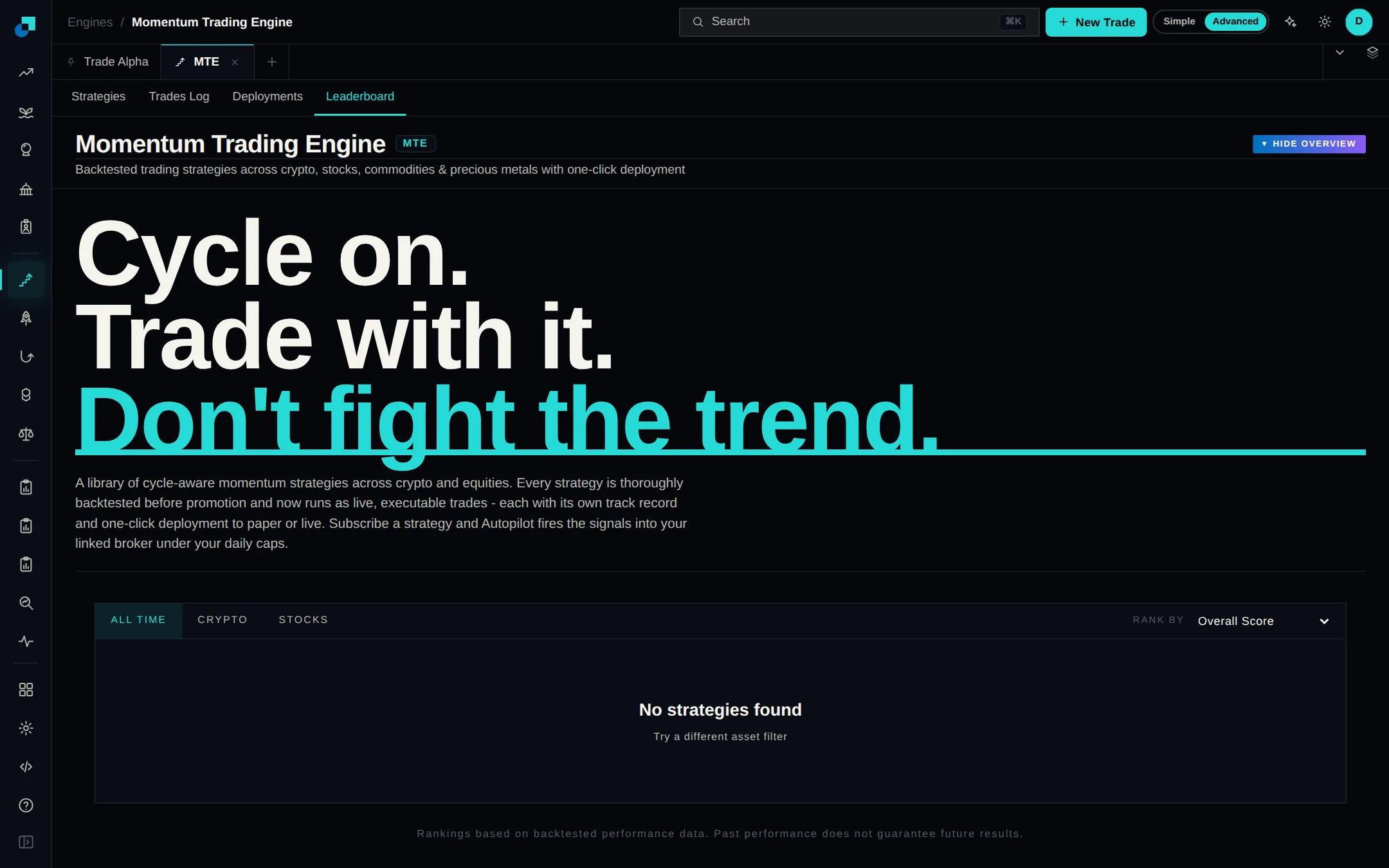
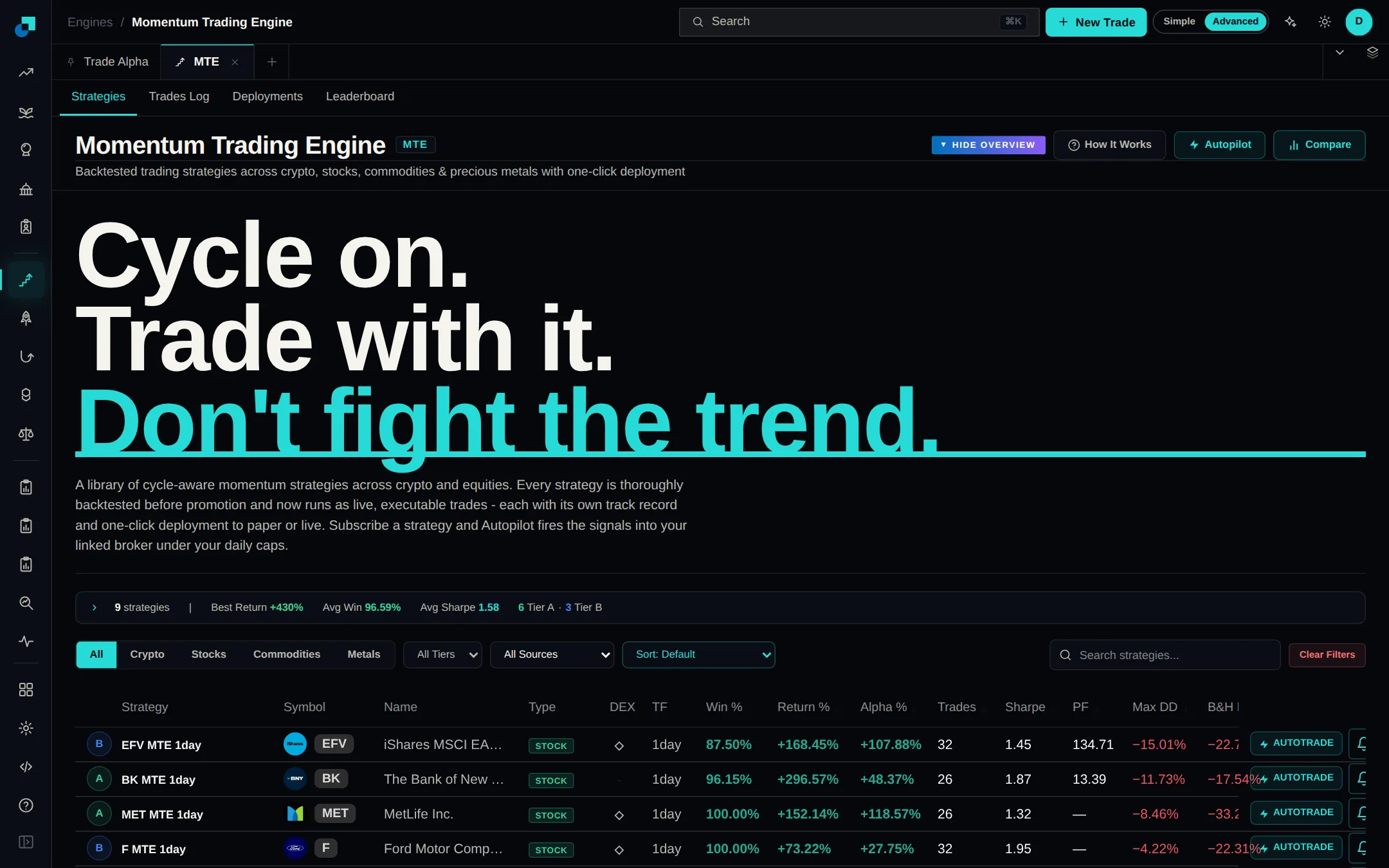
Every Momentum Trading Engine strategy now has its own page with an equity curve, a monthly heatmap, a long and short split and a trades table you can filter by direction. A leaderboard ranks strategies by the criteria you pick, and My Deployments is where you switch live strategies on and off.
Heikin-Ashi Multi Timeframe, Waveform Bands, and Hard Forks & Halvings are now on the open source page, which takes the free indicators there to six. Each one opens its TradingView script, so you can add it to your own charts.
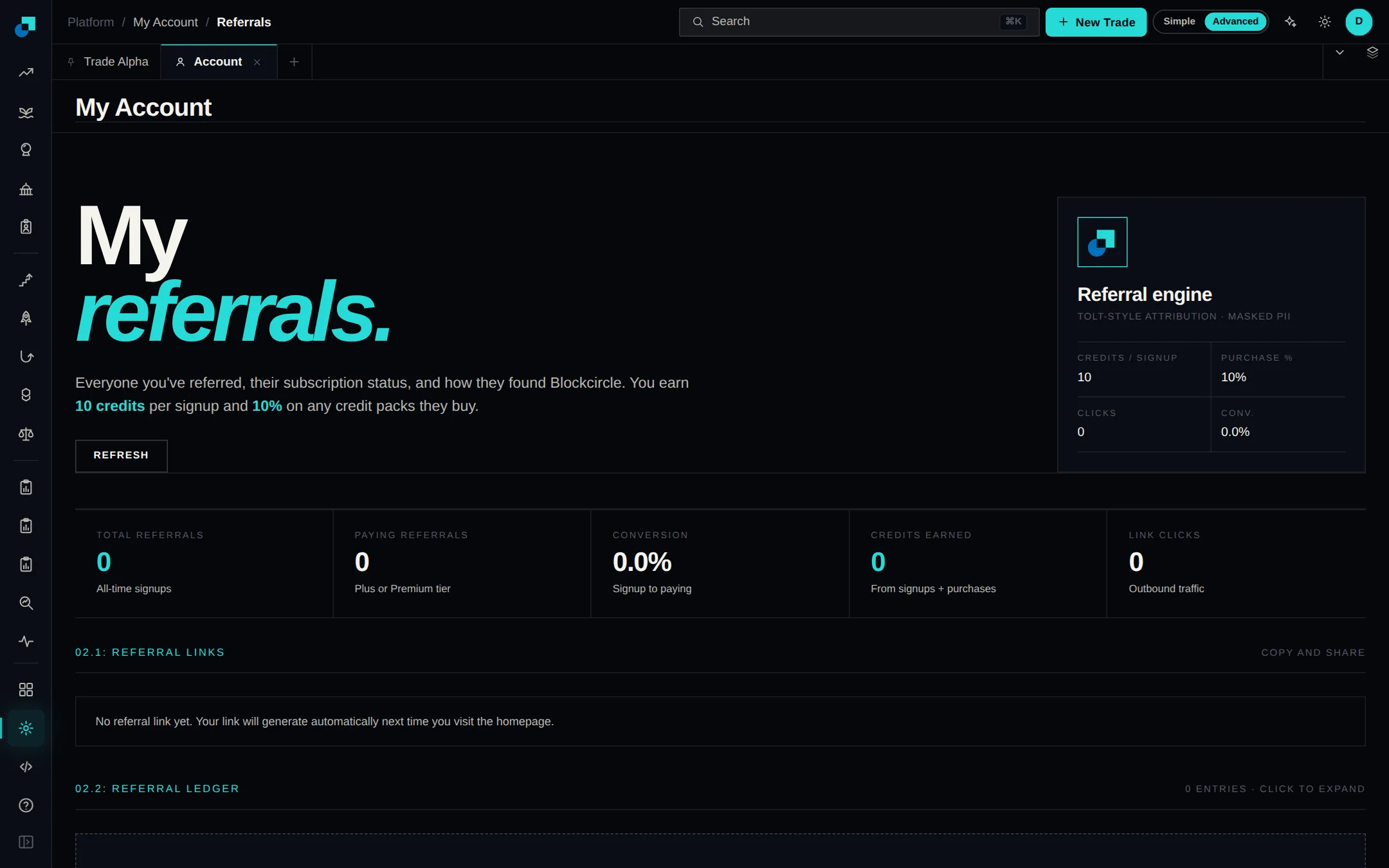
You now have a personal invite link. Share it, and you earn credits every time someone signs up through it. Your link, how many people have clicked and joined, and the credits you've earned all live under Referrals in your account.
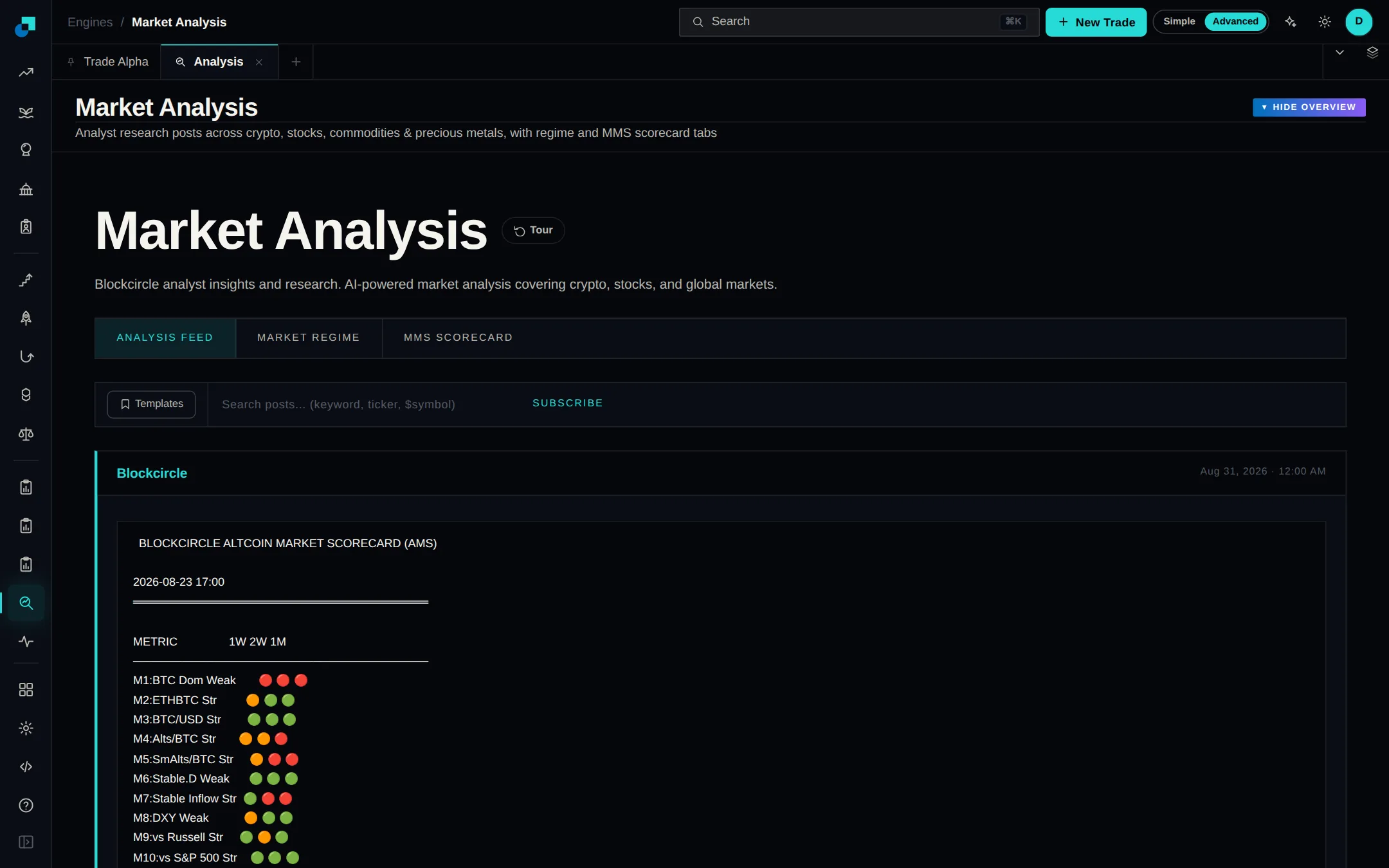
The Blockcircle analyst team's written research and its trade calls each have a permanent home in the app, updated as new work is published. Market Analysis sits in the left rail; open Market Trades from search.
The Market Reversal Engine watches crypto, stocks, indices and metals, and flags the moments when several independent signals agree that a move has gone too far. Every setup says whether it points long or short and over what timeframe, so you can tell a short-term wobble from a larger turn.
The Asset Outperformer Engine scores every asset on how consistently it beats benchmarks like Bitcoin, Ethereum, Solana, gold and the S&P 500. Expand a row for the per-benchmark, per-timeframe breakdown, filter by market cap, volume, score and market phase, and save a filter set to rerun later.
The Alpha Hunter Suite tracks a crypto token's lifecycle in one place: new launches as they go live, upcoming and recently completed exchange listings, and delisting announcements. Filter by chain, exchange and market cap to narrow the list down to what you actually trade.
The MMS Scorecard tab in Market Analysis scores momentum on six timeframes at once - the 4-hour chart plus five higher ones - and folds them into a single 0-100 score per asset. It shows when the timeframes agree and flags divergences between momentum and price.
Momentum Trading Engine V3 builds and backtests trading strategies on crypto, stocks, commodities and metals. It has eleven entry systems, from breakouts to mean reversion, each confirmed across five timeframes. It is also published on TradingView, so add your username in your account to use it on your own charts.
The Altcoin Market Scorecard folds 11 weighted metrics covering dominance, momentum, volume and on-chain flows into a single score for the whole altcoin market. It reads that score across five timeframes and labels the market from very bearish to very bullish. The same score is published as a TradingView indicator.
Alpha Hunter Suite follows a crypto token through its whole life. It tracks new launches, scored for risk, on Solana and the major EVM chains, plus upcoming and completed exchange listings and delistings. Each gets its own tab, and you can set alerts on any of them.
The Macroeconomic Risk Scorecard runs six recession models, from the Sahm rule to the yield curve, against 50+ economic indicators and rolls them up into a seventh, composite risk score. Employment, housing, manufacturing and consumer data update automatically. Published on TradingView as a Blockcircle indicator too.
The Global Liquidity Scorecard tracks M2 money supply across the world's major economies alongside the Fed's balance sheet and credit conditions, and rolls them into one read on whether liquidity is expanding or draining. It also runs as a Blockcircle indicator on TradingView.
The Momentum Trading Engine is where you build and backtest trading strategies and run them live. V2 is its second generation, and strategies built on it still run on the engine today, alongside the newer versions that came after it.
The Momentum Trading Engine runs momentum strategies against live markets and turns them into trade signals. Each signal comes with an entry price, a stop and a target, so you can see the whole trade before you take it. Open MTE to see the current signals.
 Buka Portfolios